Starfire
Member
-
Joined
-
Last visited
Everything posted by Starfire
-
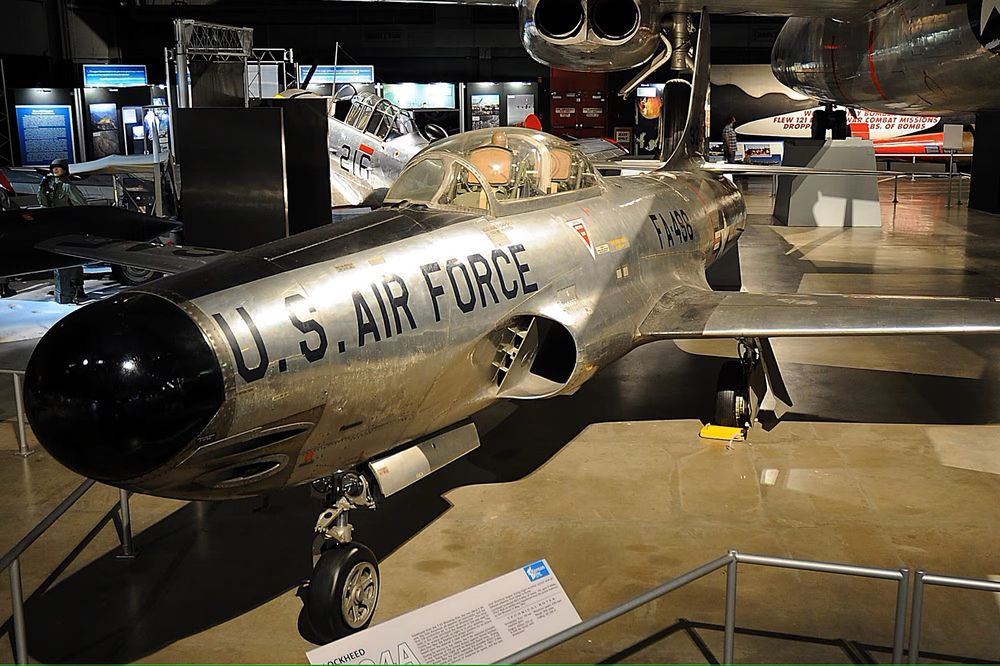
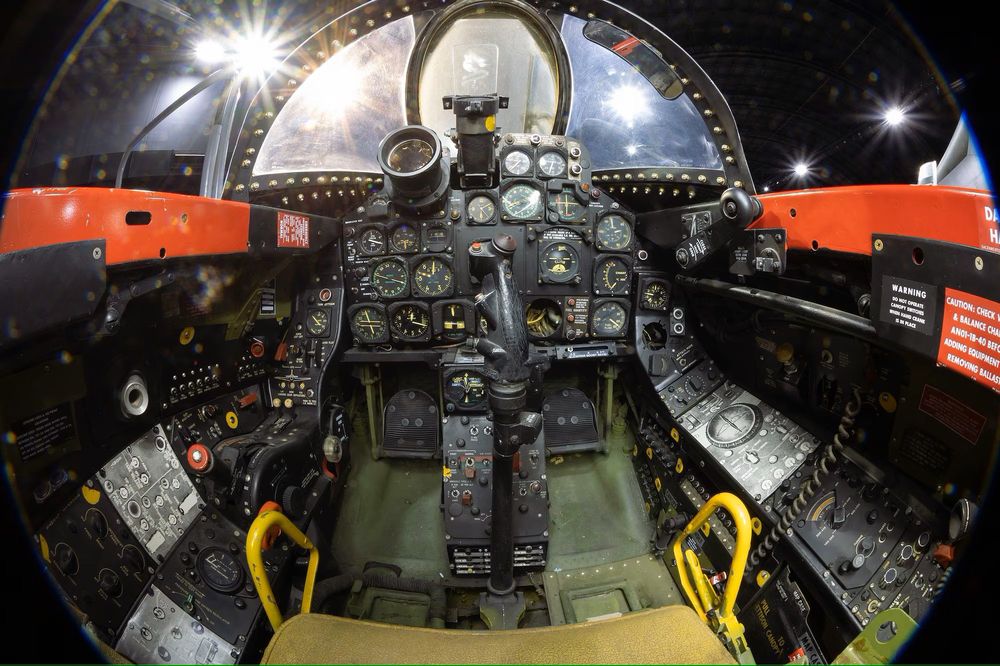
The F-94B (Not, the C model). The bulk of the airframe is already there, in your gorgeous, T-33. MODIFICATIONS Nose Afterburner tail section (functional) Functional front cockpit (at a minimum) Flight model (.cfg) Textures (PBR?) of the livery (aircraft) attached I realize I just now signed for access to this forum and my interest in this may sound presumptuous; being new here. I've been enjoying Flight Sim since 1982 (even with the Sopwith Camel on Floppy, with an Apple IIe), and have come along with every iteration since. We, each of us, have favorite aircraft that, for whatever reason, are near and dear to us. To me, the Starfire would be such a great balance between a quick and nimble "hole-burner" in the sky and a "Sunday Flyer;" with good, slow flight characteristics (akin to the T-33?), providing a wide-ranging flight envelope. The F-94 is a historically significant aircraft, being the first, with an afterburning engine and all-weather, night fighting capability. It played such an important role in ushering the Century Series aircraft and testbeds of the 1950s and 60s. The Starfire is unique, significant and largely forgotten. Please accept my offer and develop the T-33 into the F-94B for both MSFS2020 as well as MSFS2024. I can be re reached by PM. Thank you, to Inibuilds for such a serious commitment to quality across each of your aircraft.