




WhiskyTangoFoxtrot Designs
Member
-
Joined
-
Last visited
-
Be fair and allow the post prior to this ... unredacted ... as it speaks truth. and to be fair here are 2 SS of the same livery , it took me 2 days to get the glass back to tinted
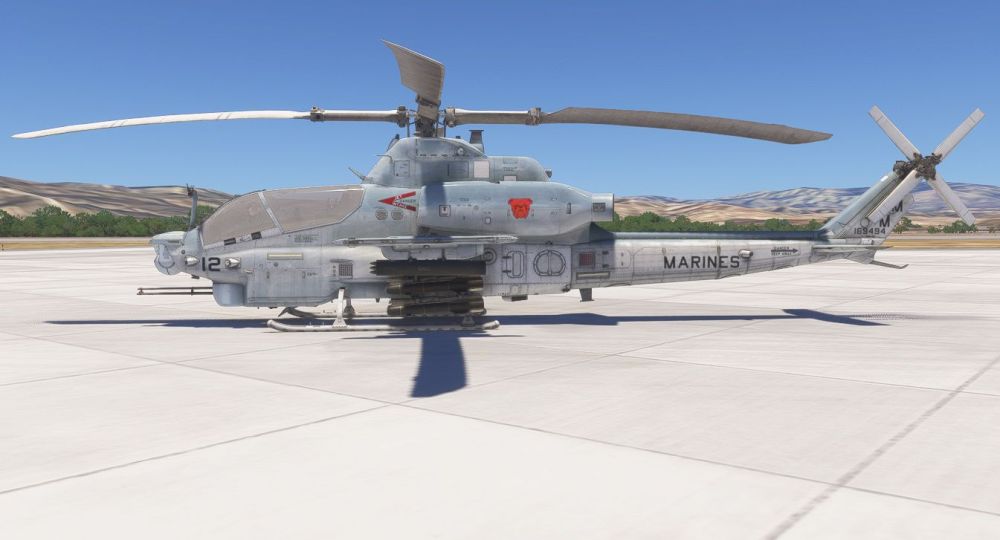
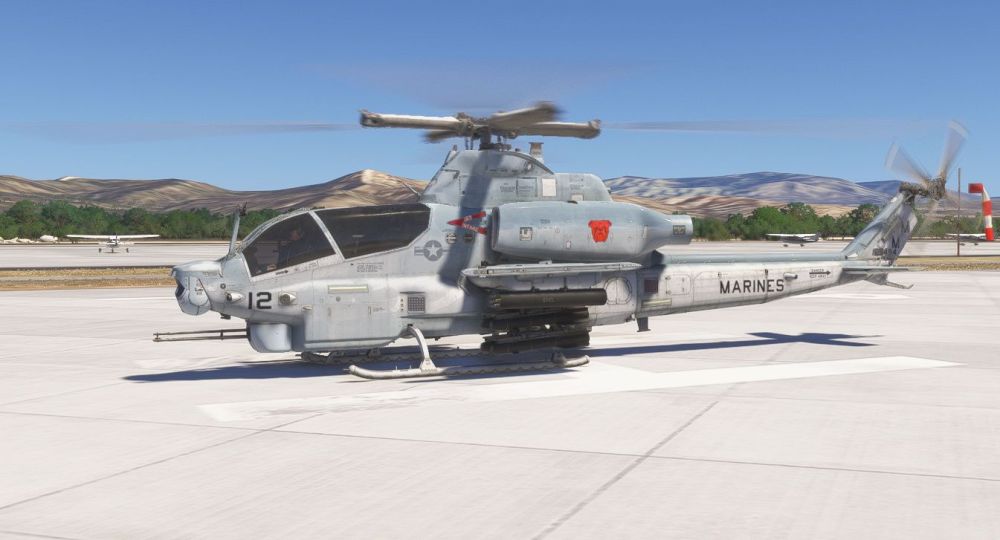
-
As a follow up ... i am very disappointed with the KwikFlight , as i have several of your products and by far this one has been the weirdiest of the bunch , from getting thru 3 liveries and then textures on new livereis going pink ????? , using the same work flow.... , then can't figure out whats going on with the Cockpit and gauge glass going frosty white and havent adjusted anything ....was really looking forward to this at the start of the year , i hate devs and groups that make stuff and ppl spend 30 or more bucks on a an aircraft and Cust Service is Zero then the updates didnt even really adj what was going on with the helo, as a Marine i am very disappointed at this point.....
-
I have Made My Own Paint Kit ...........
-
-
-
Okay just noticed that ALL the Maints stencils/Decals /rivets etc have a white stroke or something in sim ... i have been looking for the source for a few days and have found nothing... really would be nice to hear from the Kwik Flight staff on this , i also asked when the AH1Z paint kit would be aval back in Feb and have yet to get an answer for that as well , so i am not very optimistic i will receive one regarding this either
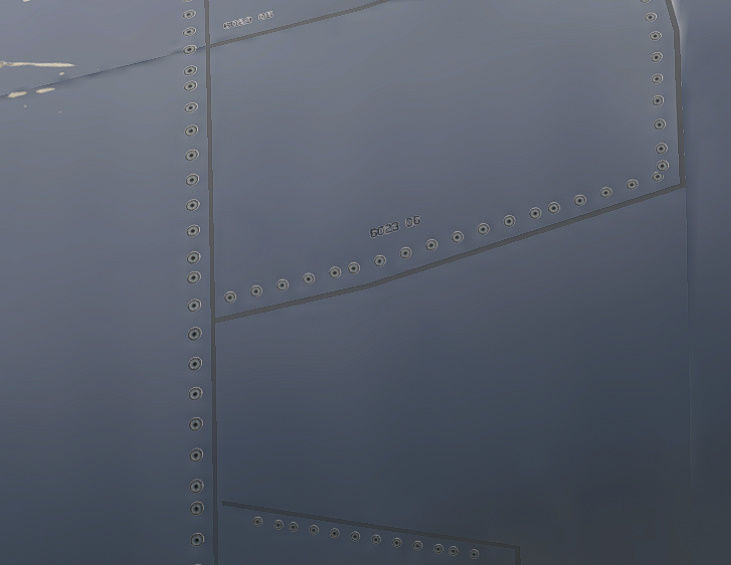
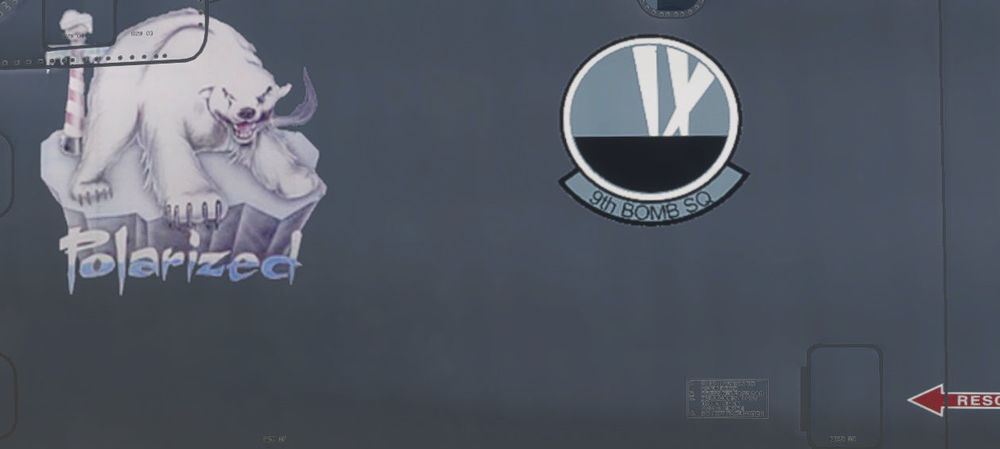
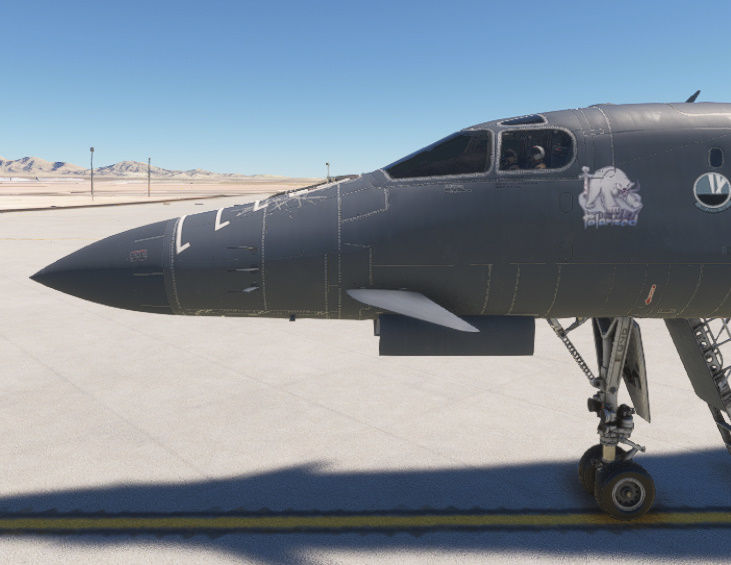
-
When will a paint kit be avaliable
-
i Have made 3 so Far for the VTAC community , however its a challenge because everyone is not Code Saavy, and if your not versed in setting up the files and code properly it can mess up your sim pretty good. so a good stand alone is whats needed to make it non invasive to the end userThank you Sir , hope we can make it happenWhiskyTangoFoxtrot Designs changed their profile photoGood Day , I am a Livery Hobbyist, been making them for almost 20 yrs, i love the challenge of adding the real world realism to the virtual world , i am asking for some assistance in makiing a standalone livery format for the B-1 Bones, i tried following the B-2 Spirits addon livery pack format and had No Joy , could really use a hand INIBuilds and KwikFlight


