




Acperience7
Member
-
Joined
-
Last visited
Everything posted by Acperience7
-
Just in case others are trying to figure this out in the future, this was an issue with me and not the plane. I missed the patch notes that said this function is now under the 'tail wheel lock' and mappable via the in-game key assignments. Works great now.
-
I'll try posting there. Thanks!
-
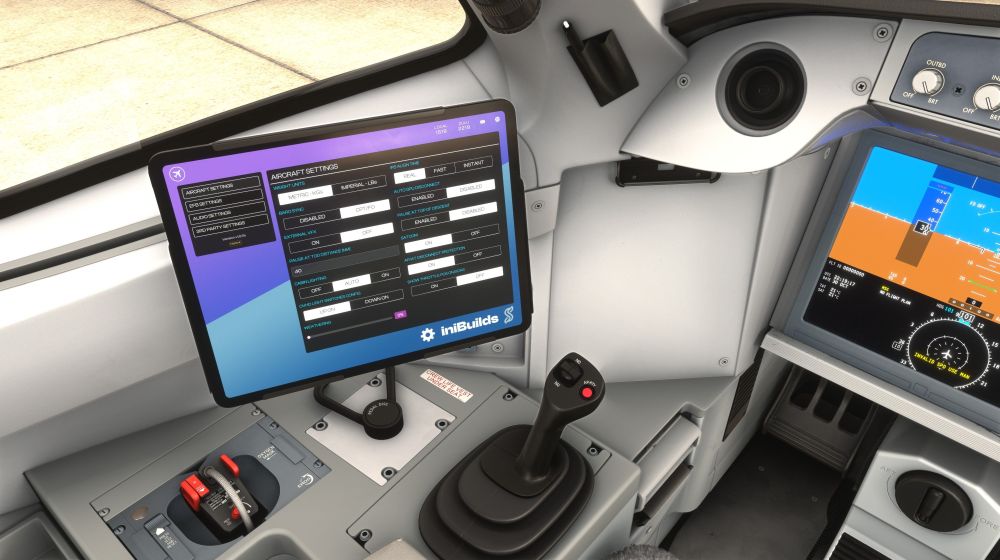
I am using Mobiflight to attach buttons to simVARs. Starting in update 1.1.10 (I think) the A220 stopped ?Seeing? my button map for the pedal disconnect. I thought it was disabled for some development reason, but now in 1.1.11(a) it still doesn't work. I can press the button with my mouse and the function is there. As a bandaid, I was going to disable the tiller/rudder separation and just my rudder pedals for steering. However, I don't see the setting to do this in EFB. Maybe I am looking in the wrong place or overlooking it somehow? The FAQ page for NWS has broken pictures, so that did not help when I checked it. Maybe I am doing something wrong?
-
Works now with 1.0.4, but like the last update (if downloaded); just updating did not work properly. I had to uninstall, then install. Terrain and ARIAC updating worked after that (for me).
-
Different System, but same issue as OP on departures: 9900X3D 7900XTX 64GB RAM
-
-
When using Beyond ATC, after landing, and only with A220; BATC prematurely switches from ground handling to waiting for input for the next flight (as if you have parked at a gate and turned off the engines). This happen when coming to a stop for the first time after landing. For me this means when vacating the runway and coming to stop for further taxi instructions from BATC. I brought this issue to the BATC support staff first, and found the A220 isn't correctly setting the engine sim vars.
-
Turn off "detent button mapping" under the "Throttle detent settings". Make sure the game is not running when you change it. Once you get back in, make sure you calibrate the throttle in-plane, and that the reversers are set to on-axis.
-
It's working correctly now.
-
The 321LR (and 320neo v2) both do not have working reverse thrust. The EFB sees the reverse section of the throttle when moved there, but actual throttle in the plane does not beyond idle when going to reverse on the throttle itself. Can we get an update for comparability?
-
Requesting a slider for the APU sound level.
-
Thank you for the assist! I'd love to transfer it, but I don't know which Marketplace purchase was for that airport. I have bought several things, so I'll see if I can figure it out and try transferring.
-
Just curious when the marketplace version will get 1.3.0. It's still showing 1.2.0 on my PC and no updates available.


