





marnflies
Member
-
Joined
-
Last visited
-
The EFB flickering continues in BF-108 v 1.0.2 and P-40F v 1.0.6 in both MSFS 20 & 24. The name flickering begins when zoomed out.
-
marnflies changed their profile photo
-
Is there any additional info regarding the update availability in the 2020 Marketplace? It still shows 1.0.3, but version 1.0.5 was released on 27 Mar 2025.
-
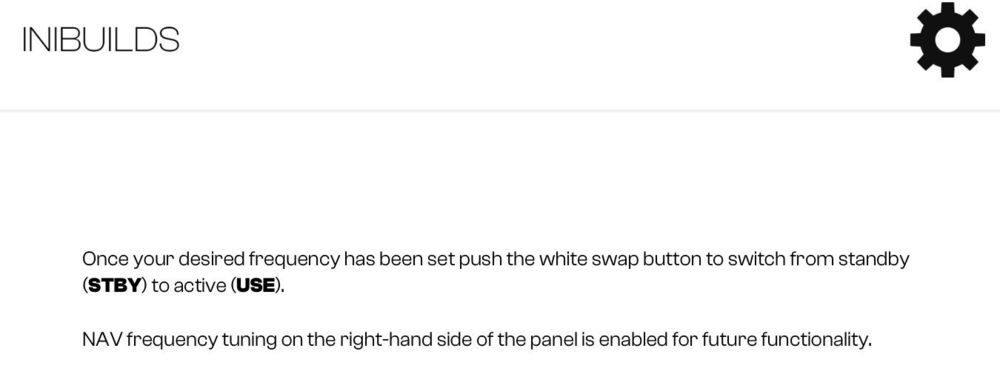
Is there still a planned update to the P40F to add Navigation functionality? The aircraft manual shows that it could be a future functionality.
-
I've reinstalled both the 108 and P40 a couple times recently and still experience the icon flicker. Installed from the Ini App.
-
When someone else is flying a BF-108, their engine sounds drown out my own. This occurs immediately as soon as we're within visual/audio range and their engine volume within my own cockpit never changes with distance.
-
How do I stop the map labels from flickering on the tablet map? I have an empty community folder, DX11, TAA. Also occurs in the P-40F. Screenshots attached.


