Timo Dr. Roeschke
Member
-
Joined
-
Last visited
Everything posted by Timo Dr. Roeschke
-
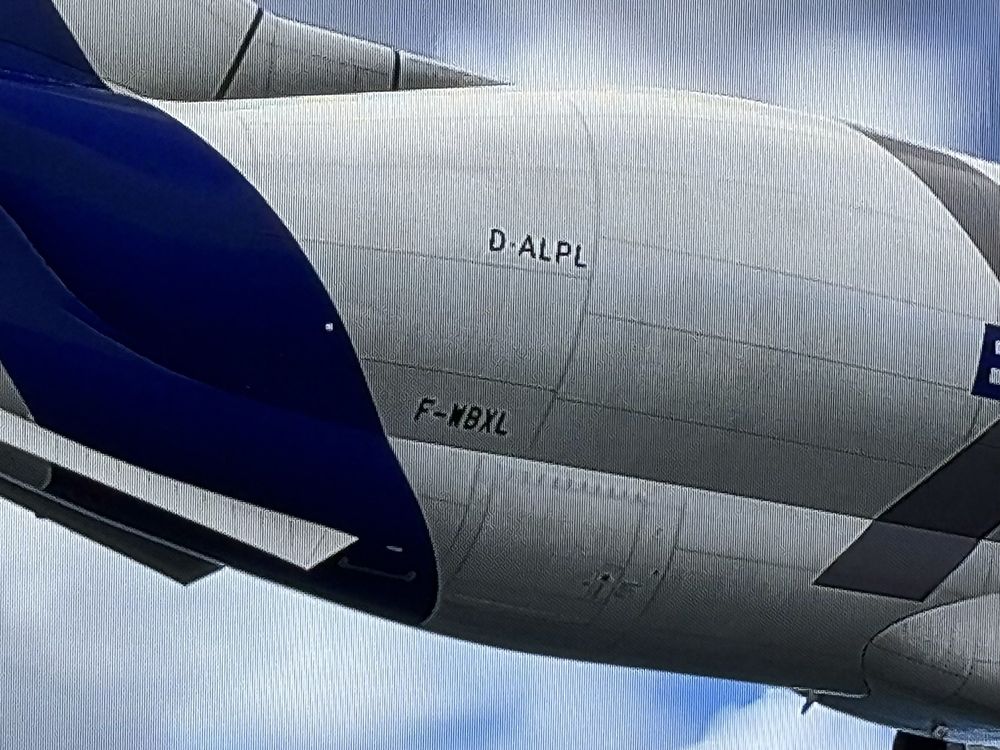
Two registrations can be seen on the aircraft fuselage: the user-specific and the registration which is part of the livery.
-
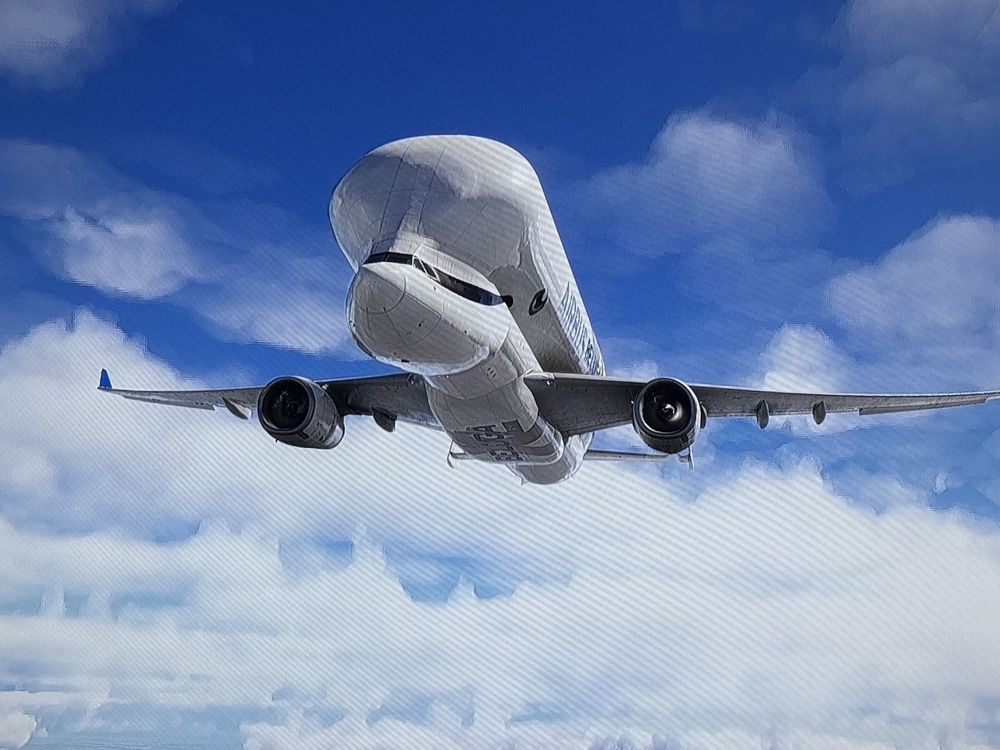
In cruise flight (clean config, flaps up) both ailerons hang down. Otherwise, all systems work perfectly and the aircraft flies flawlessly.
-
that´s a good idea! Even the A320neo Lufthansa Full-flight-simulator (used by many airlines) has this "no portable elec device" option, so i think it´s now widely used...
-
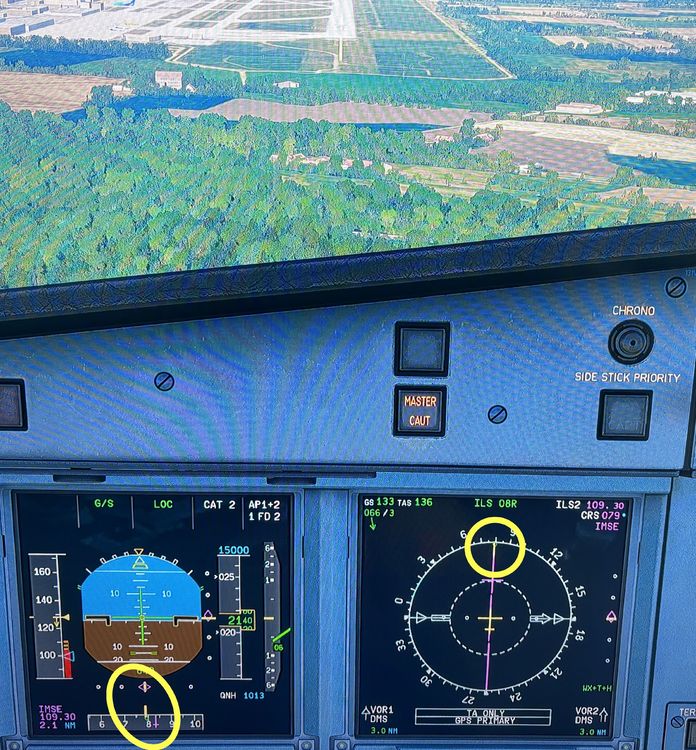
I don't know if it's been mentioned before (at least i couldn´t find it), but I noticed that the ILS track diamond and the ILS front course dagger on the PFD and ND don't agree. on a stable ILS approach, the track diamond and the ILS course dagger should be aligned. This is the case on the ND (LS rose setting), but not on the PFD. (Xbox, different airports) Regards, Timo