jjcamb
Member
-
Joined
-
Last visited
Everything posted by jjcamb
-
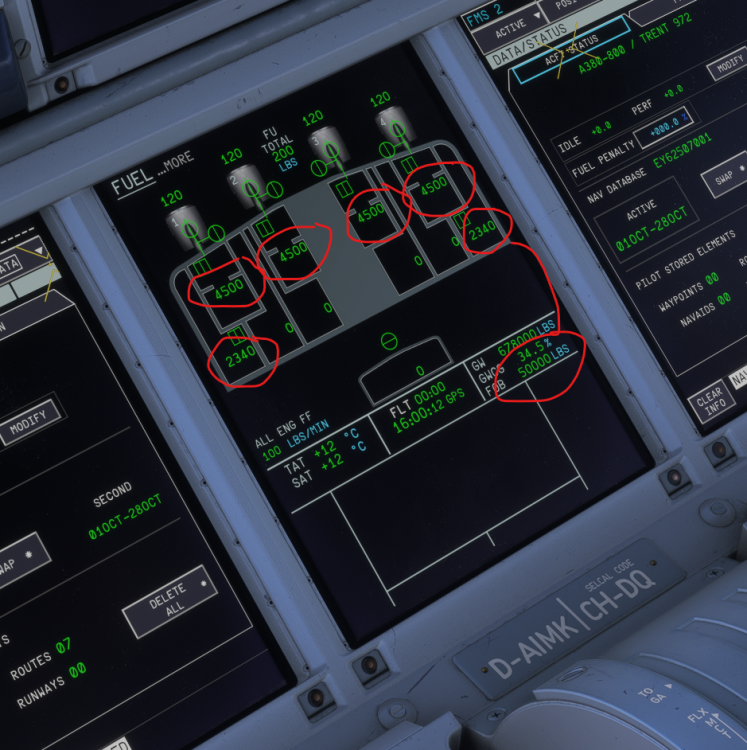
Hi, Units are set to LBS Total FOB showing pounds correctly, but individual tank quantities appear to show KGs. (Does not add up to total)
-
-
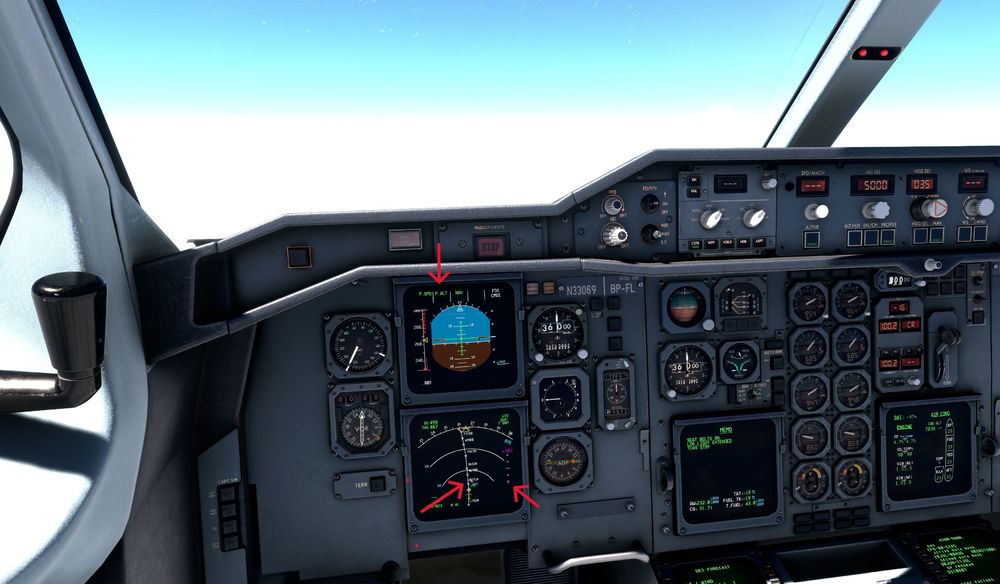
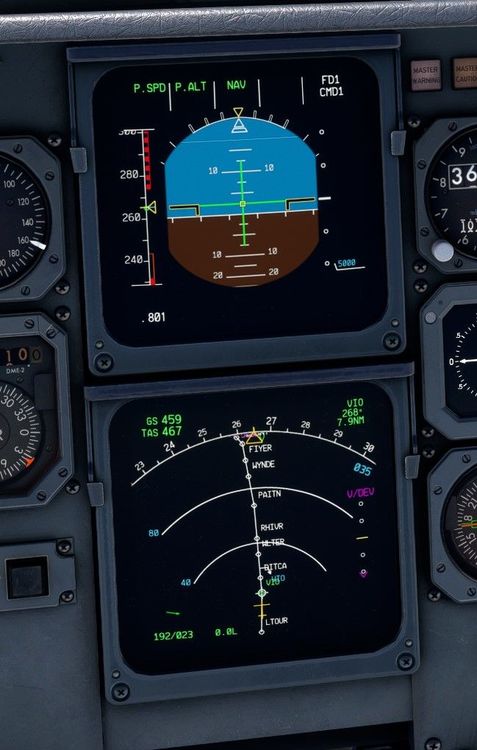
I have the same issue. Profile Descent worked very well before 1.1.2 update. Now seems completely broken for me. VDEV indication appears at least 20nm before TOD point indicated on ND. Example below is from an approach to KORD via WYNDE2 Arrival with a 5000ft crossing restriction manually entered at PAPPI. Calculated TOD point shown on ND appears to be in the correct location based on the 5000' constraint at PAPPI, but aircraft wants to start the descent 20nm out from this point. In the example below I am level still about 10mn from TOD, but VDEV is already off the scale indicating I am high on profile. Even after initiating the descent at the TOD VDEV indication continues to indicate high on profile.