bigtasty87
Member
-
Joined
-
Last visited
Everything posted by bigtasty87
-
Plus one for this. Same issue.
-
I've also noticed that it seems 'better' when I changed my DNS from cloudflare to google. Though, intermittently, it still hangs during start and sometimes takes a few minutes for the app to appear.
-
I noticed an update to the A330 today with SU7. Was this just the Lufthansa livery or was there more to it? Cheers Kyle!
-
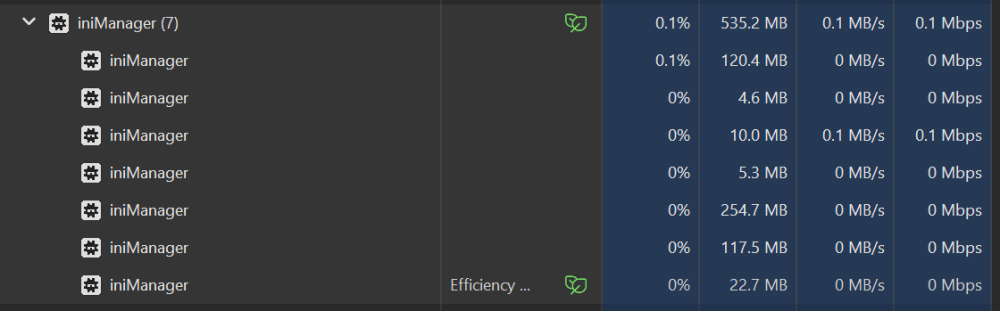
Update: Tried using VPN which resolved the issue. Not sure why I suddenly have to connect to a VPN to use inimanager and in game cpny requests. Ini team, please can you look into this? Wasn't an issue until last few days, so something must have changed your end?
-
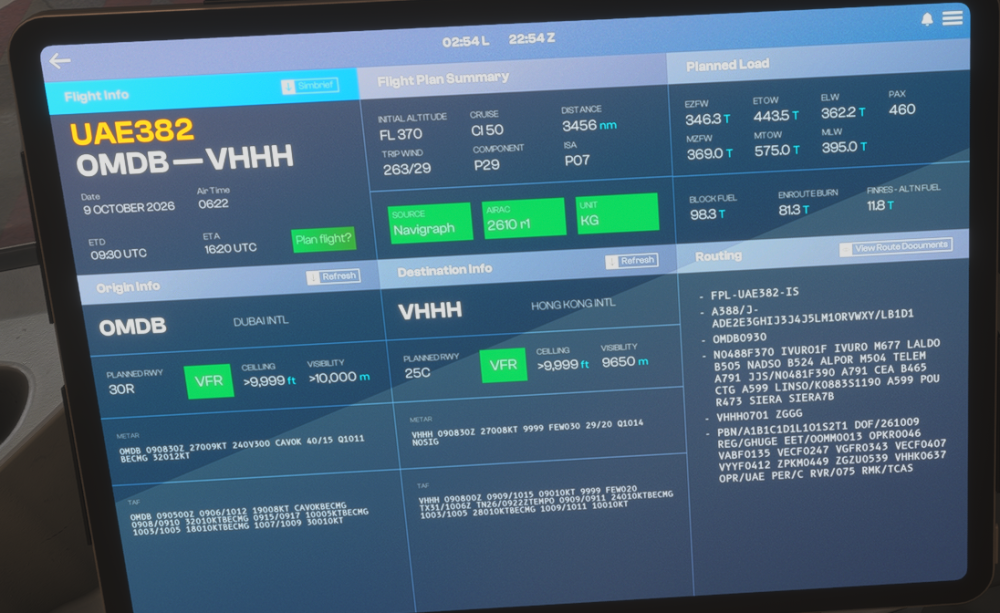
Also having this issue this morning. (Was working fine yesterday) MSFS2024, A380 1.0.3 and simbrief all linked correctly EFB retrieves data correctly but CPNY F-PLAN REQUEST times out after ~30 seconds
-
Hello, I am also experiencing this issue. The program is doing something, but ultimately never loads Started yesterday. WORKAROUND: Connected to a uk VPN (nordvpn) and program runs instantly.
-
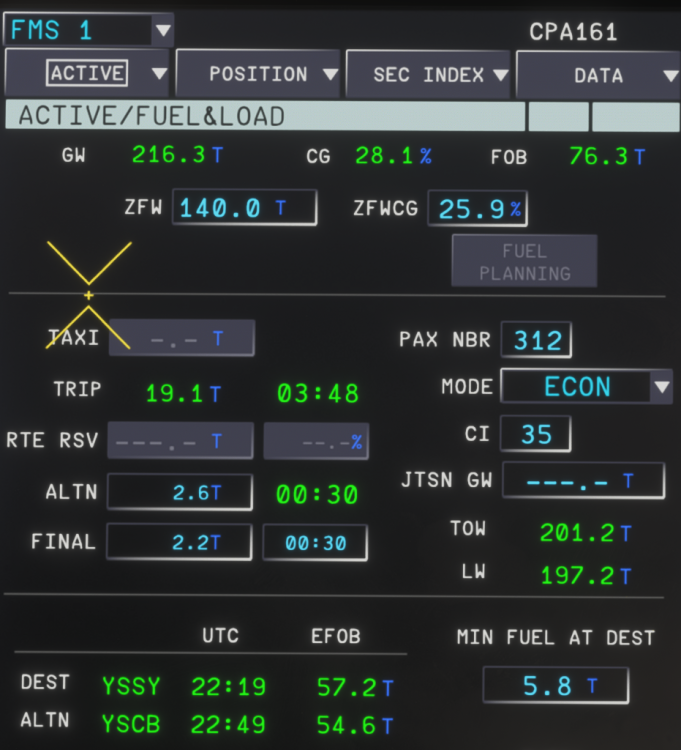
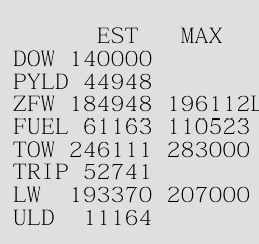
As a current workaround, even though the aircraft doesn't let you change the ZFW when you're airborne, you can update the fuel. Increase the fuel to an amount that will give you a proper GW for current part of flight. I up the fuel from the OIS loadsheet page until the landing weight resembles the expected landing weight from simbrief. You can check the aircraft expected landing weight on the fuel&load page. As you can see it gives me way more fuel than I need but at least the aircraft gross weight is now correct, giving you accurate performance for the remainder of the flight and an accurate gross weight and estimated landing weight. (I know i'm 5.0t out here but you get the idea)
-
I suspect we'll have to wait for the first update to sent to MS and then wait even longer for MS to publish the update. I'm sure inibuilds will tell us when update 1 becomes available. I know why they're doing the marketplace exclusivity but I really can't wait to transfer the beast to the ini manager when the exclusivity ends.
-
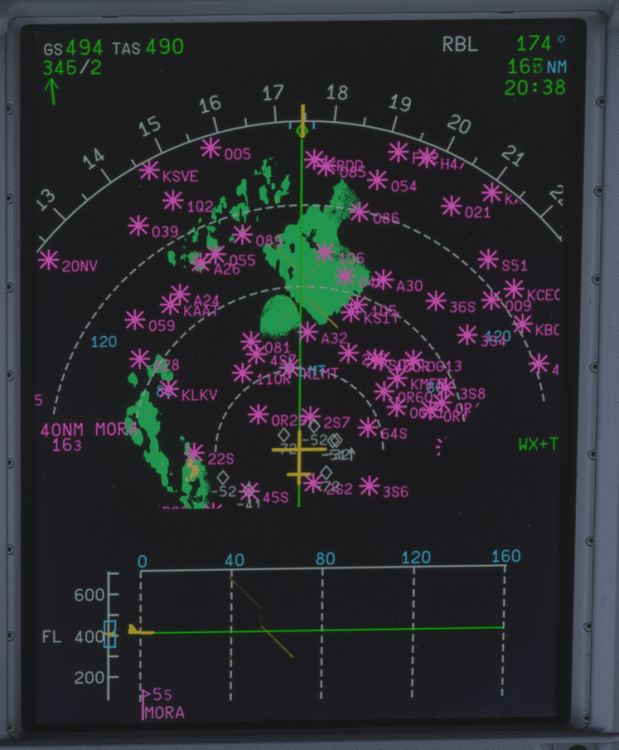
Hello ini team, Two things for the suggestion box. First: There doesn't appear to be a filter for airports when shown on the Navigation Display, meaning huge amounts of clutter. -Would be nice to be able to filter out airports using a setting the EFB for runway length (easy mode) or.... -Would be GREAT to only show suitable A380 airfields on the ND (hard mode - I appreciate this would be a lot more work!) Second: Transition from a relatively low flex setting takeoff to a higher climb/de-rated climb seems abnormally abrupt. I know the aircraft does this is in real life under certain conditions but it does seem rather excessive in the sim. Maybe the logic could be looked at here and verified with a real A380 pilot (A320 IRL so not much help here, but it does seem a little off!) Otherwise, nice initial release which I know will keep on being worked on. I'll get back to the bar on the A380 now and enjoy some snacks before descent into SFO! :