Skip to content
View in the app

A better way to browse. Learn more.

iniBuilds Forum

A full-screen app on your home screen with push notifications, badges and more.

To install this app on iOS and iPadOS
  1. Tap the Share icon in Safari
  2. Scroll the menu and tap Add to Home Screen.
  3. Tap Add in the top-right corner.
To install this app on Android
  1. Tap the 3-dot menu (⋮) in the top-right corner of the browser.
  2. Tap Add to Home screen or Install app.
  3. Confirm by tapping Install.

ElaiB

Member
  • Joined

  • Last visited

  1. I can't find this option in the EFB
  2. ElaiB posted a topic in Suggestions
    Hey 🙂 On night flights, even when brightness is turned down in the EFB, the checklist is still to bright. Is it possible to do an option for dark checklist?
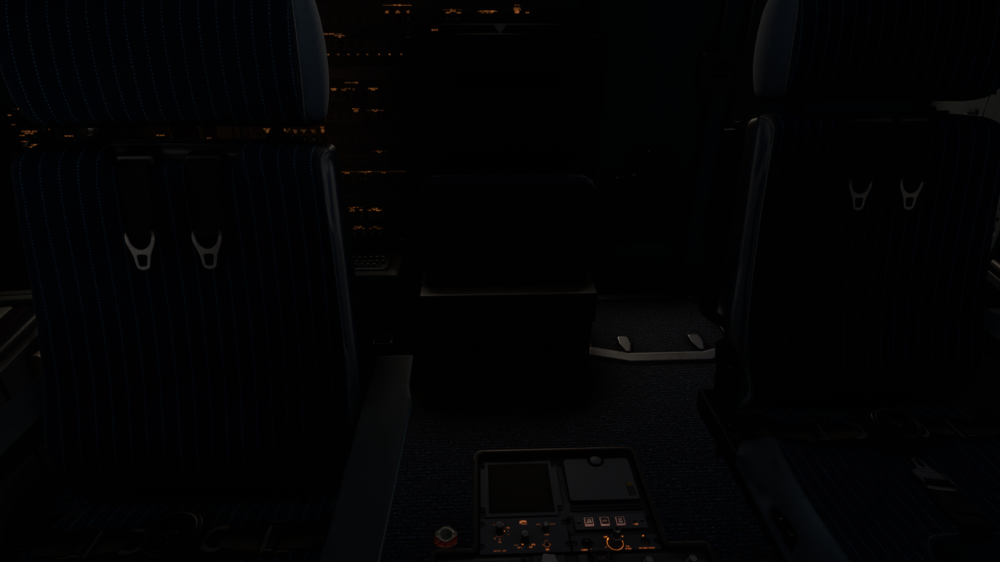
  3. Hey! I think there is a little bug with the lighting in the cockpit. When I turn on the cargo hall lights in the night, it reflects and light up the cockpit, even when the door is closed.
  4. ElaiB posted a topic in Systems
    Hey! Is it normal in the A300 for the T/D actual point, and the T/D point+ETA in the FMS to disagree like that?
  5. Hello, first of all, great plane, you guys made an absolutely amazing work! About the wear and tear (tires brakes and oil), is it per livery or per model?

Account

Navigation

Configure browser push notifications

Chrome (Android)
  1. Tap the lock icon next to the address bar.
  2. Tap Permissions → Notifications.
  3. Adjust your preference.
Chrome (Desktop)
  1. Click the padlock icon in the address bar.
  2. Select Site settings.
  3. Find Notifications and adjust your preference.