




09tir98
Member
-
Joined
-
Last visited
-
-
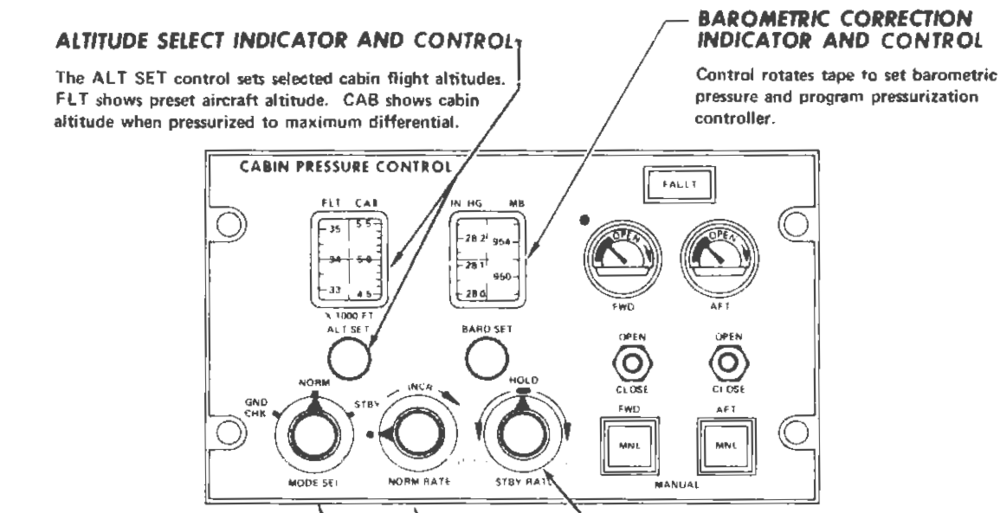
The CAB part of the ALT SEL window also seems incorrect. It is supposed to show the cabin altitude with the cabin pressurized to maximum differential. In the example with the FLT ALT set to 24000 ft the CAB ALT shows 5300 ft. However, at 24000 ft the cabin pressurizes to 500 with the pressure differential at maximum. So with the FLT ALT set to 24000 ft the CAB ALT should only show 500 ft. In the following manual you can see that with the FLT ALT set to 34000 ft the CAB ALT shows 5000 ft which also corresponds to a differential pressure of around 8.6. So this seems to be a two part problem. 1. The cabin altitude doesn't climb with a consistent rate of 500 ft/min and descend with a consistent 300 ft/min. 2. The CAB ALTs in the ALT SEL window do not represent the cabin altitude at maximum differential pressure. With the FLT SEL set to 34000 ft the CAB ALT should display roughly 5000 ft, however in the simulator the CAB ALT window displays 5000 ft with the FLT ALT set to below 24000 ft.
-
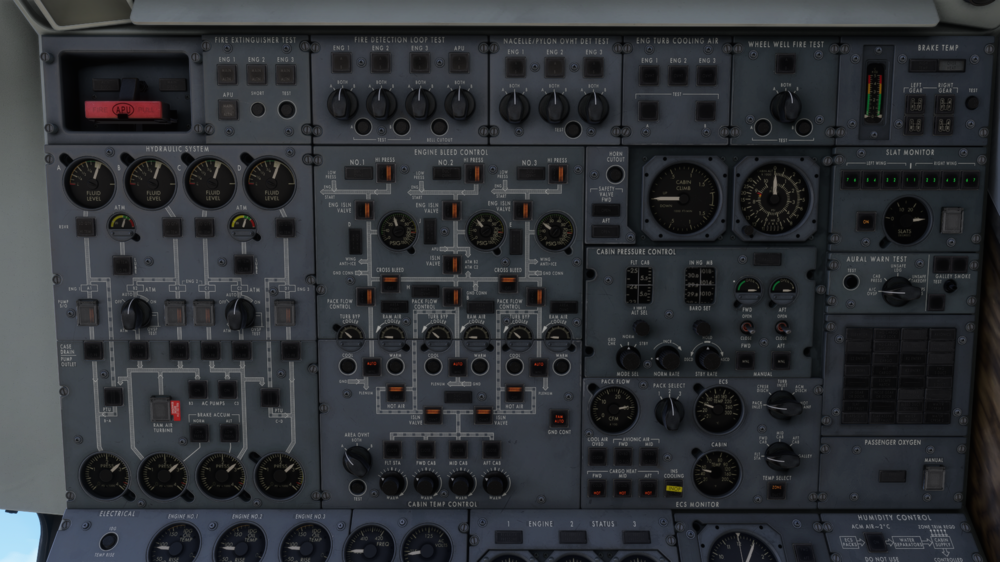
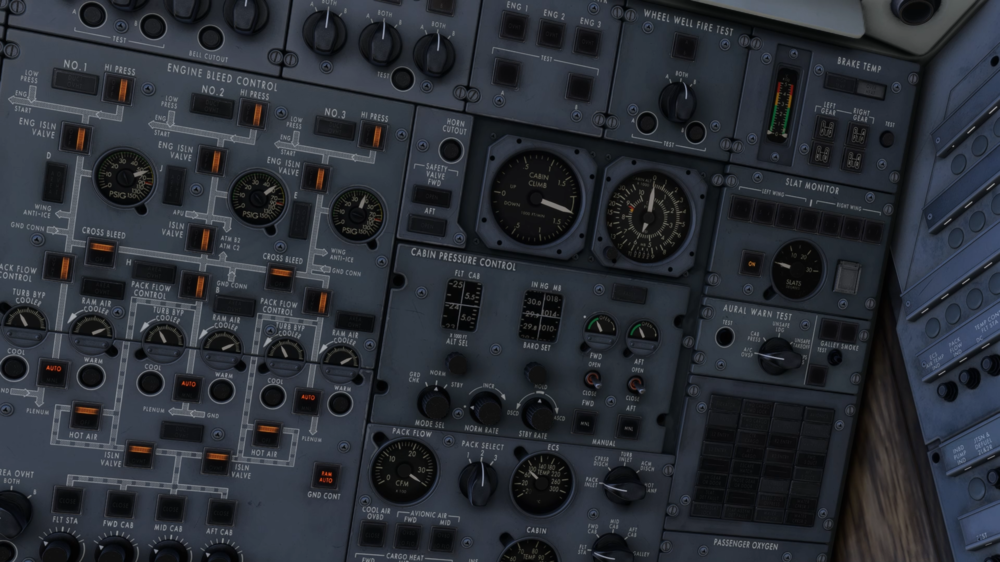
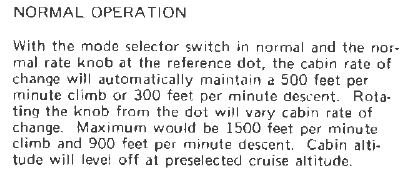
Yes, I set the ALT SEL correctly to my cruise. I just did a test and this is what I experienced with the pressurization: Initially, after takeoff the cabin was climbing at roughly 1000 ft/min which is also what it does in your picture. This is incorrect as it should climb with 500 fpm with the rate knob at the white dot. It kept this 1000ft/min climb until passing 2000 ft. When reaching 2000 ft the cabin instead started descending, with the needle maxed out at -2000 ft/min until the cabin reached an altitude of 0 ft. It then maintained a cabin altitude of 0 ft until the delta P reached the red mark at around 20000 ft. At 20000 ft, the cabin altitude finally started climbing, this time with a rate of 1250 ft/min. It kept this climb rate until I leveled of at 24000ft. When I leveled off at 24000 ft the cabin altitude was at 500 ft and a delta P of around 8.6. This does not match the cabin altitude of 5300 ft shown in the CAB window with the ALT SEL set to 24000 ft. What it actuallly should do, with the rate selector set to the white dot is climb the cabin at 500 ft/min until reaching the CAB altitude in the ALT SEL window corresponding to the selected cruise altitude. ON GROUND: PASSING 3000 ft: PASSING FL200: LEVEL AT FL240:
-
-
-
-
I am unable to enter fuel quantities higher than 159 900 LBS in the PMS even though the maximum fuel quantity is around 213 600 LBS. Entering anything higher than 159 900 LBS (1599 in the PMS) gives an ERROR. I have the units set to imperial in the PFP.
-
The PMS seems to give a climb EPR that is much higher than the maximum climb EPR from the table on the FEs desk. In this example I am at FL260, with a TAT of 3 degrees. According to the maximum climb chart this should give me an EPR of around .640, however the PMS gives me a climb EPR of .716.
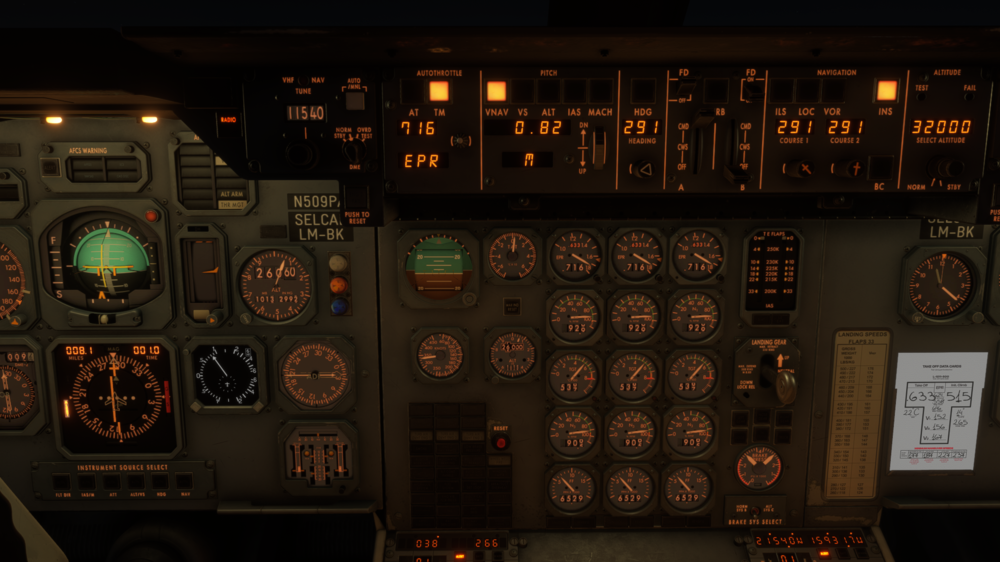
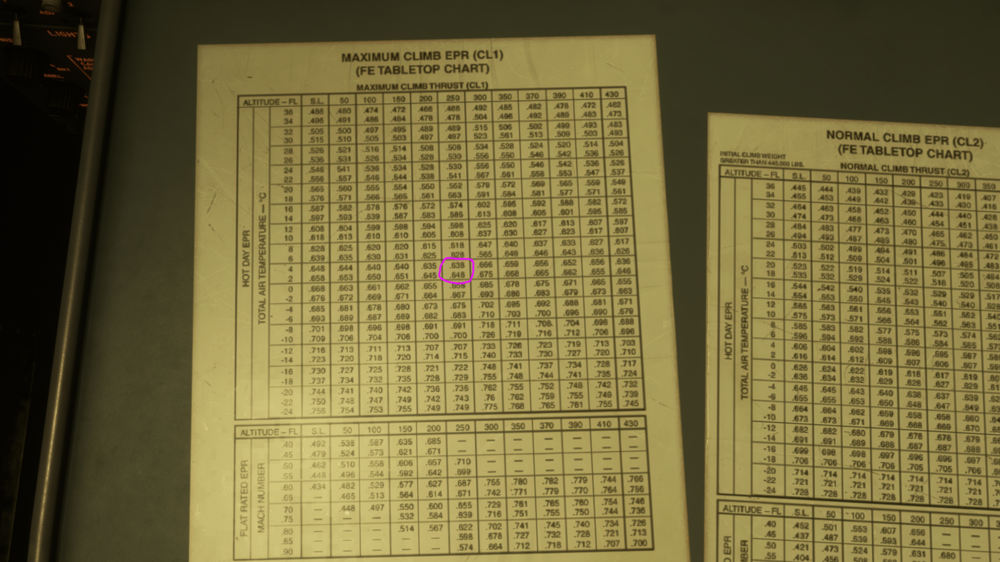
-
The autopilot does not seem to take crosswind in to account when flying in VOR and LOC mode, however in INS mode it does. In this screenshot I have a 100 kt crosswind, with the wind coming from 270 degrees. You can see that the autopilot is flying a heading corresponding to the inbound course on the VOR rather than maintaining a wind correction angle and will over time get further and further away from the radial. If i switch over to INS navigation and fly to the same VOR using INS it will apply a wind correction angle and follow the inbound course correctly. VOR: INS:
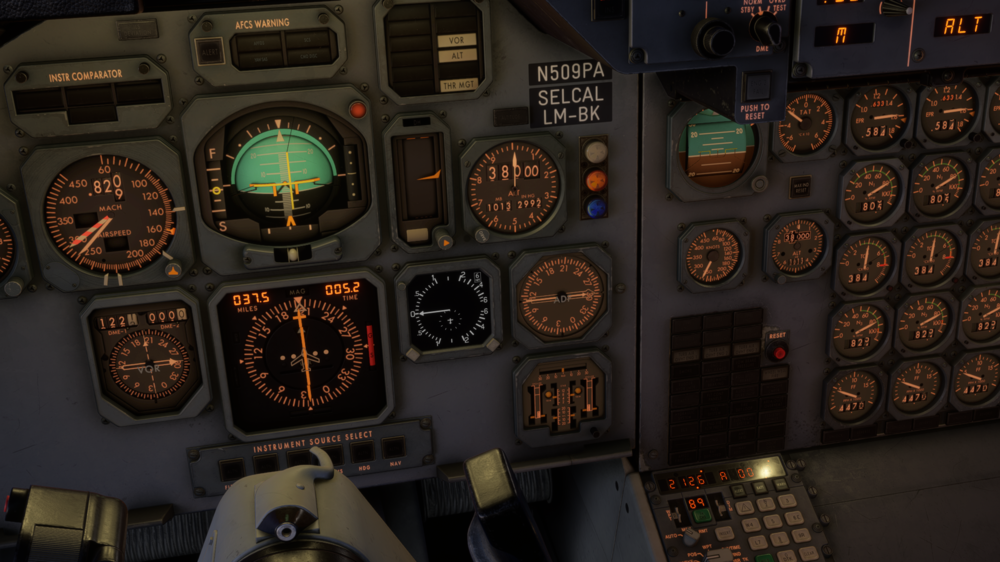
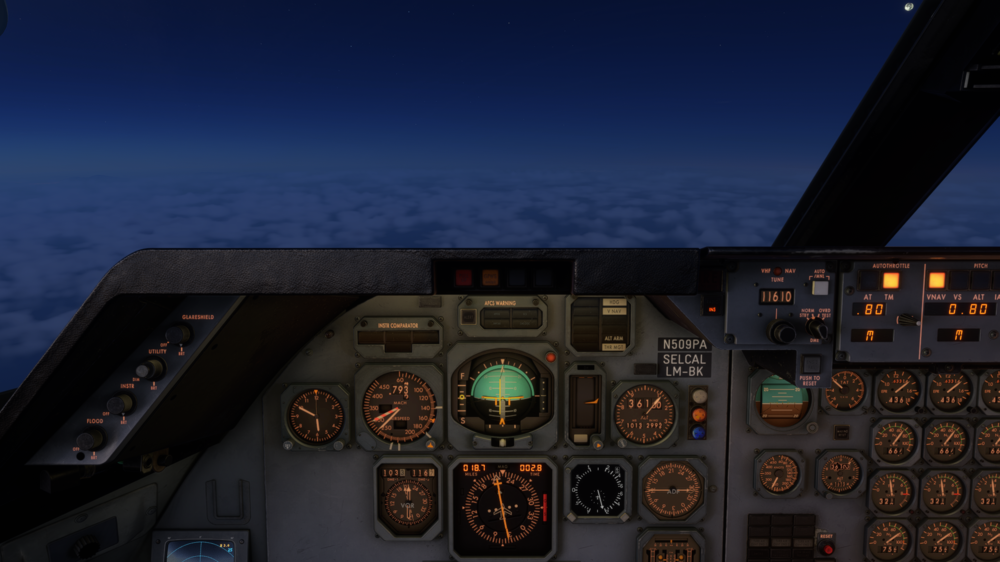
-
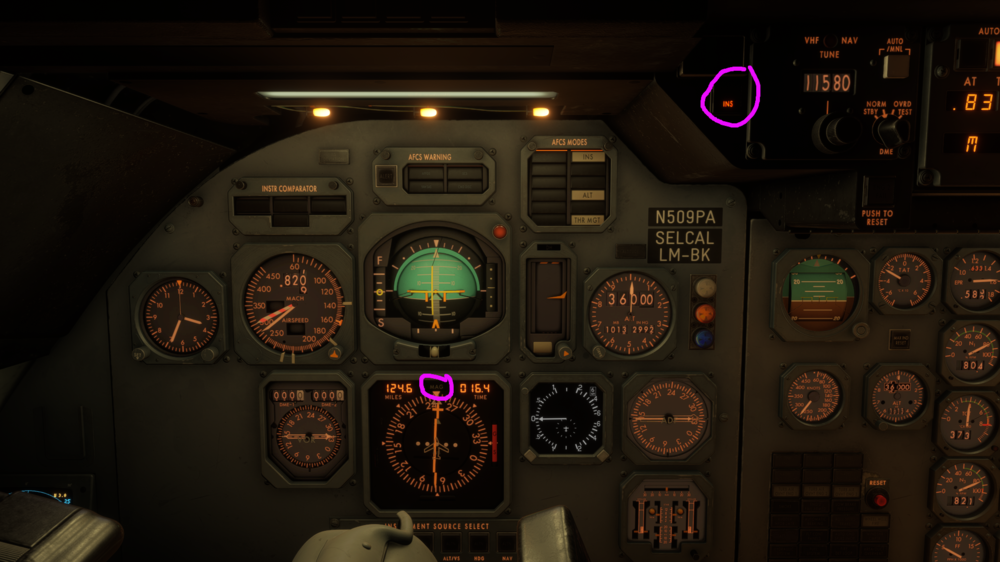
When selecting the RADIO/INS switch to INS the HSI correctly switches to display true compass information instead of magnetic compass information, however the MAG/TRUE flag does not switch to TRUE and instead continues to show MAG.
-
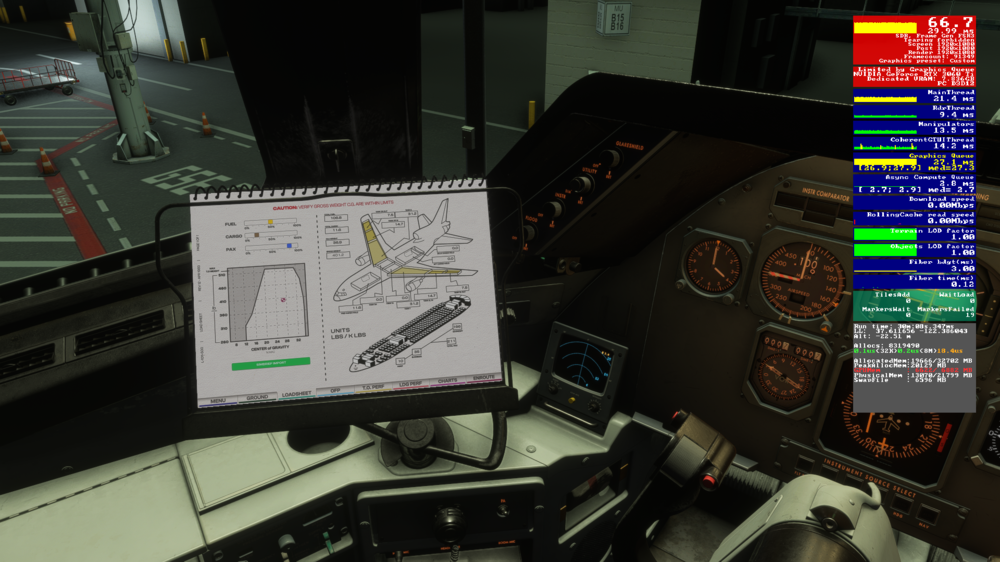
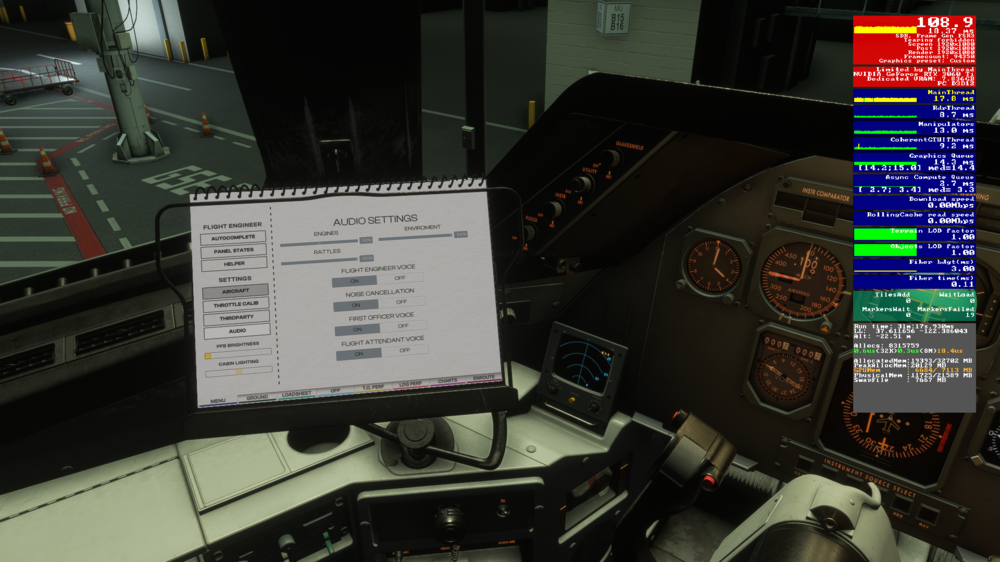
Cetain pages in the PFB cause a massive FPS drop and almost doubles the Graphics Queue response times. This low fps remains as long as the page is open, even if the PFB is hidden. It seems to affect the Loadsheet, TO Perf and Landing Perf pages.
-
-
The autopilot really seems to struggle when you're flying in level flight and start to extend flaps. It will easily loose 300-400 ft when going from flaps up to flaps 4 and takes over 30 seconds to recapture the altitude.
-
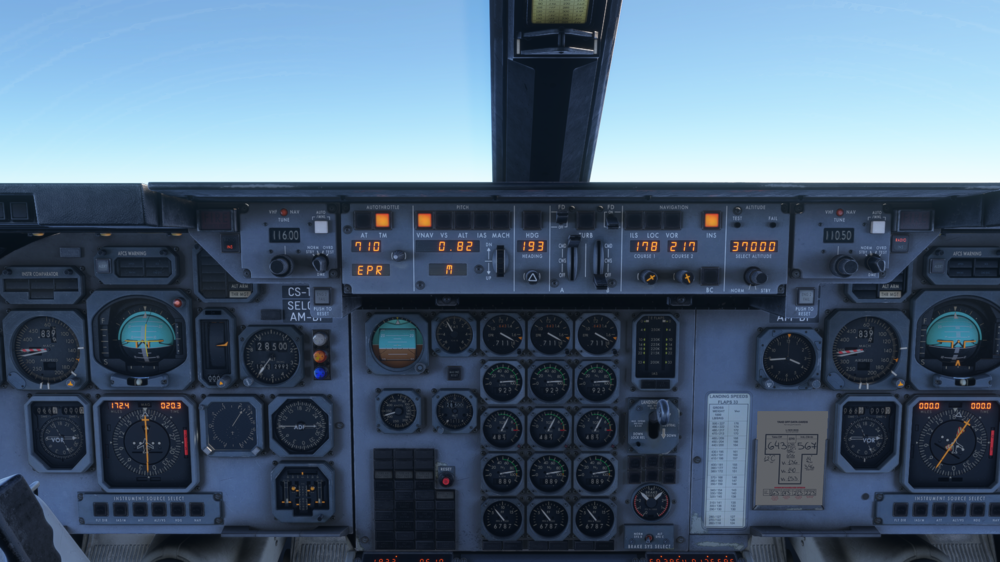
The barber pole on the FO airspeed indicator seems to always show about 10 knots lower than the airspeed indicator on the CPT side.
-
I have to agree with these posts. This is by far the worst performing plane in the sim for me due to the VRAM usage. I had 7 fps on landing rollout at ORBX ESSA in the Tristar. With all other aircraft in the sim I'd have at least 30. This is on a 3060 Ti with 8GB VRAM and all settings on low or medium


