Ell9516
Member
-
Joined
-
Last visited
-
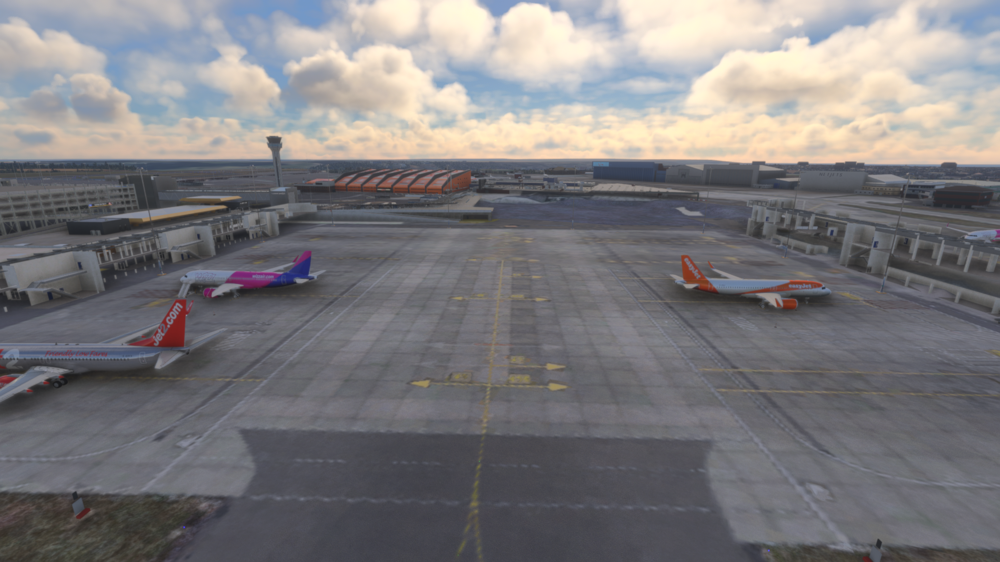
Eggw with base Cessna(1) a320.V2(2) Pmdg 738 with livery pack installed(3)
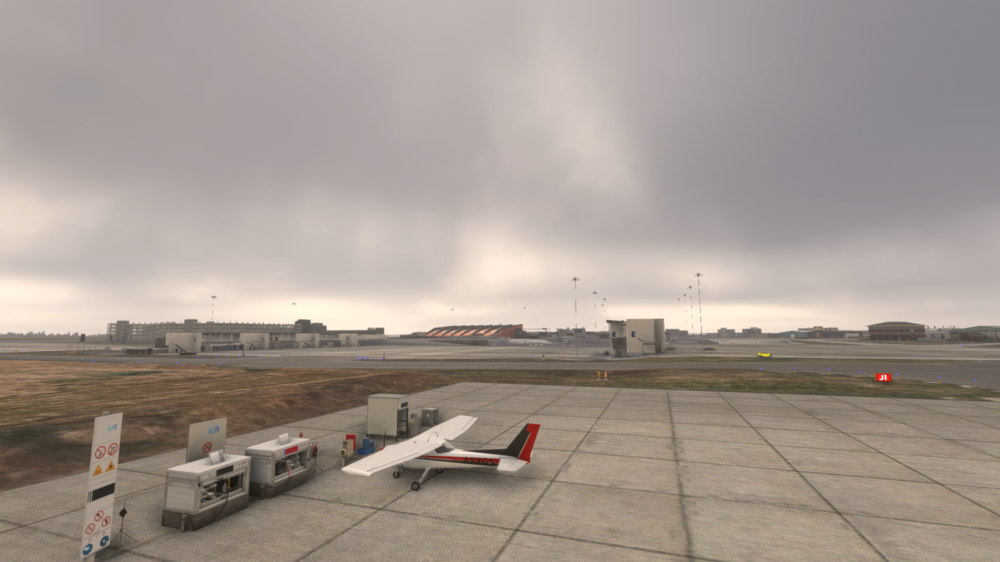
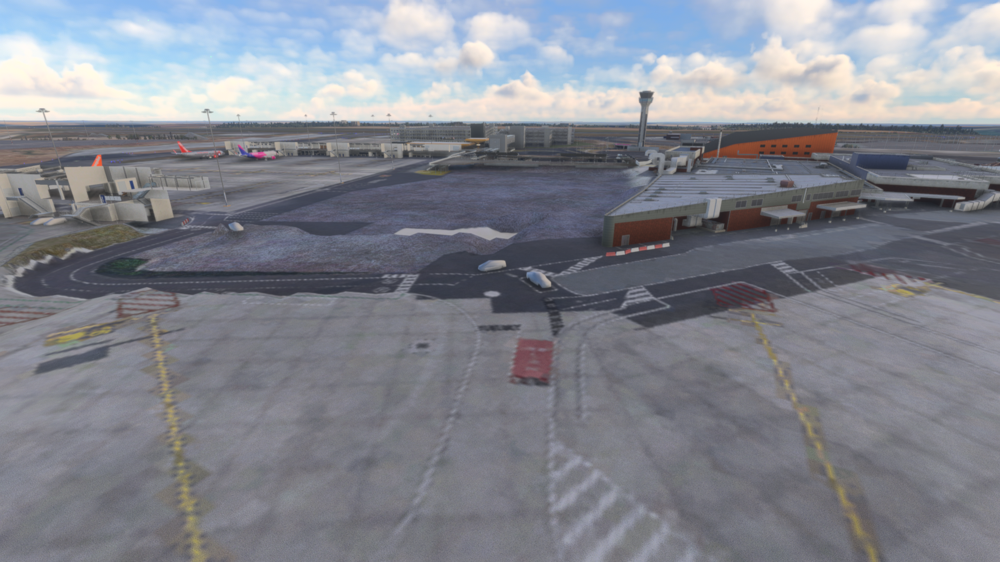
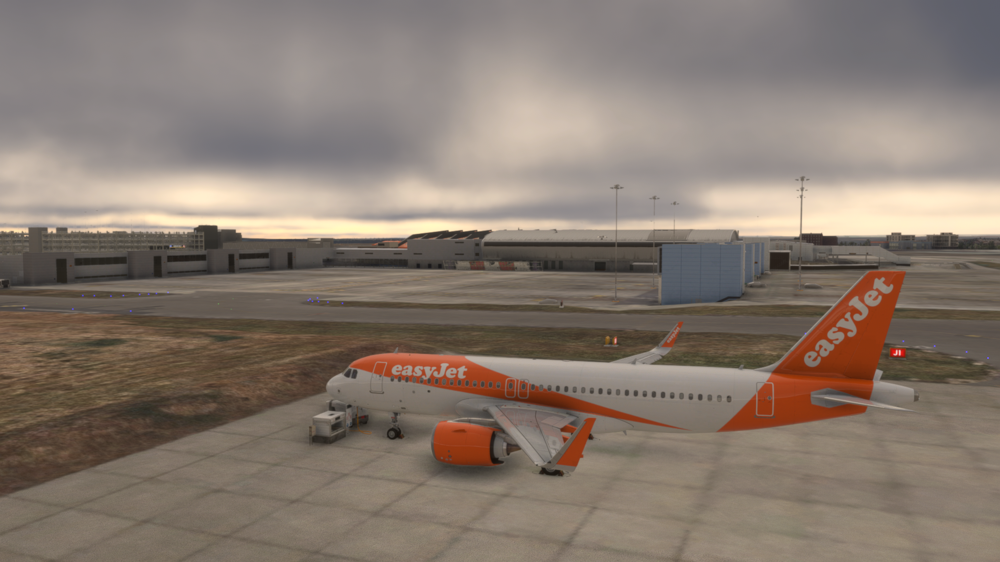 I’ve since reinstalled eggw with vanilla content no premium or deluxe loaded, no other dlc just eggw, and to my surprise the terminal loaded with a320v2. So then I’ve Reinstalled pmdg 738 and I got the exact same results as the pictures above. I don’t think this airport is compatible with the pmdg for console users. Does anyone have any suggestions or work around? Or even experiencing the same issues as I am facing?Same problem here on Xbox. My airport is missing the terminal , I only have a portion of the jetways, there’s a massive what looks like a landfill what looks to me should be the terminal…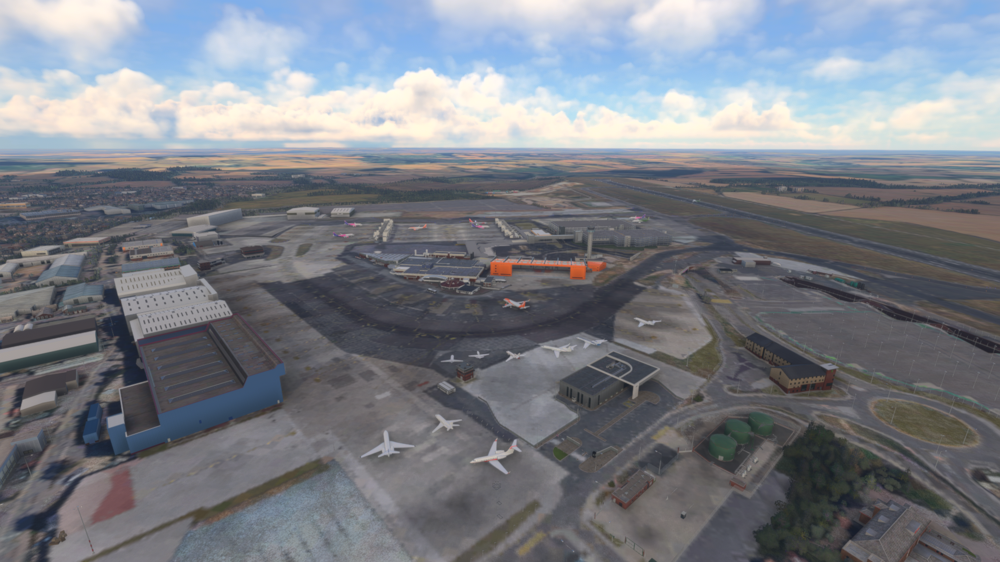
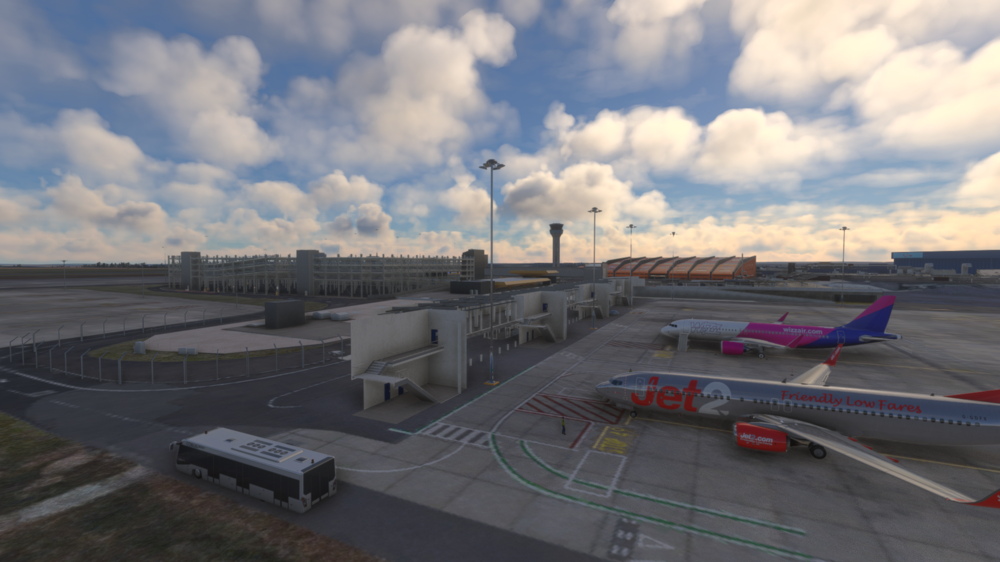 Hi I purchased EGGW from msfs marketplace and I am shocked with this from inibuilds… I will post the screenshots but you will see for yourself the terminal is missing. There’s a whole in the ground where I’m assuming the terminal should be, it’s honestly terrible. Will there be a fix or update for Xbox console users?