Skip to content
View in the app

A better way to browse. Learn more.

iniBuilds Forum

A full-screen app on your home screen with push notifications, badges and more.

To install this app on iOS and iPadOS
  1. Tap the Share icon in Safari
  2. Scroll the menu and tap Add to Home Screen.
  3. Tap Add in the top-right corner.
To install this app on Android
  1. Tap the 3-dot menu (⋮) in the top-right corner of the browser.
  2. Tap Add to Home screen or Install app.
  3. Confirm by tapping Install.

Kansti

Member
  • Joined

  • Last visited

  1. Hi, - are @Mathlets and I the only one with this problem? - can the developers reproduce the problem? - is somebody working on this problem or do we have to live with it? Some infos would be much appreciated! Thx, Kansti
  2. same here! In other areas perfect FPS!
  3. Kansti replied to LukeFF's topic in Support
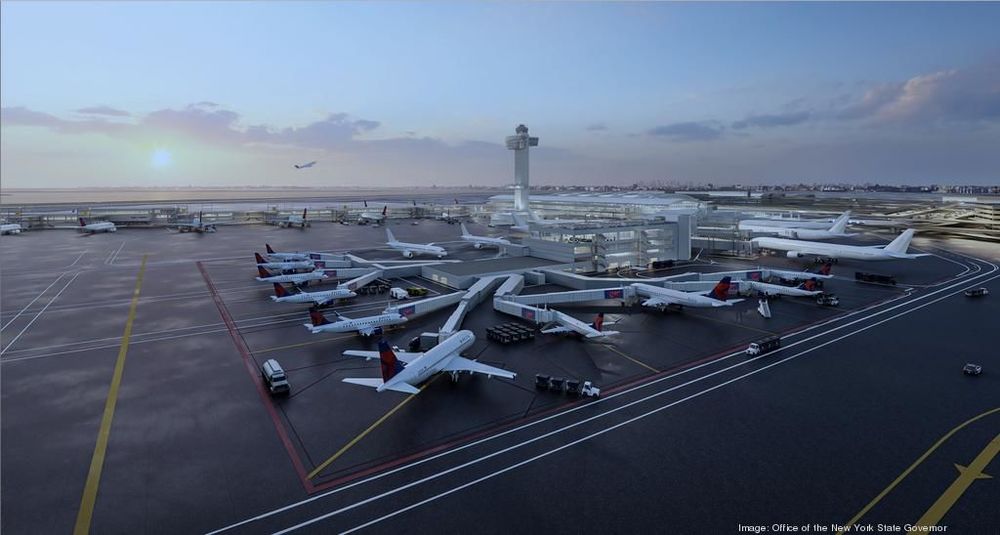
    Had the same problem. Reinstallation didn't work. Switched "GSE - Cargo" off/on sevral times, all of a sudden it worked! 1.2 is an absolute gamechanger by now!! THX Still some weird effects (FPS drops >10) close to the landside of Terminal 4.

Account

Navigation

Configure browser push notifications

Chrome (Android)
  1. Tap the lock icon next to the address bar.
  2. Tap Permissions → Notifications.
  3. Adjust your preference.
Chrome (Desktop)
  1. Click the padlock icon in the address bar.
  2. Select Site settings.
  3. Find Notifications and adjust your preference.