2302rs
Member
-
Joined
-
Last visited
Everything posted by 2302rs
-
thank you for the clarification. regards, Raffael
-
Hi, I just wanted to buy the premium version for MSFS2024, I do own the 2020 version. I tried to apply the discount code (OMDB-UG) but it isn't accepted. Is there a new upgrade code available? Thanks and kind regards, Raffael
-
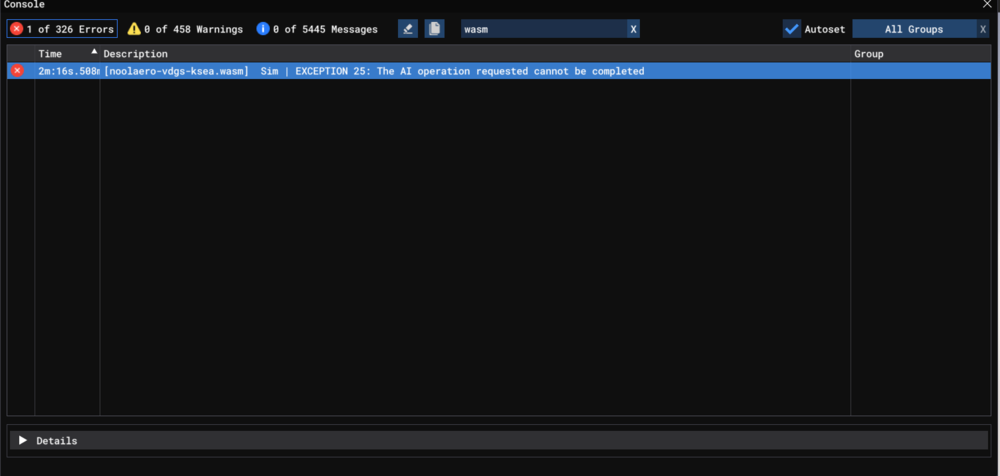
[noolaero-vdgs-ksea.wasm] Sim | EXCEPTION 25: The AI operation requested cannot be completed EIS1 Simulator: FS2024 Navdata Method: NAVIGRAPH Specs: i7 10700k, 4070 Ti Super, 32GB of RAM no dicernible action that precipitated the crash. AC was climbing along the SID, last action was setting altimeters to standard (crash didnt happeb immediately afterwards)
-
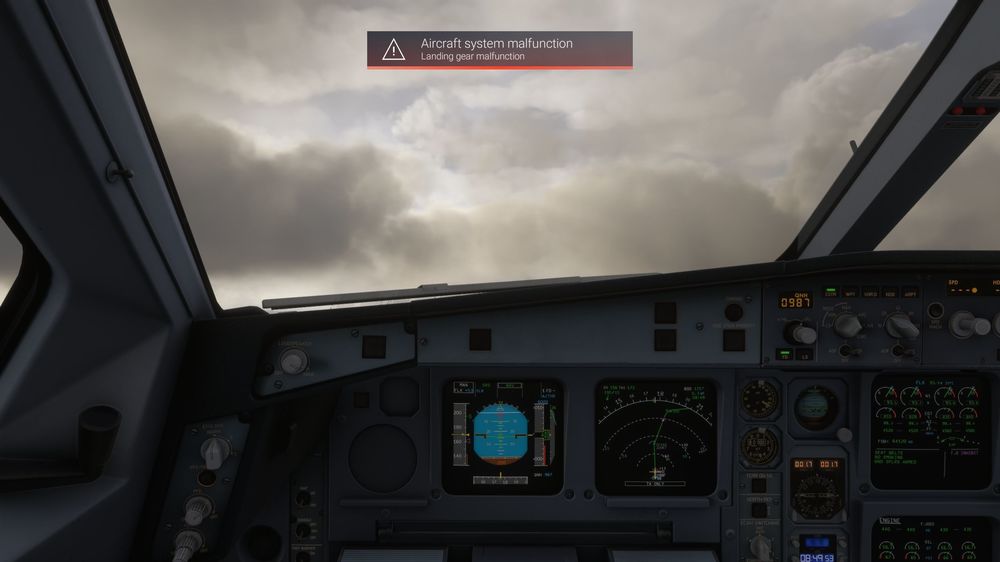
Had the same error twice now, on different flights. First one was before the update, right after initial release. I made a screenshot of the message, which shows again at gear retraction. Please fix this 🙂
-
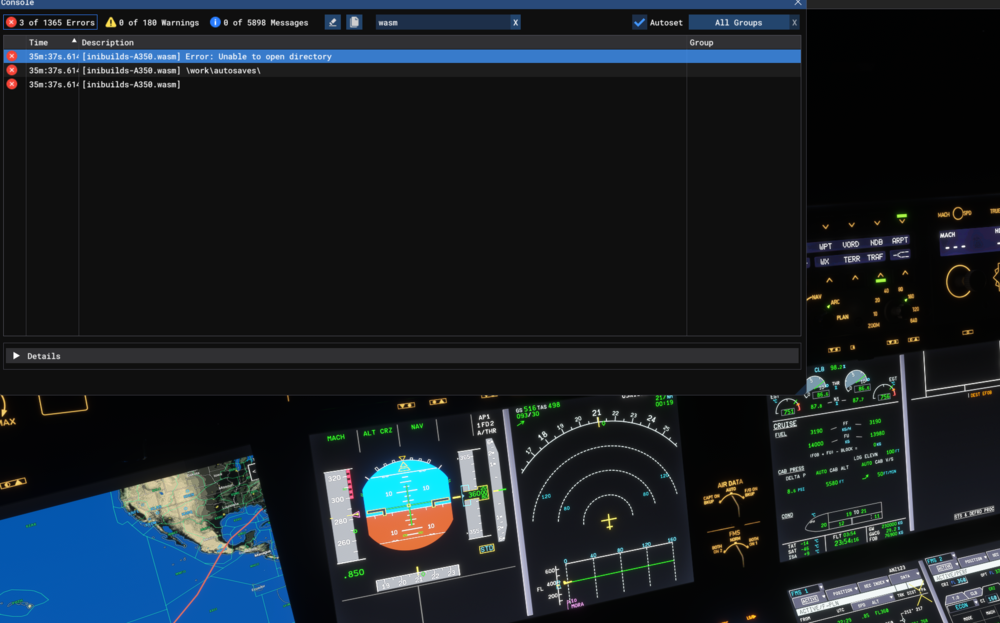
Happened during cruise without any active input from me at the time (after about 3 hrs of flight time) information: Aircraft: A350 ULR Simulator: FS2024 Navdata Method: NAVIGRAPH WASM Error: [inibuilds-A350.wasm] Error: Unable to open directory [inibuilds-A350.wasm] \work\autosaves\ [inibuilds-A350.wasm] Specs: i7 10700k, 4070 Ti Super, 32GB of RAM 1760831394.bin