



Skip to content
View in the app

A better way to browse. Learn more.

iniBuilds Forum

A full-screen app on your home screen with push notifications, badges and more.

To install this app on iOS and iPadOS
  1. Tap the Share icon in Safari
  2. Scroll the menu and tap Add to Home Screen.
  3. Tap Add in the top-right corner.
To install this app on Android
  1. Tap the 3-dot menu (⋮) in the top-right corner of the browser.
  2. Tap Add to Home screen or Install app.
  3. Confirm by tapping Install.

rdat12

Member
  • Joined

  • Last visited

  1. I noticed that navigraph charts desktop app was also not loading either and at that point I have discovered I've had a network issue. I restarted network connection and the map buttons are shown once again. However it appears that the map cannot recover from this situation once connectivity is restored.
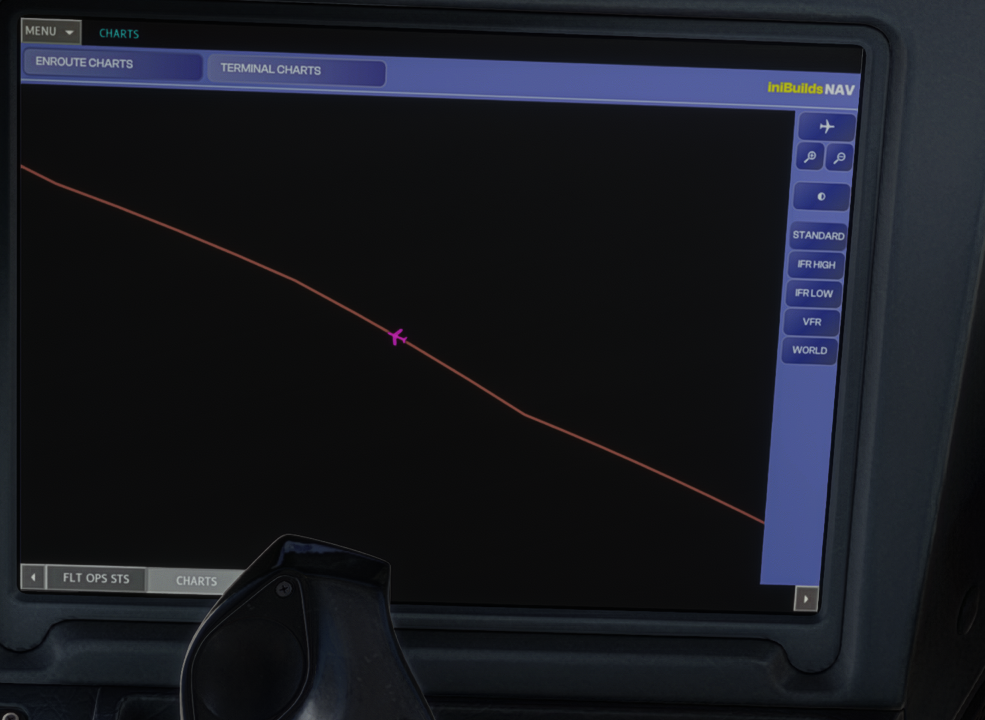
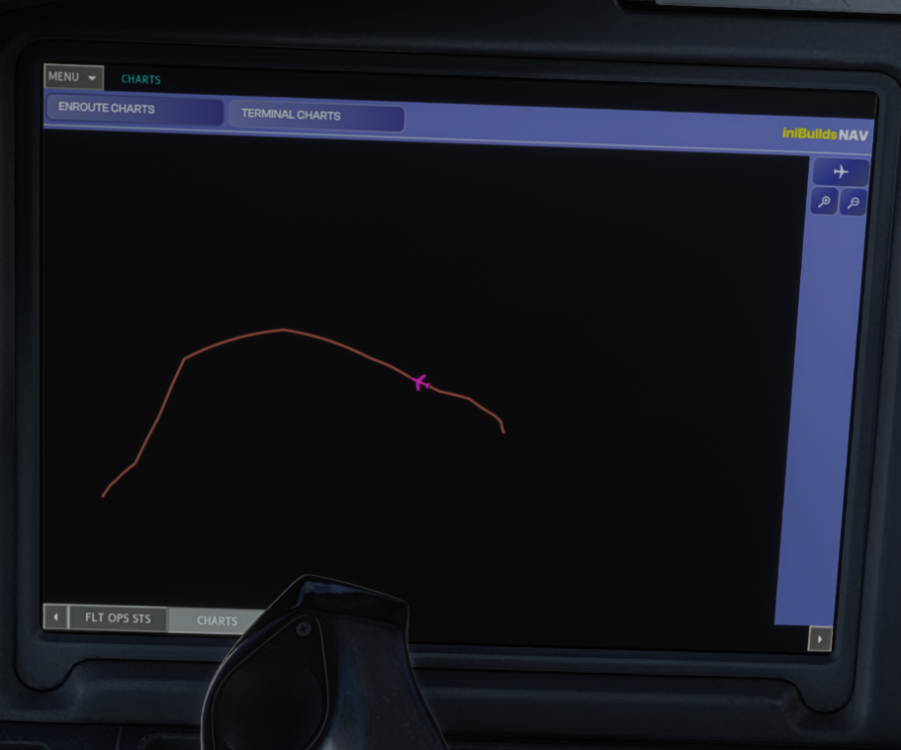
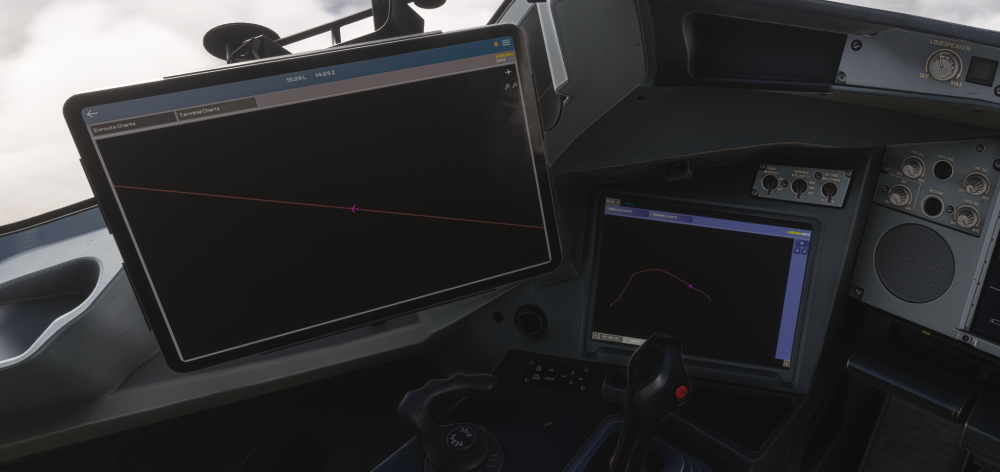
  2. OIS Enroute map started off fine but after a while map tiles have stopped loading and all map controls are hidden and all I'm left with is a blank screen. EFB charts also exhibit same issue.
Account

Navigation

Configure browser push notifications

Chrome (Android)
  1. Tap the lock icon next to the address bar.
  2. Tap Permissions → Notifications.
  3. Adjust your preference.
Chrome (Desktop)
  1. Click the padlock icon in the address bar.
  2. Select Site settings.
  3. Find Notifications and adjust your preference.