Nighthwk
Member
-
Joined
-
Last visited
Everything posted by Nighthwk
-
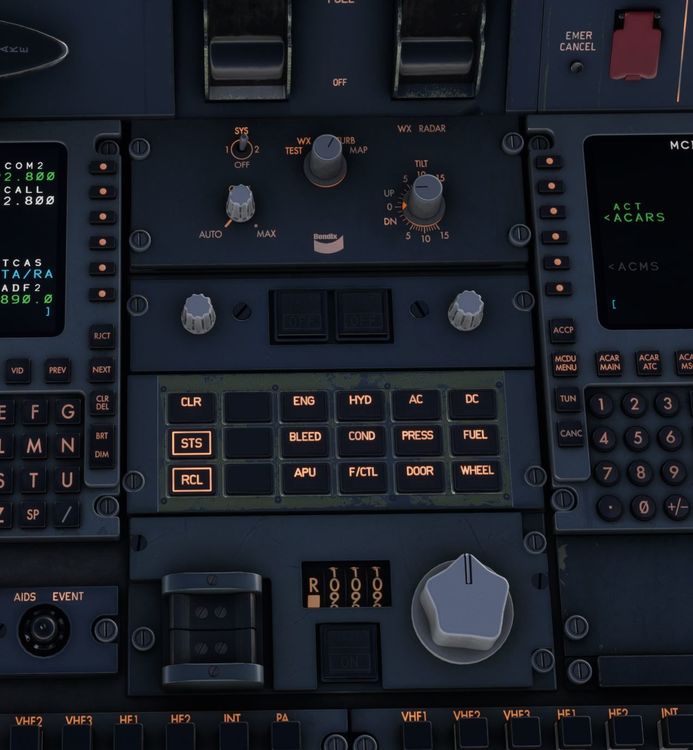
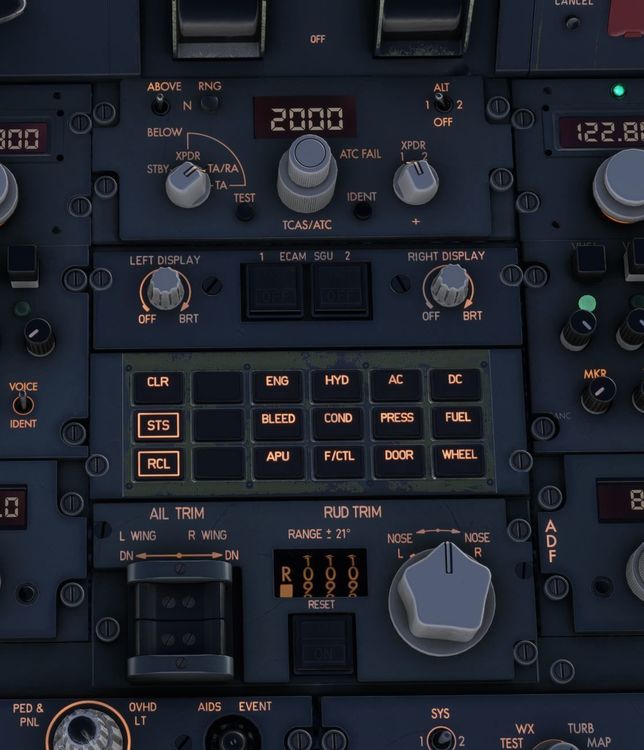
With the latest build, there is missing text on the panels aft of the throttle quadrant when the IDC is enabled. When the IDC is disabled, the text returns. Attached pictures are from the freighter, haven't checked the passenger variant.
-
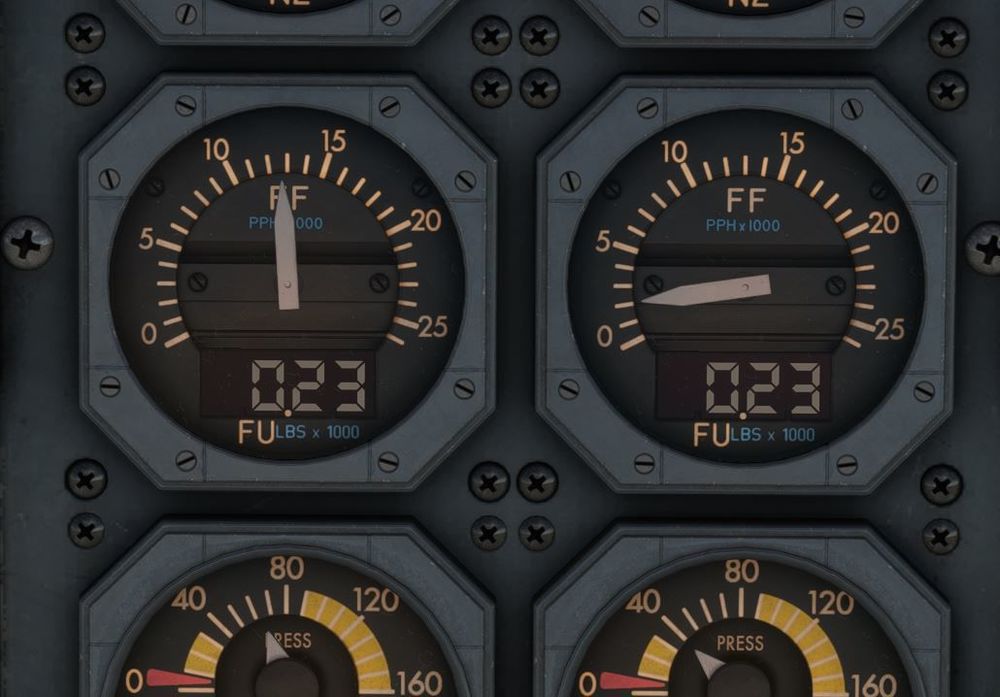
For me, it happens on both the freighter and pax on PC. If you single-engine taxi at a large airport with only the right engine running, you'll notice the fuel used for the right engine stays at 0.00 until the left engine is started, from which point it'll count up in sync with the left engine. For example, after a 30-minute single engine taxi today, the right engine showed 0.00 for fuel used as I was starting the left engine. After a few minutes of the left engine running, both counters ticked up to 0.01 at the same time.
-
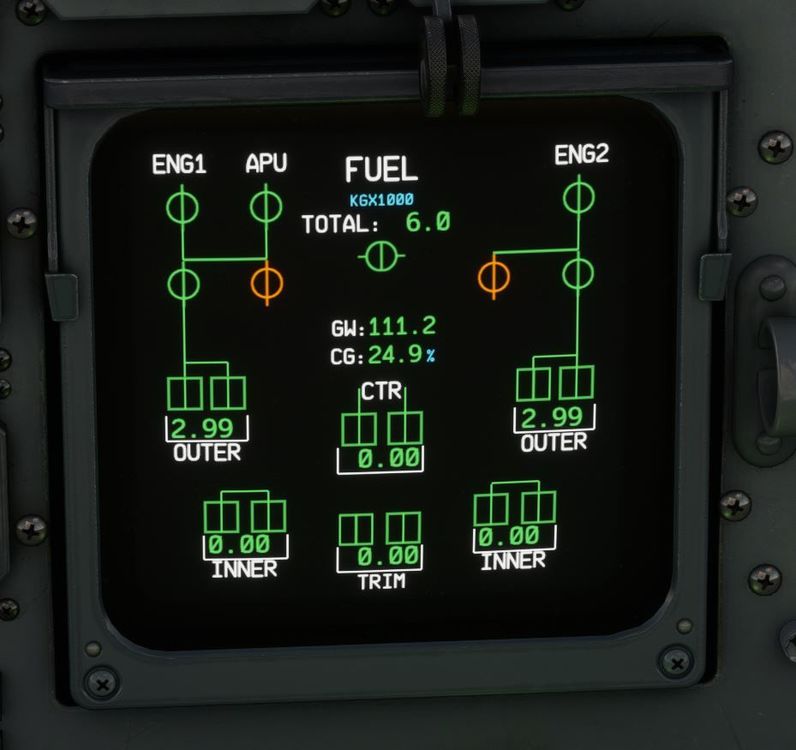
Comparing the FCOM to the sim, a few lines are missing on the FUEL ecam page.

-
When MSFS is not in focus, all other sounds are muted as expected, except for the brake fan sound.
-
During a prolonged single-engine taxi, I noticed that the running engine (engine 2) showed 0.00 for fuel used after running for nearly half an hour. When I started the #1 engine, the fuel used indicators on both engines almost immediately jumped to 0.01. Further testing showed that with engine 2 running at TOGA and engine 1 shut down, the fuel used quantity on the running engine did not increase from 0.00 even after running at this power setting for 5 minutes. When engine 1 was started, both fuel used indicators jumped to 0.01 again. With both engines running, engine 1 was pushed to TOGA with engine 2 at idle, and both indicators increased at the same rate, even with such a massive difference in fuel flow. The expected behavior is that each indicator is based on the flow flow for that respective engine, rather than being tied to engine 1.