




marius1411
Member
-
Joined
-
Last visited
Everything posted by marius1411
-
-
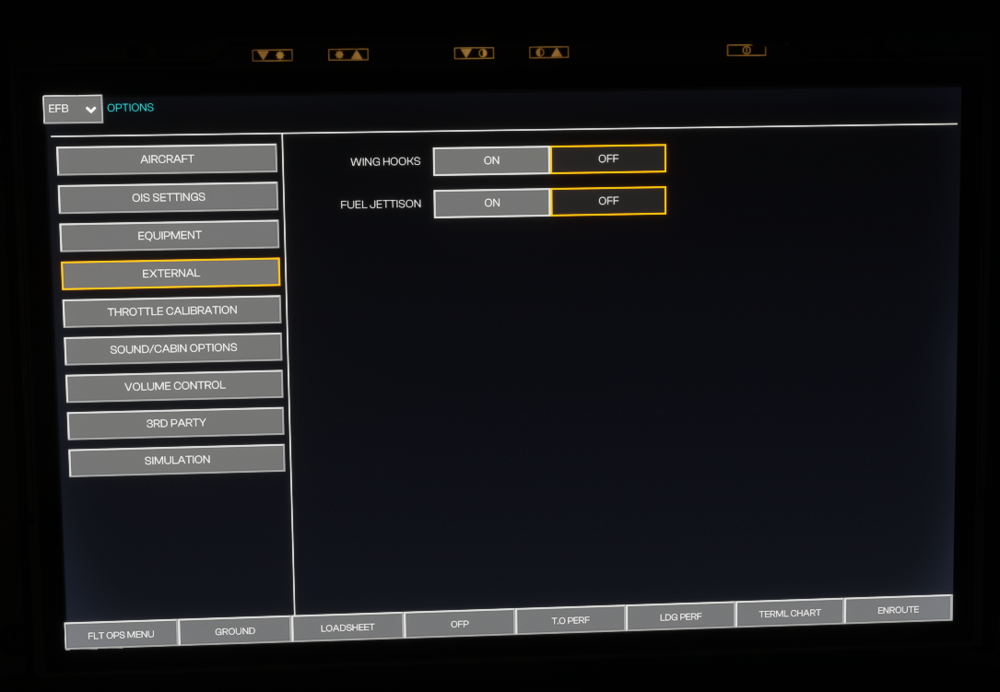
As said above, on the A350-1000, I can not select, which Sharket/Winglet Type I would like to have. The option is not available. Using 1.0.2, but the issue was existing as well with 1.0.1 and 1.0.0 . WASM was cleared and Aircraft was reinstalled to troubleshoot. Please have a look into it. Thanks.
-
Hi I have the same problem, the Cost Index in the CRZ Phase seems to be broken and not have an effect on th Managed Speed.
-
Hey, done 2 flights with the A350 now, first of all: brilliant work! Love that bird! One thing I have noticed though: when editing the Cost Index, the speed values on the CLB and DES Page change. As they should, perfect! -->But the CRZ page always stays at .85 ECON. When in Cruise and CRZ mode, I noticed, that once I pull the speed selector, I can see the magenta diamond showing the predefined ECON Speed (it was around .84 in my case with CI15 today... if I push back to managed SPD / ECON mode, plane would have accelerated to .850) Could someone please confirm that and have a look into it? The Cost Index Data seems to be implemented and available (as I can see it on the magenta diamond once I pull the speed selector in cruise+ CLB and DES pick up the Cost Index and change accordingly), but someohow the AC overrides it in MACH ALT CRZ and always cruises with .850 Thanks a lot! Cheers!
