




yxmiavia
Member
-
Joined
-
Last visited
-
Hi, I realised I forgot to update the A300 to V1.0.1. I updated it and it seems to have resolved the issue. You can close this topic.
-
Hi, This issue is with the PAX variant. I tried downloading the official liveries both from the inibuilds forum and from inimanager, but both have the same issue. The freighter and its liveries work fine for me. I have not tried downloading any 3rd party liveries for the PAX. For reference, this is the monarch 2-pack livery.
-
Hello, I have had this issue as of late with the pilots appearing for some reason in the interior of the aircraft. Because of this it causes many of the switches to not work and show off readings. Is there a solution?
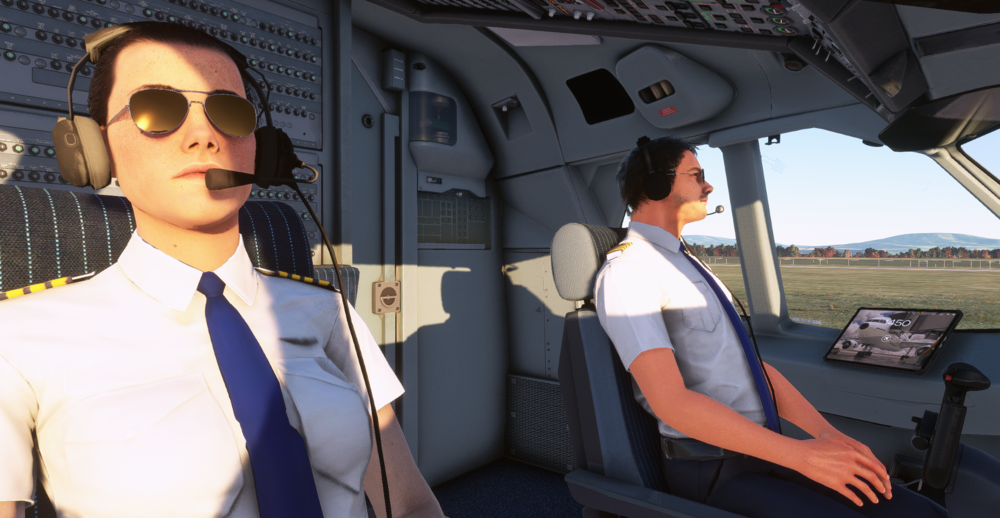
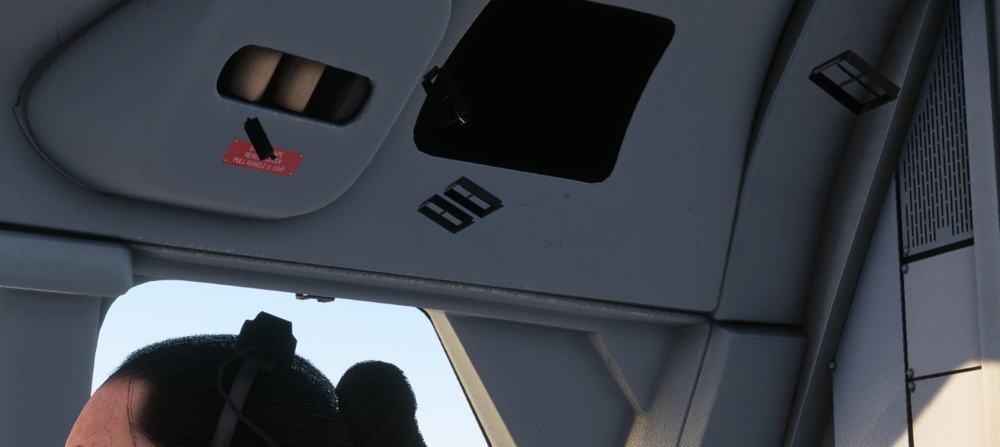

-
Hi, Can you share the solution as I have this same issue as well. Both pilots in the cockpit in both variants.


