




capizolano
Member
-
Joined
-
Last visited
Everything posted by capizolano
-
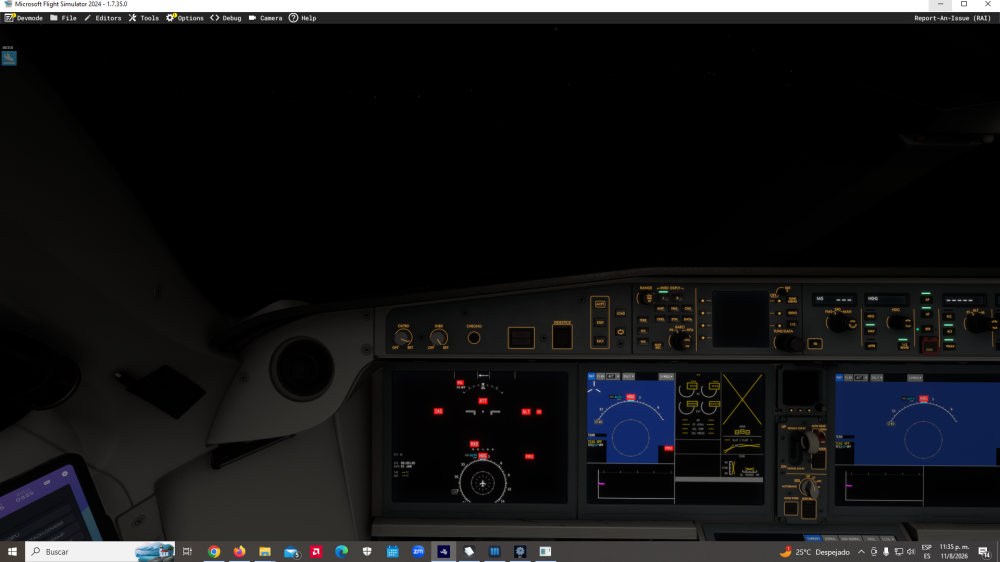
It just happened to me again, with the latest update and with Fsrealistic disabled. Screens off, engines off, but the internal and external lights on, and the plane is losing altitude.
-
no. i use Fs realistic and Chase Plane
-
i don´t now. i was away from the pc, after 2 or 3 hours, the plane was un auto pilot.
-
twice my aircraft turn off totally during the fly. engines, all off.
-
the problem is the file of addon: fsuipc-ivar-module
-
IMPOSSIBLE START the fly, the simulator get frozen
-
I has the same problem with the same Airbus TCA
-
Why are you making us wait so long?, publish the plane at once, i am tired for wait, fist the winter announces, after te posth, now some days more

