




Daisser
Member
-
Joined
-
Last visited
-
Thank you - I mapped 3 buttons (bay open, release, reload) and it works perfectly. Very cool and great customer service with responses!
-
Awesome, sounds good thank you!
-
I was trying to map the cargo hold and release to buttons in SPAD to my hardware but I can't get the LVAR variables to toggle correctly. Can you please advise what they are?
-
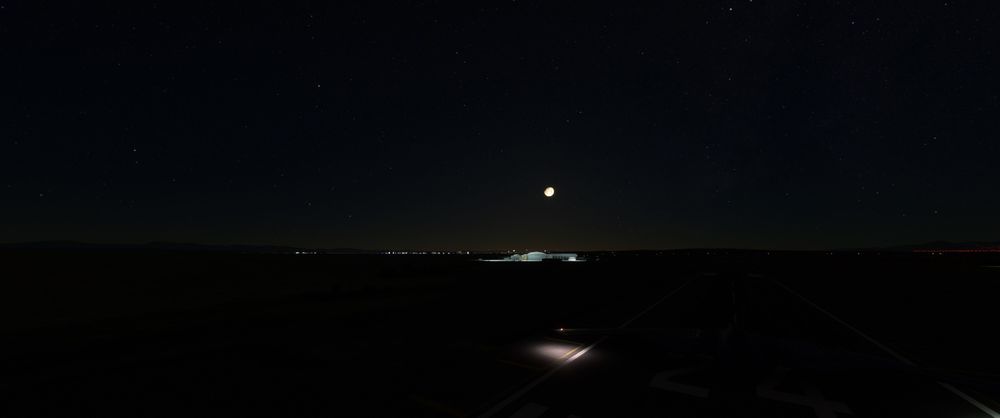
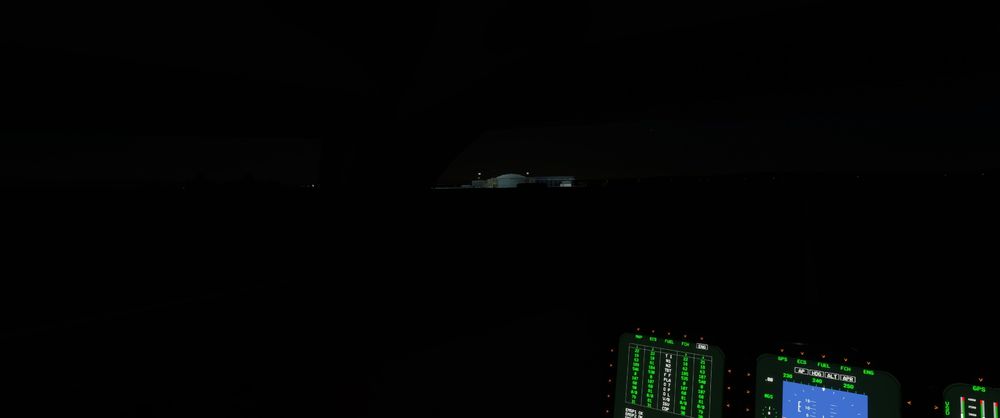
I couldn't figure out how to Edit my post so I thought I'd add some screenshots. You can see the difference between the two pictures. I tried messing with Bloom and Cockpit glass settings to no avail.
-
Good evening. I purchased your B2 and noticed something about the visibility out of the cockpit at night. If I look out my cockpit (straight left or right view) it is significantly darker then if I go to external camera and look around. Is this how its designed for real (park of the stealth?) is this something anyone else is noticing? I tried checking the manual and couldn't find anything on this, and will continue to mess around with it. It's really hard to see anything at night, other craft don't seem to do this. Outside of that the aircraft is gorgeous, flies great.

