Skip to content
View in the app

A better way to browse. Learn more.

iniBuilds Forum

A full-screen app on your home screen with push notifications, badges and more.

To install this app on iOS and iPadOS
  1. Tap the Share icon in Safari
  2. Scroll the menu and tap Add to Home Screen.
  3. Tap Add in the top-right corner.
To install this app on Android
  1. Tap the 3-dot menu (⋮) in the top-right corner of the browser.
  2. Tap Add to Home screen or Install app.
  3. Confirm by tapping Install.

Jeff Turner Sky Blue Radio

Member
  • Joined

  • Last visited

Everything posted by Jeff Turner Sky Blue Radio

  1. When will this product come out of Beta?
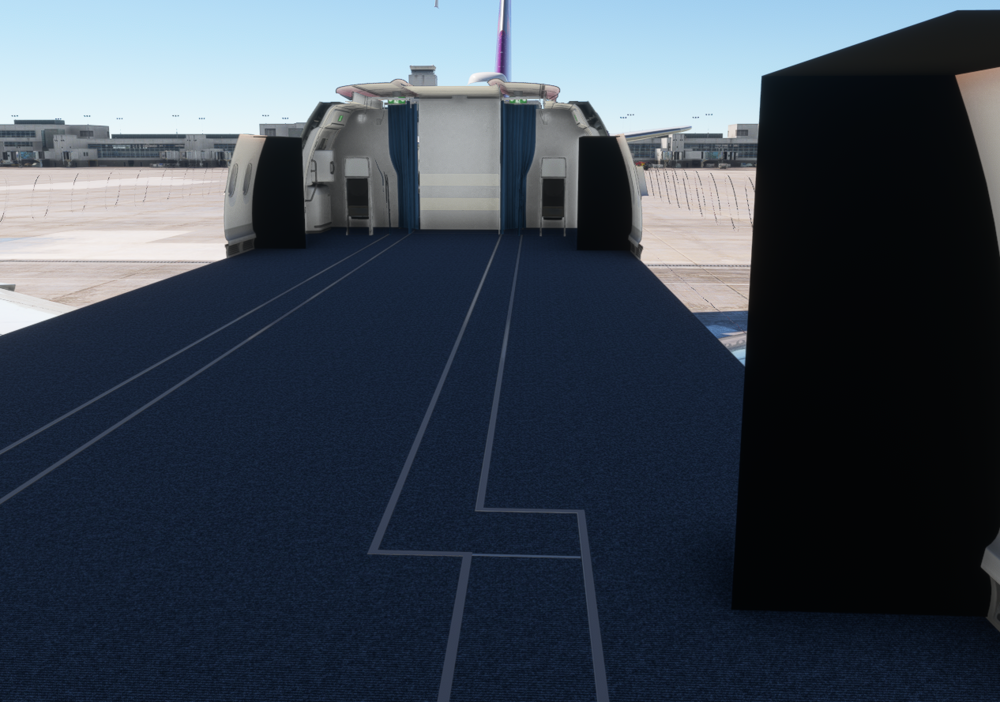
  2. Not sure what I did wrong... But, Loaded the 900 series, was missing some lights on the overhead, then reloaded the 1000 version and it worked fine. Must of been that loose nut behind the yoke.
  3. Hi Guys, Since the update this past weekend, Flight Sim 2020 is not loading the aircraft for me. I've deleted the WASM folder and it gets to about 90% and then stops... For hours... Several, Several Hours. Suggestions?

Account

Navigation

Configure browser push notifications

Chrome (Android)
  1. Tap the lock icon next to the address bar.
  2. Tap Permissions → Notifications.
  3. Adjust your preference.
Chrome (Desktop)
  1. Click the padlock icon in the address bar.
  2. Select Site settings.
  3. Find Notifications and adjust your preference.