



Skip to content
View in the app

A better way to browse. Learn more.

iniBuilds Forum

A full-screen app on your home screen with push notifications, badges and more.

To install this app on iOS and iPadOS
  1. Tap the Share icon in Safari
  2. Scroll the menu and tap Add to Home Screen.
  3. Tap Add in the top-right corner.
To install this app on Android
  1. Tap the 3-dot menu (⋮) in the top-right corner of the browser.
  2. Tap Add to Home screen or Install app.
  3. Confirm by tapping Install.

bliblobla

Member
  • Joined

  • Last visited

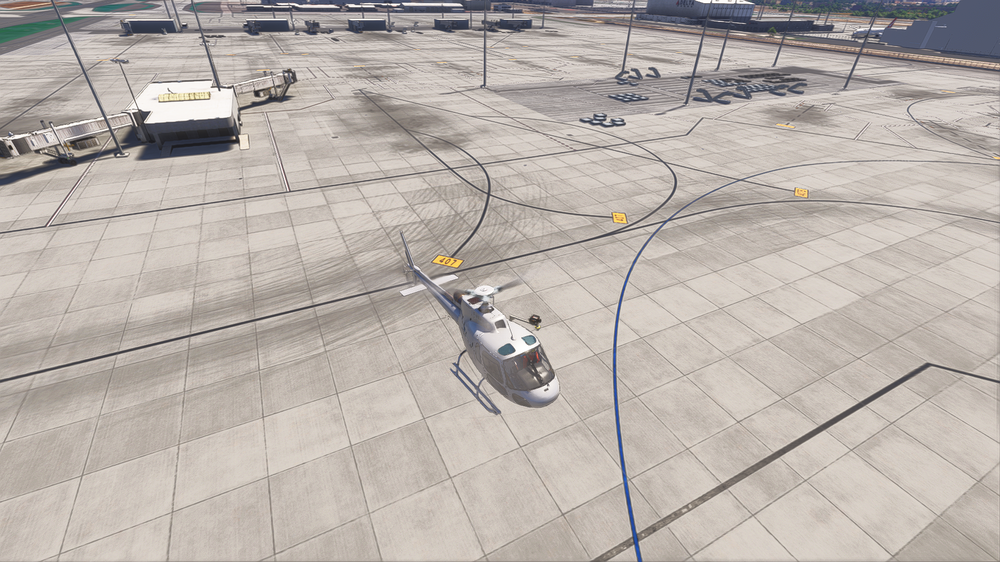
  1. hi, my taxilines are all black, i don't know why, even with asobo version deactivate.
  2. bliblobla posted a topic in Support
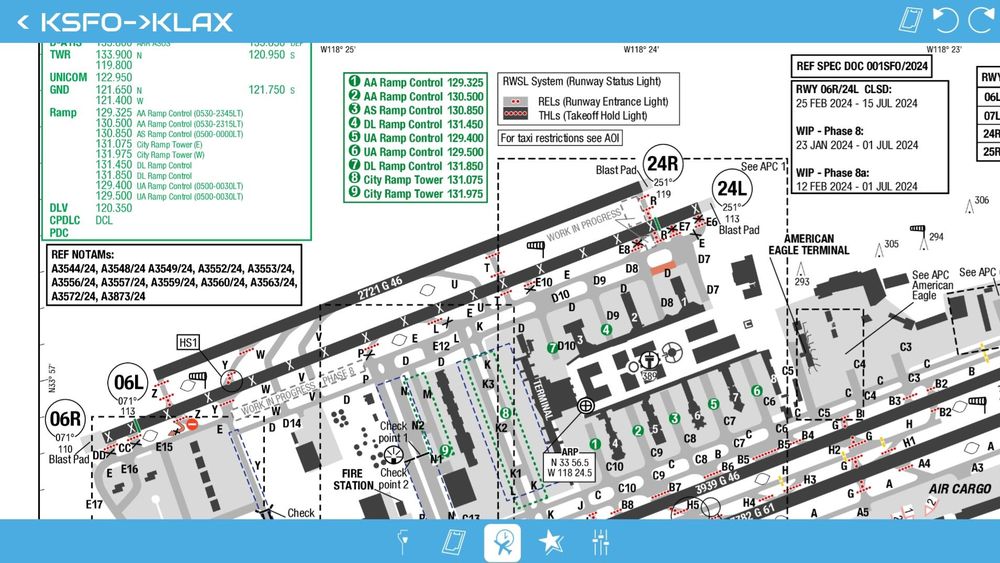
    Hi, Im wondering if we Will have an update for new runway 24R exits (Y, W, V, ...) ?
  3. Hi, the first update was good but with last one hangar is missing again, i tried with empty community, activated all options. maybe you changed something ? 😒
  4. all fine with update.
  5. i tried both, nothing work 😢
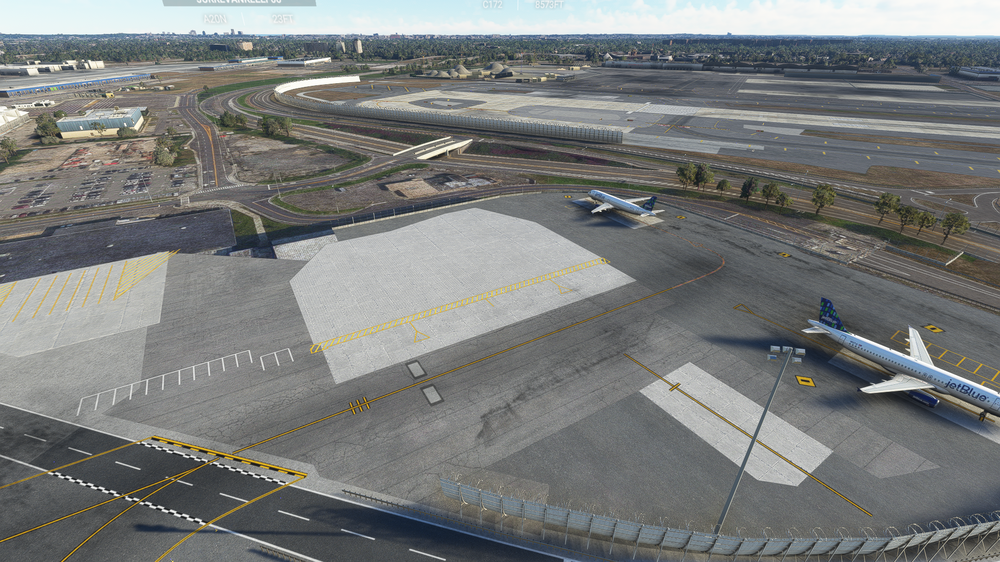
  6. hi, my jetblue is missing asobo is uninstall
  7. I think you can just make the jetway working without spawn.
  8. Hi, Can we have an update for gate 38 ? Gate 38 is not appear on map and jetway doesnt work too

Account

Navigation

Configure browser push notifications

Chrome (Android)
  1. Tap the lock icon next to the address bar.
  2. Tap Permissions → Notifications.
  3. Adjust your preference.
Chrome (Desktop)
  1. Click the padlock icon in the address bar.
  2. Select Site settings.
  3. Find Notifications and adjust your preference.