AsukaBlackbird
Member
-
Joined
-
Last visited
Everything posted by AsukaBlackbird
-
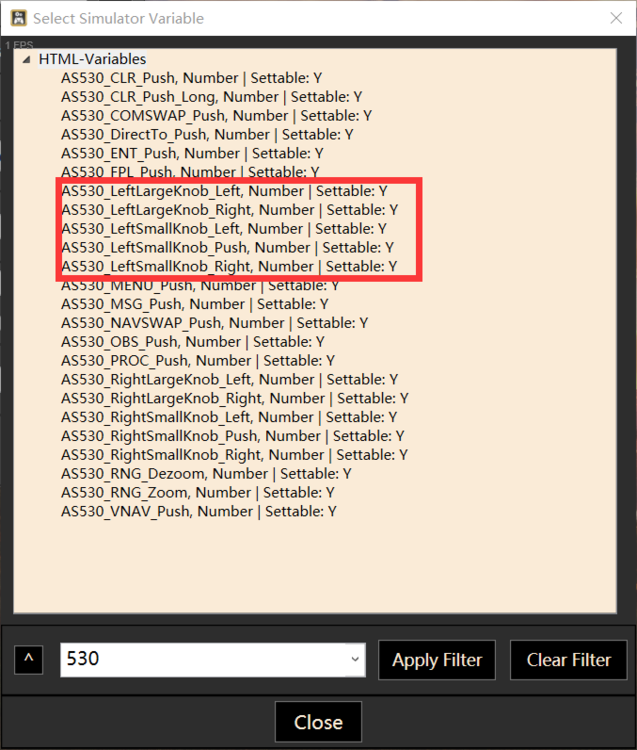
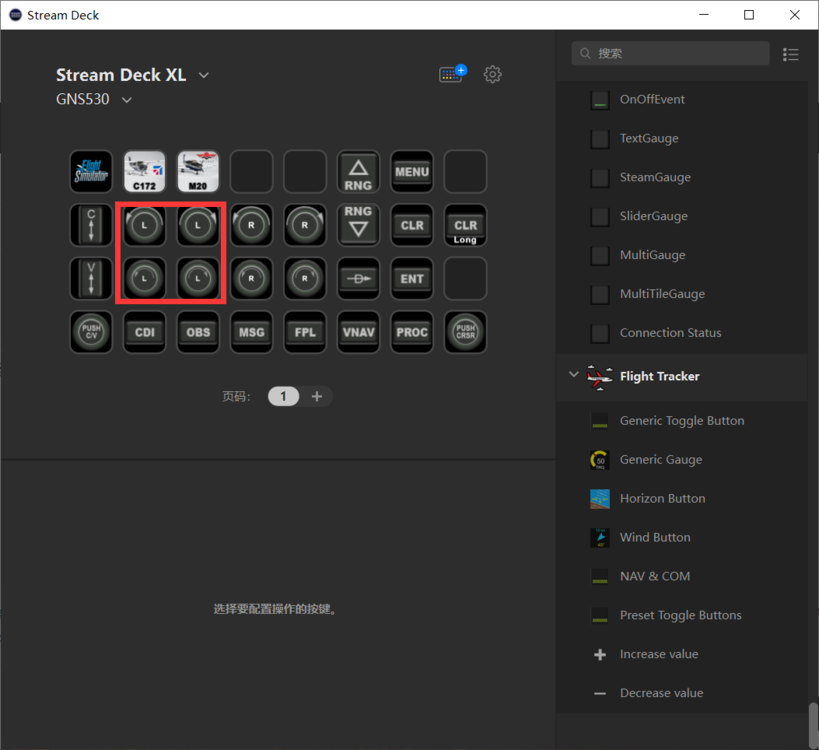
Hi It’s just for buttons action not for feedback light, it separate individual SimVar.
-
Hi, I try to make a StreamDeck mods for AN225. I meet a problem, I can't find which LVar or Avar make these two light ON.
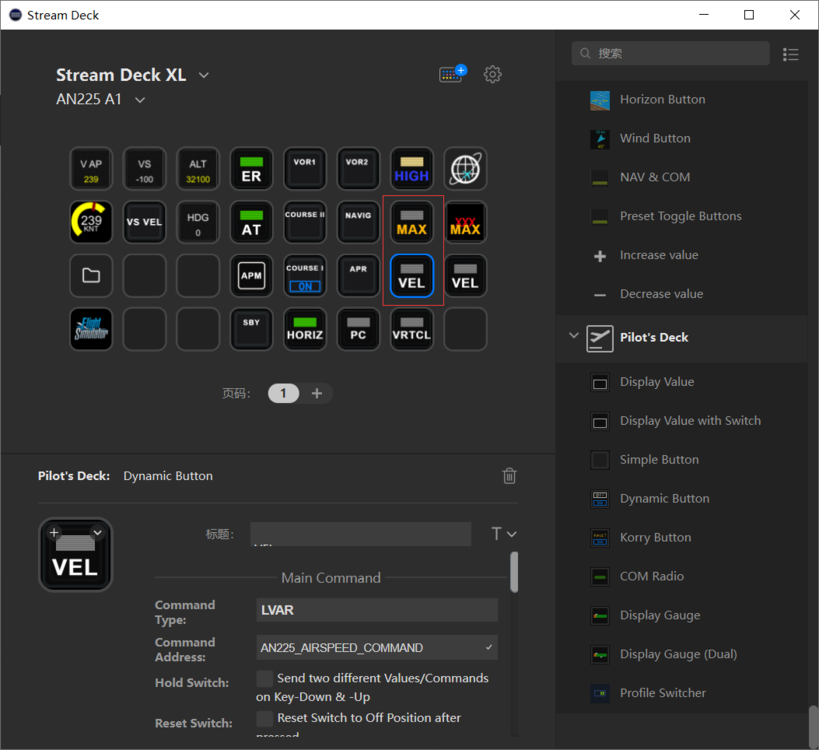

-
It hard to hear even I turn sound volume to 100% both system volume and ingame setting. Is it has any solutions?
-
Hi, Thank you! I find same problem with VLOC control.
-
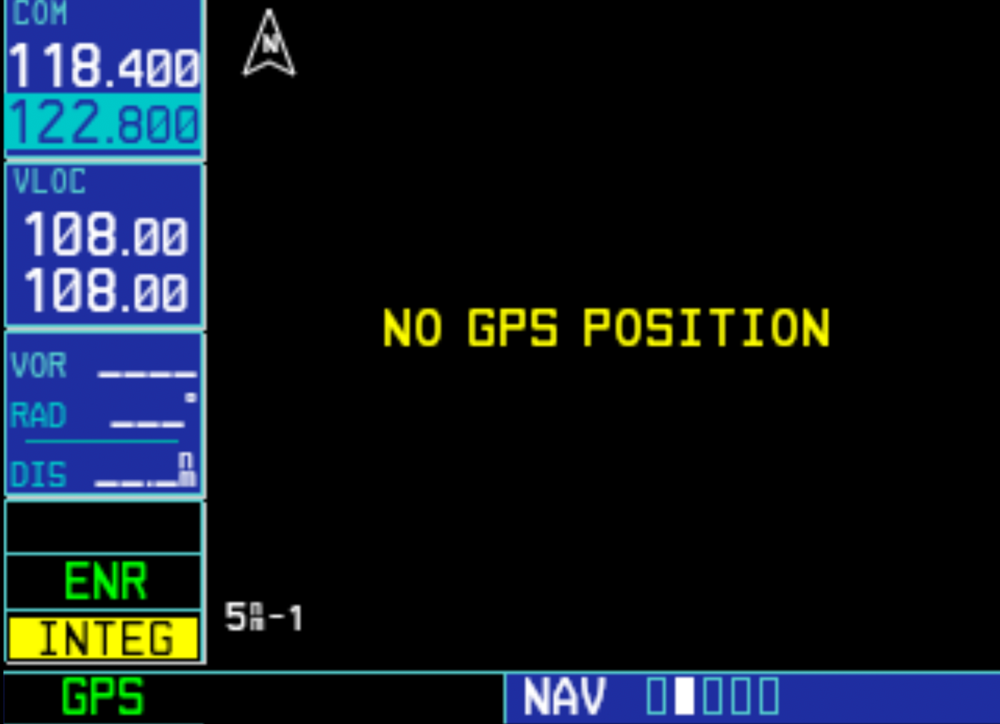
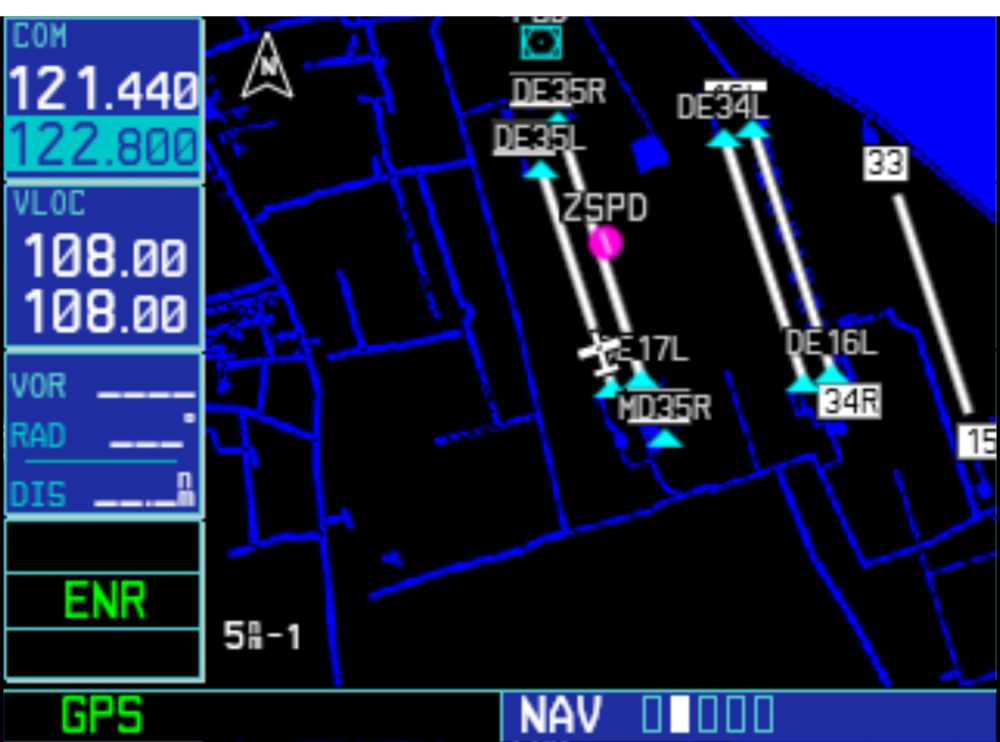
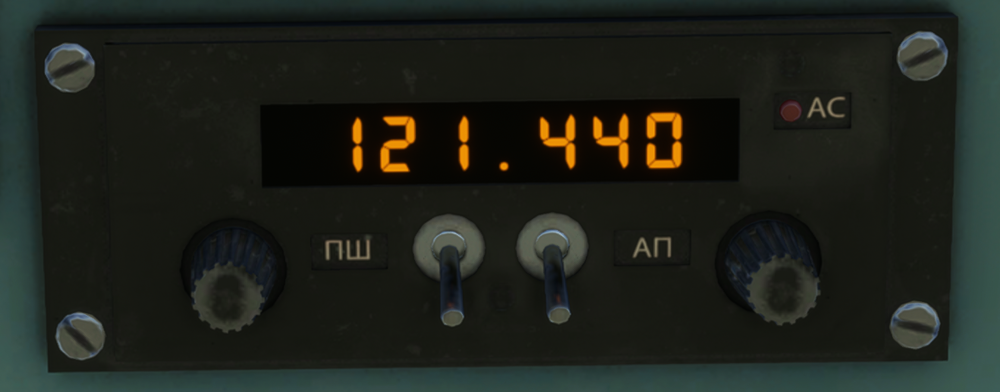
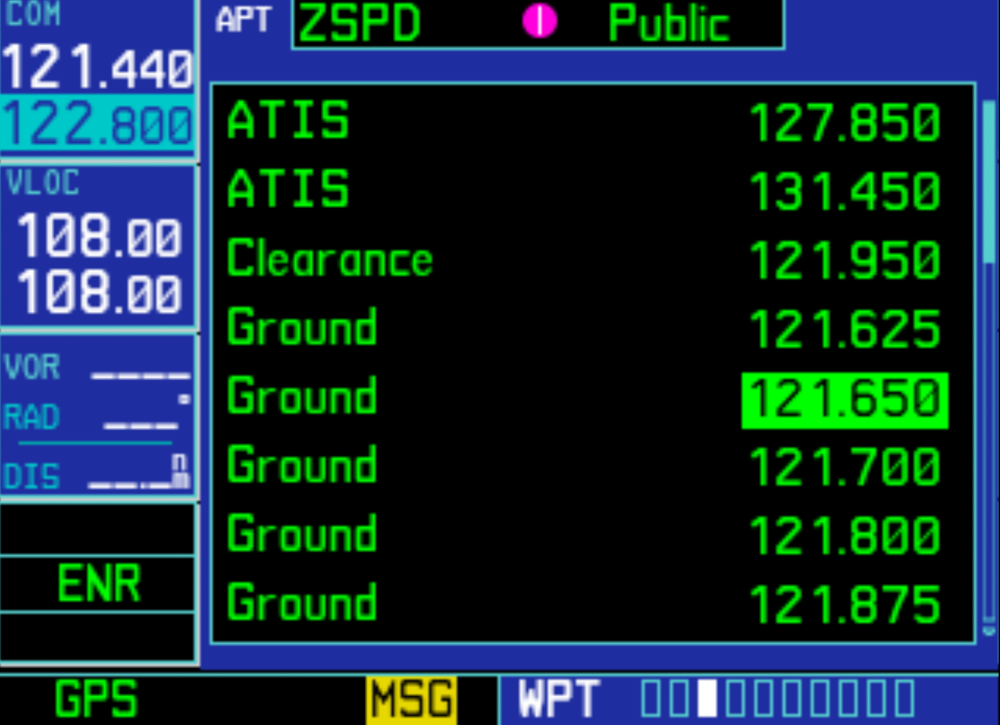
Hi! I have A Stream Deck XL through AAO to control GNS530. I meet two problem from COM system. Problem A. When I use that action. It will change COM 1, not stanby COM. Before action COM. After action COM. As you can see the COM1 changed but stanby COM not change. The action adjusted Original COM not GNS530 stanby COM. Problem B. It have simular problem with quick COM select when I chose one it can't change to stanby COM. In game to click buttom feedback is correct, did not have any problem.