




jpmart
Member
-
Joined
-
Last visited
Everything posted by jpmart
-
Support sent me a solution: you actually need to disable the Gaya simulation scene that comes with the premium upgrade for Msfs2024. in MSFS Content Manager/My library (2024), search for EGSS in the search result, you see a line for Premium Upgrade/World Update to the right of Premium Upgrade, there is a blue 'list' icon, click it to expand all the content inside Premium Upgrade in the expanded list, find EGSS and uninstall it then everything is fine.
-
-
OK! thanks for your work on this subject 😉
-
Good morning, with the SU 12 no change. Sincerely
-
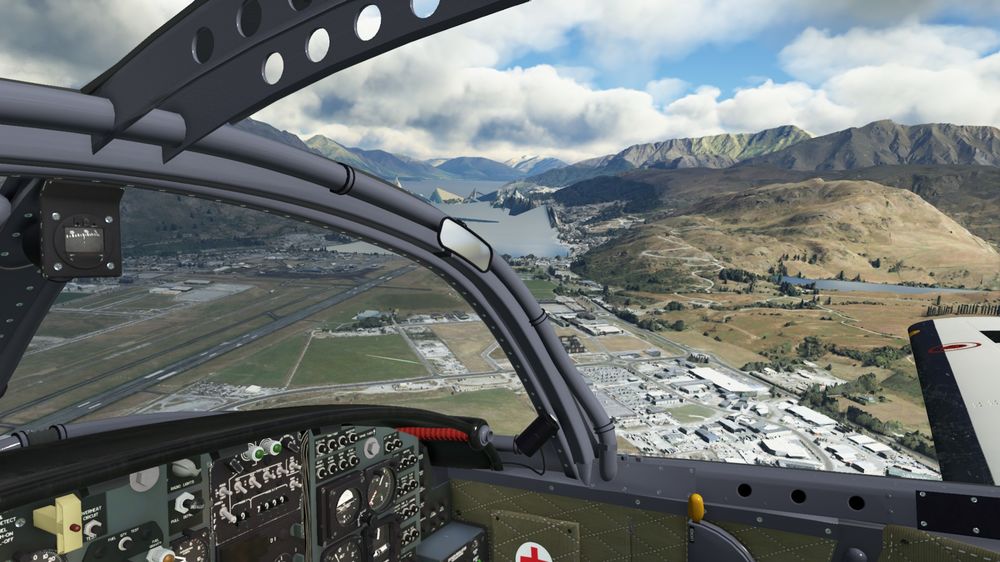
I did exactly what it says and the problem is still there. Whatever the situation, as soon as the scenery is active the peaks appear...
-
Hello, Same problem...
-
Thank you for the answer. I deleted the cache after each manipulation but still the same...
-
Hello! I tested with the Community Empty, same result, with the Community Empty and the Asobo scene uninstalled, same result...
-
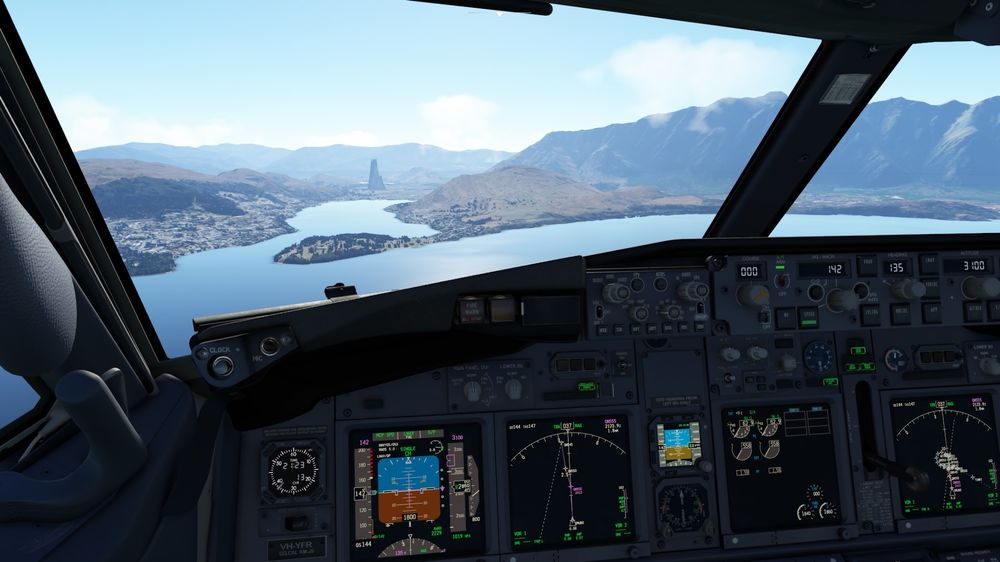
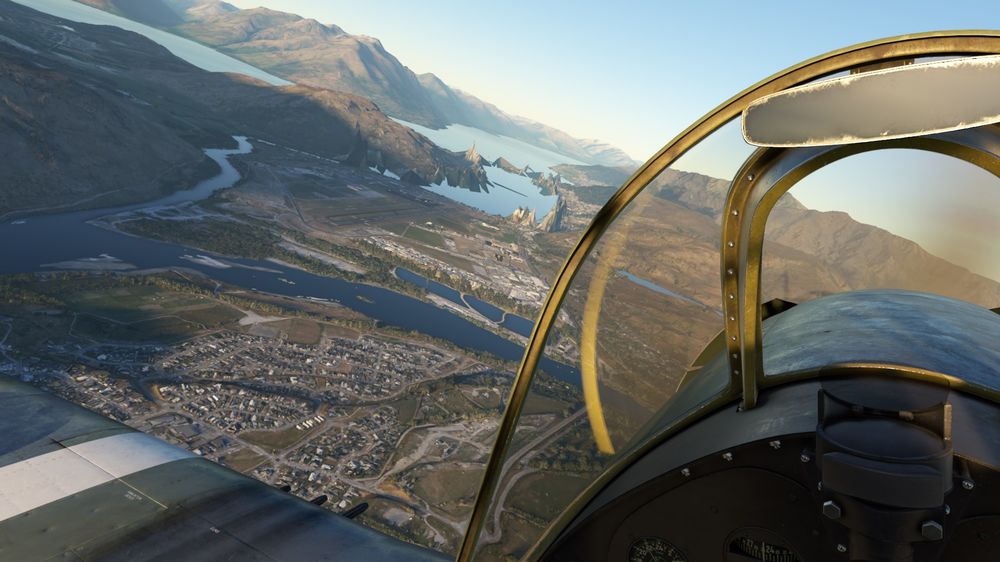
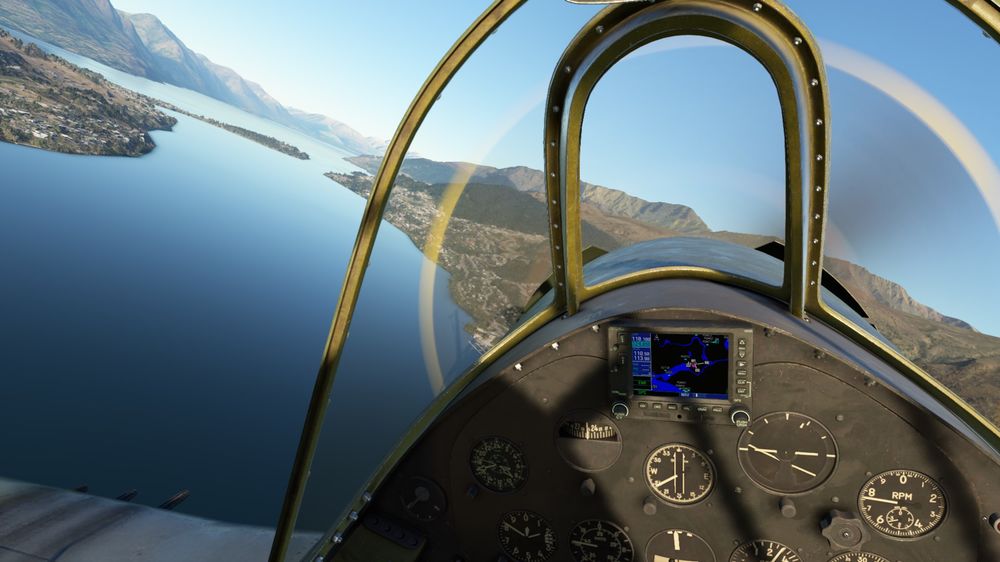
the Update had no effect. These anomalies disappear when you get closer... The Last View is WU12 without inibuilds NZQN.

.jpg.182c4a4a8d17c4438f455dc3af13b2af.jpg)


