Nimic
Member
-
Joined
-
Last visited
Everything posted by Nimic
-
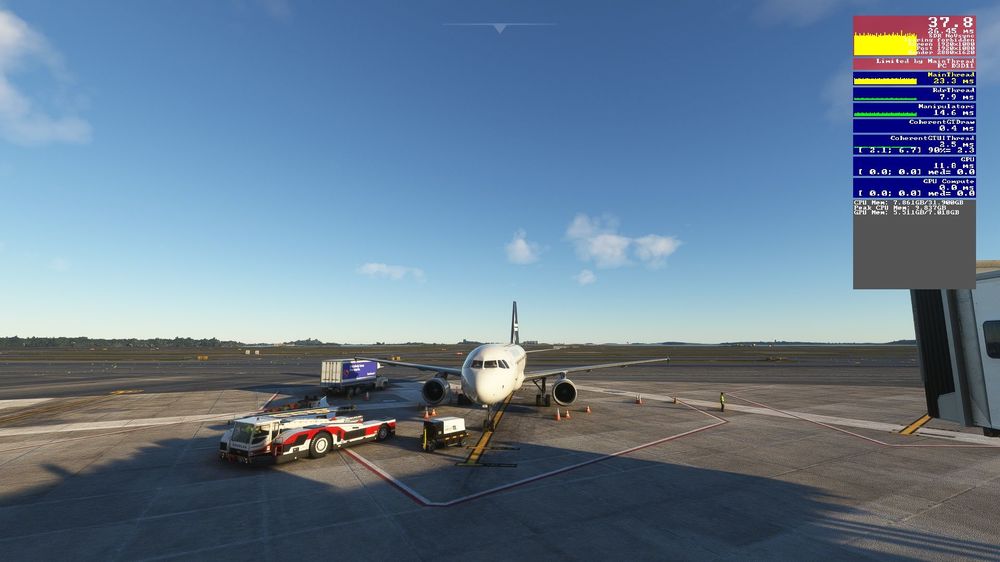
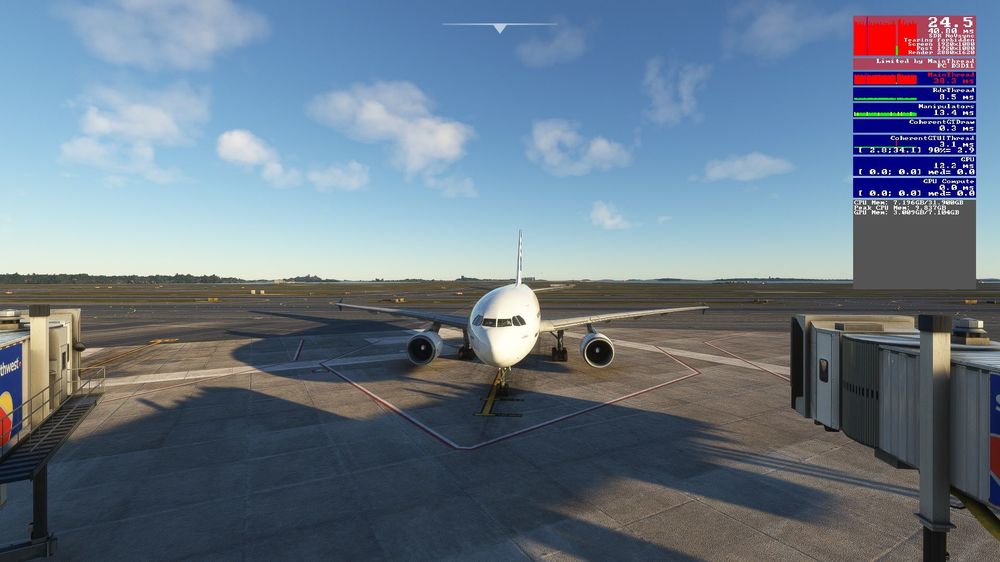
Hello, My sistem specs are the following: CPU: Intel i7-11700K GPU: Nvidia RTX 3070TI RAM: 32GB Windows 10 As I said, I had this problem at the release, but it was gone long time ago. And now, after the latest update, I had it during a flight from Helsinki to Gran Canaria. When I hit x4 time acceleration I am around 15 fps, but in the middle of the ocean and at 40.000 feet is unnoticeable. Furthermore, other aircrafts with time acceleration do not behave like this (such as PMDG 777 or A380 FBW). Only yours.
-
Your silence is even more disappointing than the bug itselft... 🙄
-
This happened after the latest update. I am on FS2020 The A/P then turn off and the aircraft goes in a dive. I had this problem on the very first release of this plane, but then it had been ironed out after 2 or 3 updates. But here we go again. It's frustating, I paid 68 € for this? I can't fly the aicraft with 4x acceleration, that means I should seat in front of the PC for at least 4 hours for a long-haul flight. It's unbearable. I can't accept it, especially because it looks like, instead of going forward, we are going backward.
-
For me as well when I enable auto time compression up to 4x it goes to that speed, but wings start rocking uncontrollably left and right to 30 ° of bank each side And I use time compression up to 4x on PMDG 777, 737 and default 787 So I can't accept the answer "it depends to your PC performance", because I can understand a performance degradation, but not this abnormal banking. I can't be in front of my PC for 6 hours or more, so without a time compression this aicraft is unusable for lonhaul flights.
-
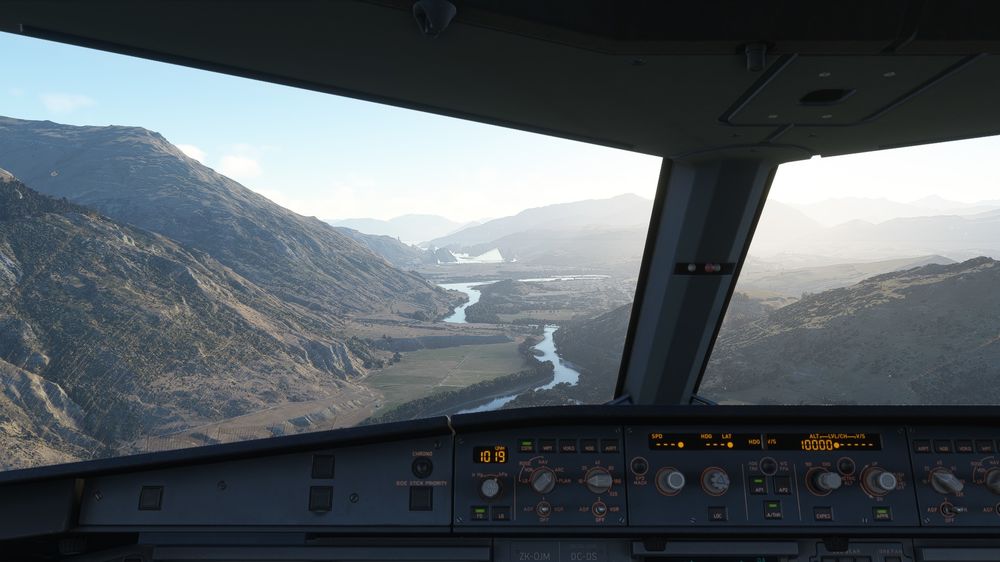
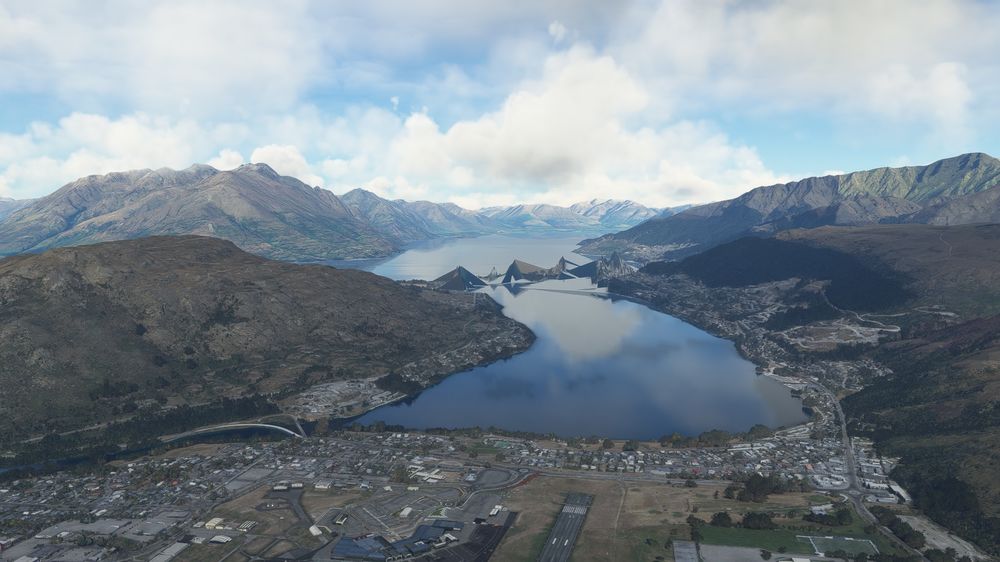
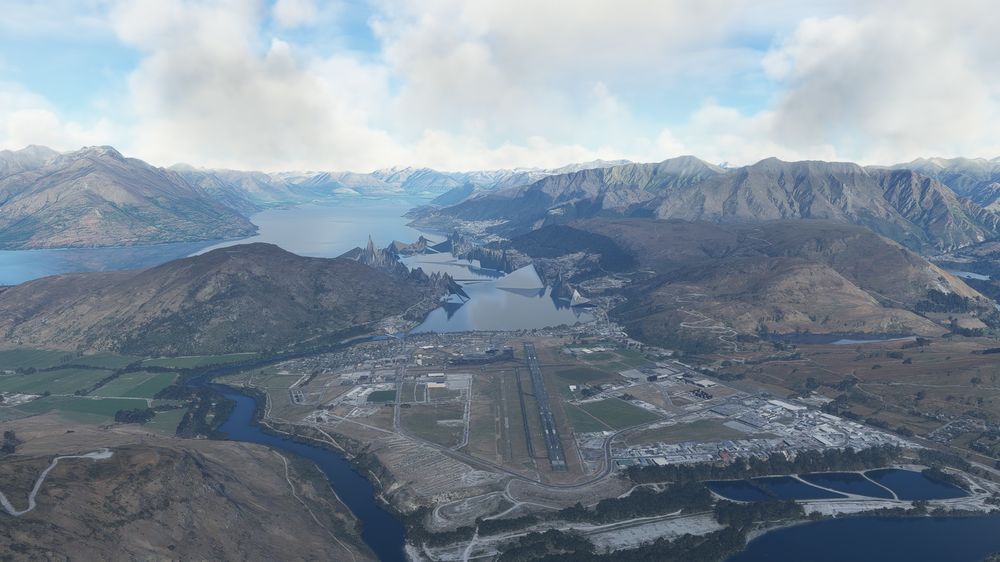
Hi, with v1.0.1 installed I still have spikes, same situation of mwa05. I really love your Queenstown scenery, I don't want to come back to the default Asobo version, but those spikes really prevent to enjoy it 😢
-
Negative I gave it a try with LOD at 255, and the very first time the spikes disappeared. But then, when I made a RNAV approach to runway 23, here we go again! This time, even with LOD 400 (!) nothing changes
-
Exactly, same situation described by mwa05
-
Same here I deleted the Rolling Cache, but the spikes are still there
-
I'm not doing NOTHING with my A310, because it's simply impossible to use The fact that you have an identical situation, and me and other people we are experiencing a loss of more then 10 FPS (!!!) it's the proof that there is something wrong with this aircraft, and it's not simply optimization or PC specs I have a GeForce RTX 3070Ti and Intel Core i7-11700k, and i get this