




GustavoAguiar
Member
-
Joined
-
Last visited
-
I don't understand why Synaptic complicated something so simple. This is the first addon I've seen that has this thrust reverser problem. Disappointing.
-
I doubt they'll do it. Unfortunately, iniBuilds doesn't care about those who want to repaint their planes that come with FS2024. What a shame.
-
Another issue that many people on Discord have complained about and that has never been resolved since the first update.
-
This Discord support is terrible, they don't solve anything! It's absurd to pay a lot for an add-on that doesn't work and have ridiculous support. I complained about the same thing in the thread and it didn't help me. The worst support ever.
-
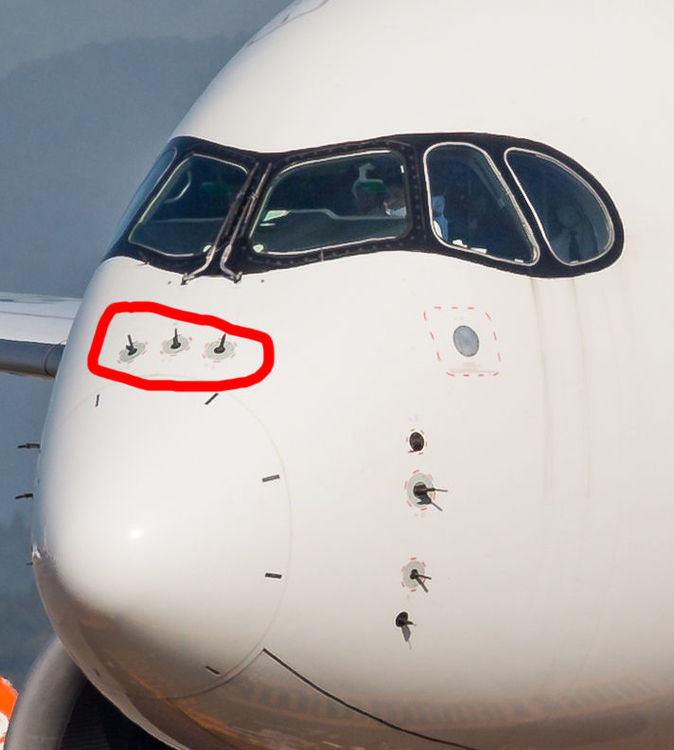
How I canconfigure the nose probes in MSFS2020?
-
-
I can't turn the autopilot knobs with the mouse scroll wheel. When turning them, the markings on the autopilot increase a little or even decrease even when I turn it to one side. I thought it was my mouse problem. I tested it on other planes, with no problems. I changed the mouse and tested it on the A310 and the problem persists.


