swisscow41
Member
-
Joined
-
Last visited
Everything posted by swisscow41
-
I have been experiencing this same problem. I will follow the steps described here.
-
I have been experiencing random left engine shutdown in flight during my last two consecutive flights. This reddit post seems to describe the same issue.
-
Yes I think it is solved. I will repost in a few days in case the problem returns.
-
Hi I changed anisotropic filtering to 16X. I'm not sure if that fixed the problem but things are looking much better now. I will let you know and send screenshots if anything changes.
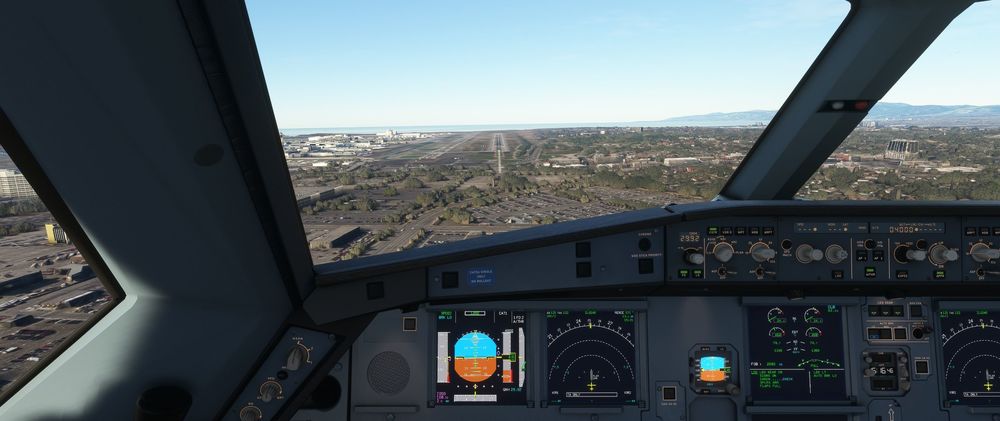
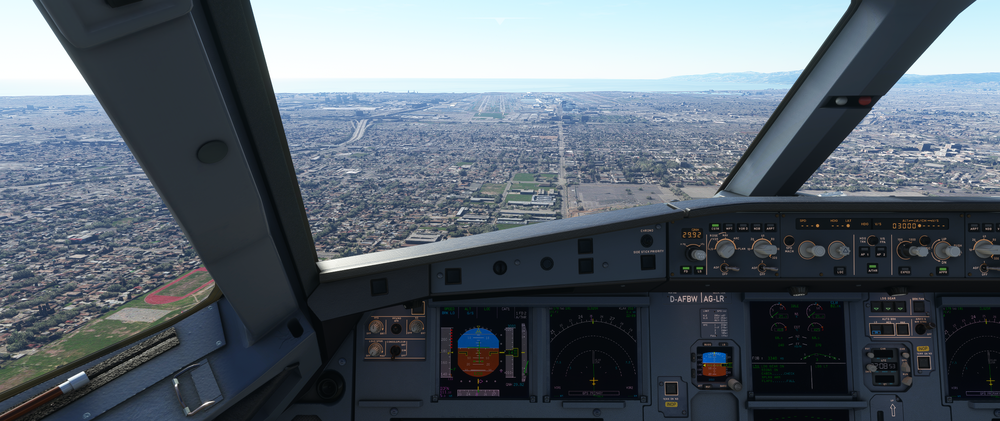 I just purchased KLAX and noticed that the runway textures take a really long time to load. It is not until the rollout that I get full resolution. I tried doing a manual cache in high quality of the whole airport but this hasn't seemed to help. I only have this problem with IniBuilds KLAX. Any help would be greatly appreciated!