




yag
Member
-
Joined
-
Last visited
-
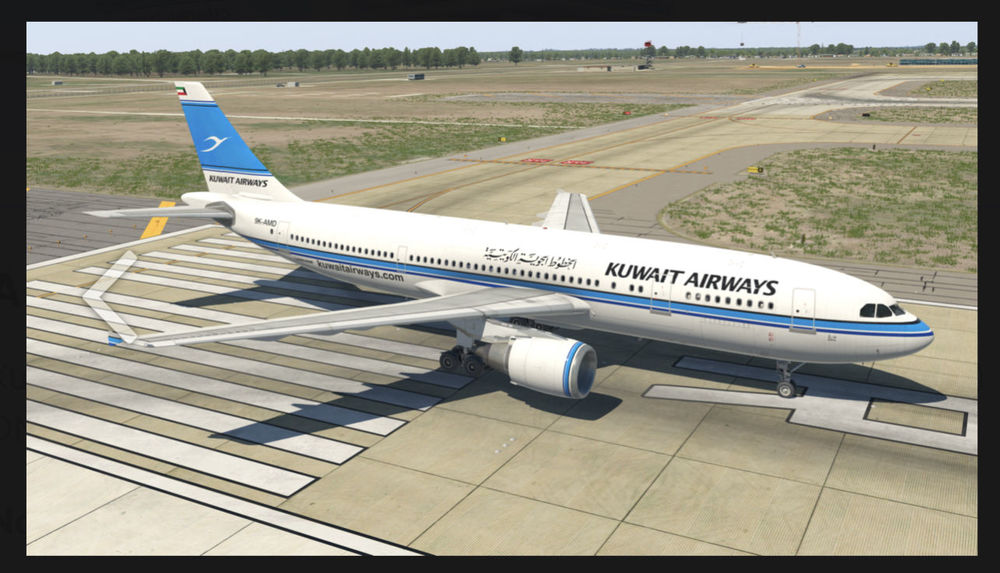
This livery is already done by inibuilds for a300-600 in xplane but I don’t see it in msfs can you please create it for msfs?
-
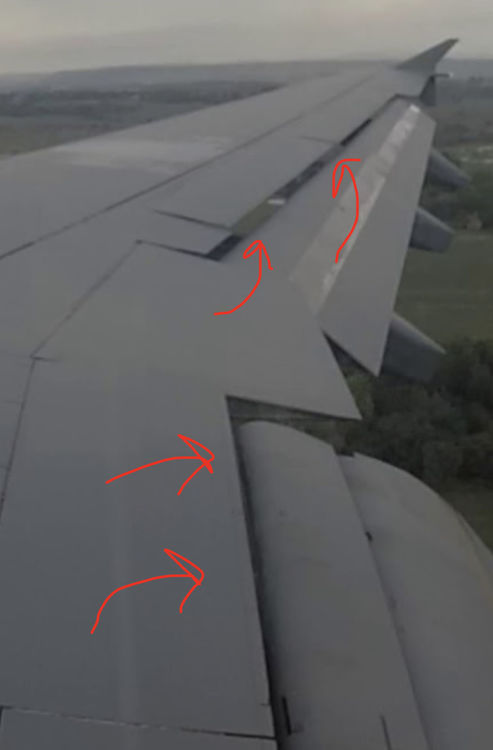
Hello ini team, ive noticed that the right wing flex is fine but, the left one should be fixed because it’s lifted more than the right one which makes is overlap the flaps model. also one thing there should be a space to look through the wing when the flaps are fully extended but, I don’t see it in the msfs2020 a310 hope you fix it soon. regards
-
Hello ini team I noticed an issue in the a310 in msfs2020 it’s left wing model is glitched. For example in ground the right wing is arched Down but the left one is straight but, in cruise the right wing is flexed straight like the real thing one the other hand the left one is intensely flexed as if it is stalling I also went under the wing and noticed the flaps is overlapping due to the wrong shape. The other issue is descent when I hit the button it start automatically descending at 1000fpm ignoring they path + some times it starts descending way before the top of descent point and a lot of time it doesn’t show dme in the screen although I insert the course and frequency. Also it ignores the ils in the app mod hope you fix those soon. regards


