bearhsiao
Member
-
Joined
-
Last visited
Everything posted by bearhsiao
-
I ran into the same issue. A/BRK causes the aircraft to decelerate and prevents takeoff—it has to be disengaged to take off successfully.
-
Hi, Thank you for your reply. I have resolved the issue! I discovered that there was a duplicate OMDB add-on in my Community folder. After removing it, everything is now working perfectly. My apologies for taking up your time with this matter. Thanks again for your help!
-
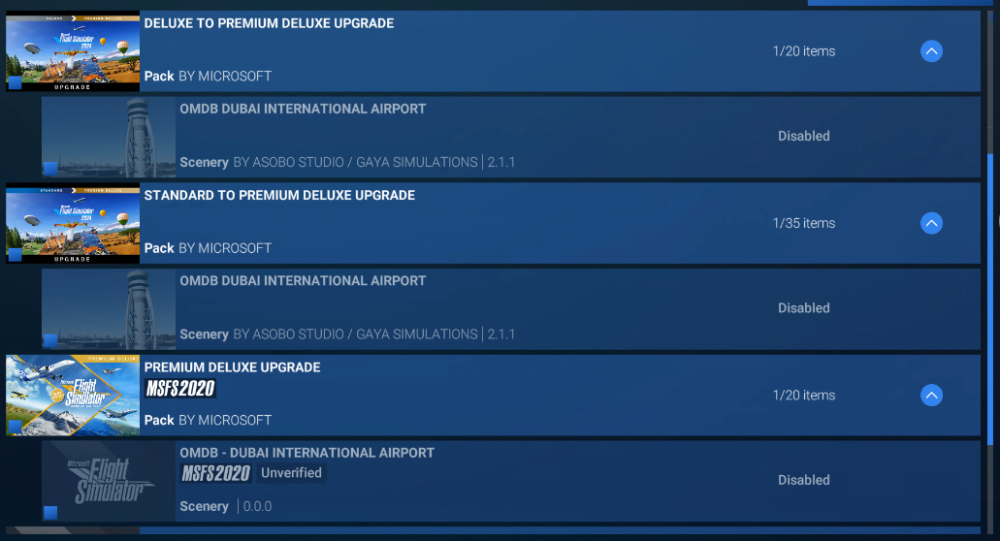
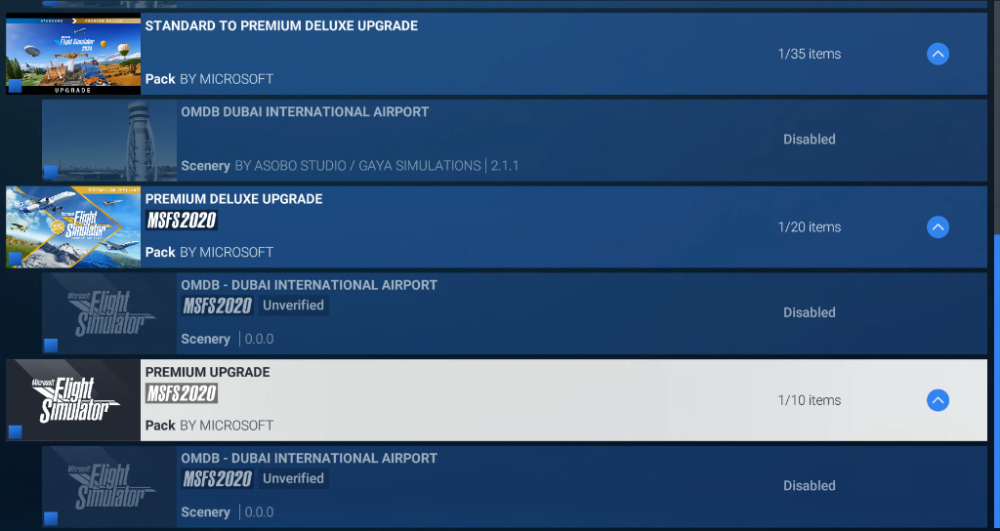
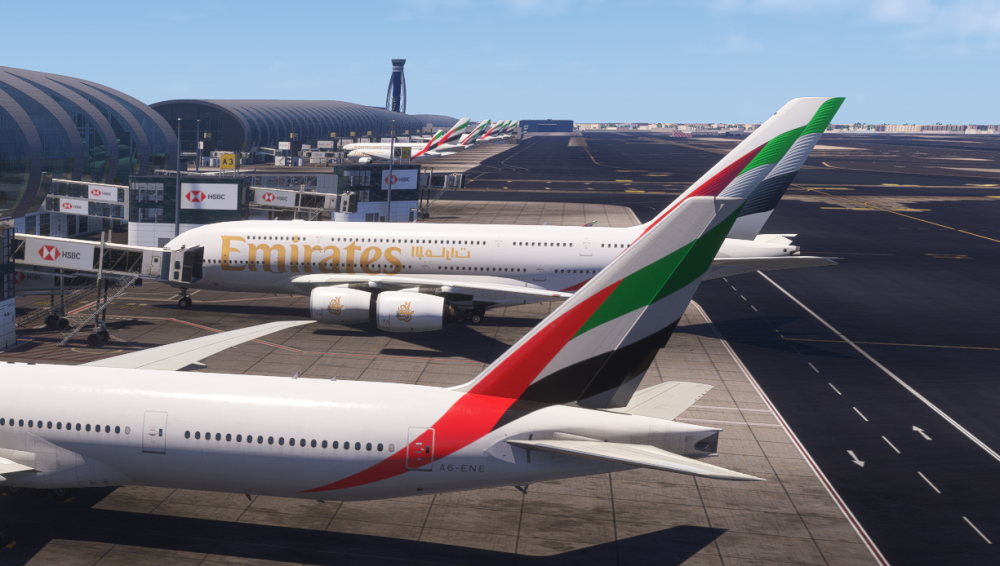
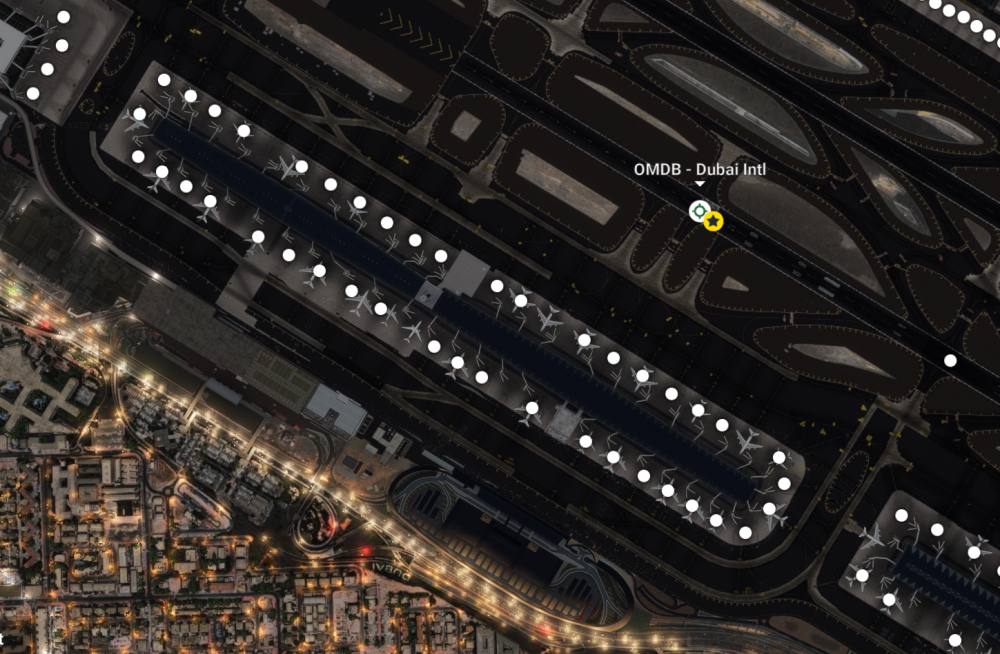
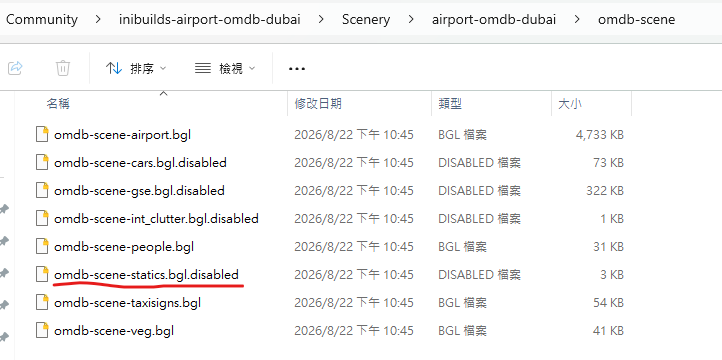
Hi, Thank you for your reply. I can confirm that the default handcrafted Dubai (OMDB) has been disabled in the Content Manager (My Library), but the static aircraft are still showing up. Here are the additional steps I have already taken: 1.Toggled "Static Aircraft" to OFF in the iniManager. 2.Manually renamed omdb-scene-statics.bgl to omdb-scene-statics.disabled in the Community folder. 3.Set "Aircraft Traffic Quantity " to Off in the MSFS 2024 settings. Despite these changes, the static planes remain visible. Could you please advise if there is another way to force the simulator to stop loading these static models? Thank you for your help!
-
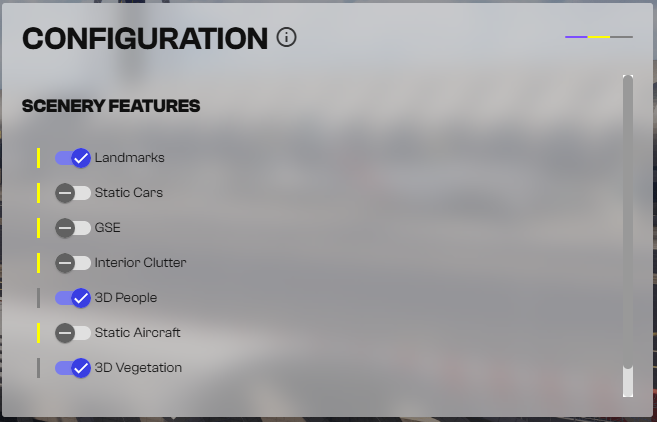
Hi, I've encountered a problem with the iniBuilds OMDB scenery in MSFS 2024.Even after I disabled the static aircraft option in iniManager, they are still appearing in the simulator. I also tried manually renaming omdb-scene-statics.bgl to .disabled, but the static aircraft remain visible.Since MSFS 2024 has a different file structure, is there a specific location or another method I should use to properly disable static aircraft?Thank you for your help!
-
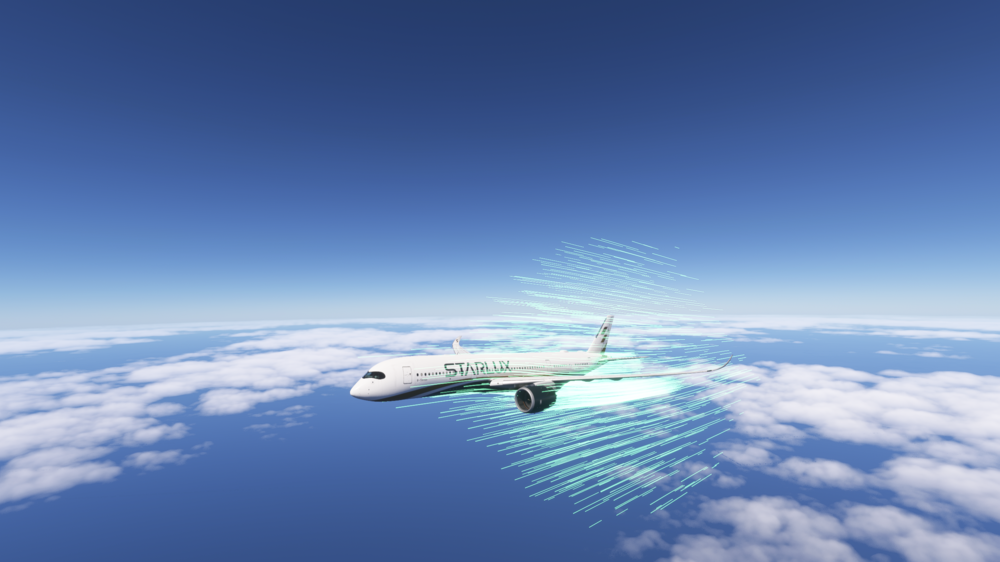
I've found a way to disable it; simply turn off CFD in MSFS2024.
-
As the main point states, how do I turn this off? Thank you.
-
Thank you for your explanation. I will try again.
-
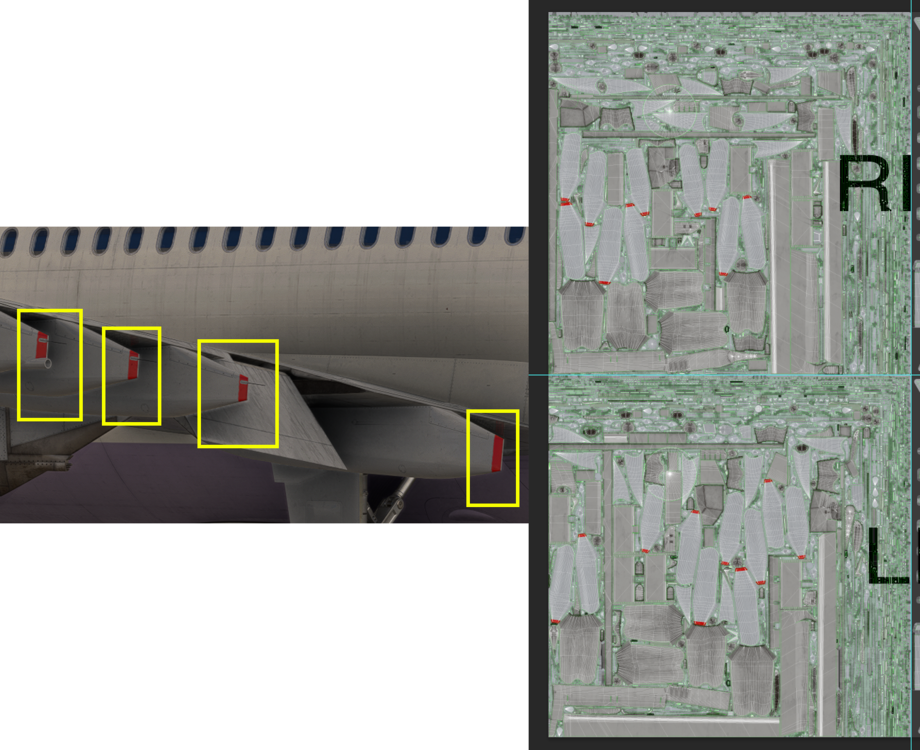
Hello, I downloaded the iniBuilds A300 MSFS Community Paintkit, and I painted the end of the flap fairings in red. However, after finishing it, I noticed that there is a blank space at the end of the flap fairings flat surface (including the antenna). Could you please help me identify the location of this area in the Wing Master file? Thank you.