




ManInTheSky
Member
-
Joined
-
Last visited
-
Yeah, I planned a lightweight interior for the terminal
-
Hi Denny An update is planned for KMDT and KEGE, if you have anymore issues that needs to be resolved in the upcoming update, let me know about it.
-
Thanks for the feedback. The issues have been noted and will be looked into. Regarding the terrain spikes, this is a problem with the sim itself. Turning off displacement mapping in the graphics settings should resolve it. You can check about it in the sim official forum https://forums.flightsimulator.com/t/effect-of-displacement-mapping/719695/2
-
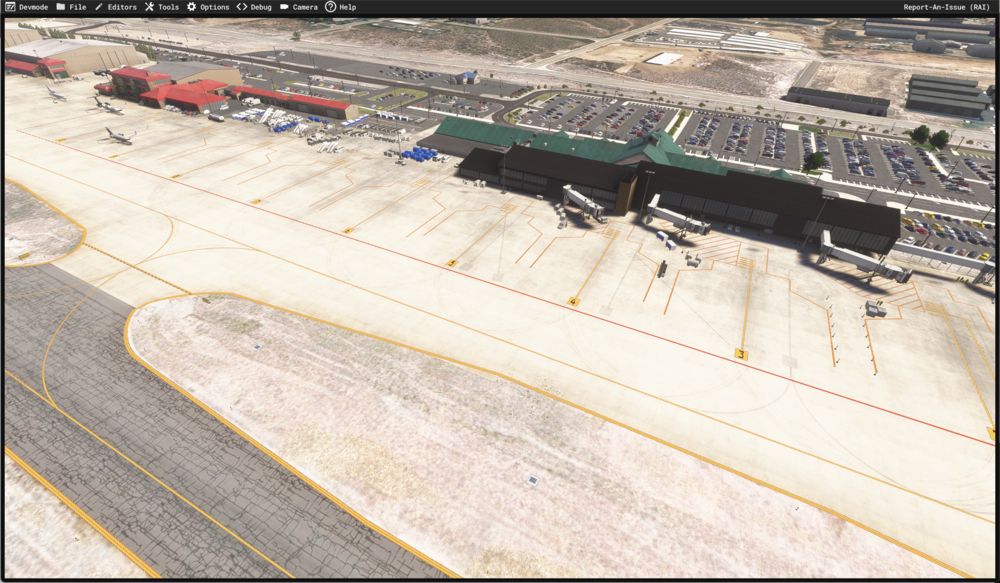
Hi Luke Thanks for pointing this out, things are a bit slow at the moment but an update is in progress to resolve every known issue including the removal of static aircrafts. It would be great if you can list all the problems you encountered while using the scenery in 2024 so it can be added to the to-do list. I have attached previews that shows most of the static aircrafts gone.
 Hi Hans, KEGE is not yet an FS2024 native package but it is compatible with FS2024Is this working now for you?An update which fixed this issue has been released, kindly download a the new version from the store.Thanks, we are currently working to fix this issue. Hopefully a patch will be released soon 🙂Hi, can you provide some screenshots of the problems you have when using both sceneries ?


