




artox67
Member
-
Joined
-
Last visited
-
Yes, that's what happens. Always after an update, the first load is a CTD. Afterward, everything is ok.
-
Faulting application name: FlightSimulator.exe, version: 1.36.2.0, time stamp: 0x00000000 Faulting module name: mf3055c24e74fe5af_0.dll, version: 0.0.0.0, time stamp: 0x65d8800d Exception code: 0xc0000005 Fault offset: 0x0000000000e16484 Faulting process id: 0x0x17E0 Faulting application start time: 0x0x1DA6649BA71AC72 Faulting application path: C:\Program Files\WindowsApps\Microsoft.FlightSimulator_1.36.2.0_x64__8wekyb3d8bbwe\FlightSimulator.exe Faulting module path: C:\Users\XXXX\AppData\Local\Packages\Microsoft.FlightSimulator_8wekyb3d8bbwe\LocalState\packages\inibuilds-aircraft-a300-600\mf3055c24e74fe5af_0.dll Report Id: 1ade0561-d429-4168-9717-9b7a4f8b4554 Faulting package full name: Microsoft.FlightSimulator_1.36.2.0_x64__8wekyb3d8bbwe Faulting package-relative application ID: App Any ideas?
-
You purchased from the marketplace? If yes you are on the old version. Maybe 1.04 Updates at the marketplace always a way behind the store version cause Microsoft needs longer
-
Sometimes it may a good idea to read across the forum before posting 😉And finally after 3h flight at ORBX ESSA Out of the belly, I'd say it's not the A300 who is the culprit for bad performance
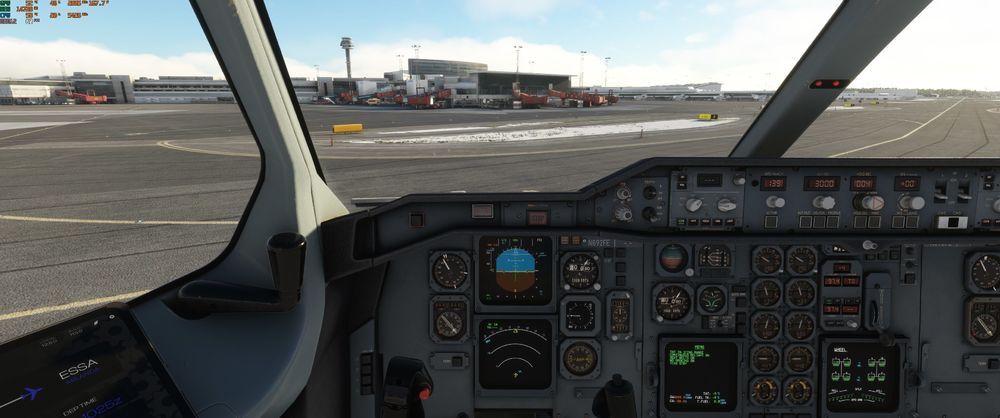 Bad performance will be a different thing https://i.imgur.com/XJM8Qqr.jpeg
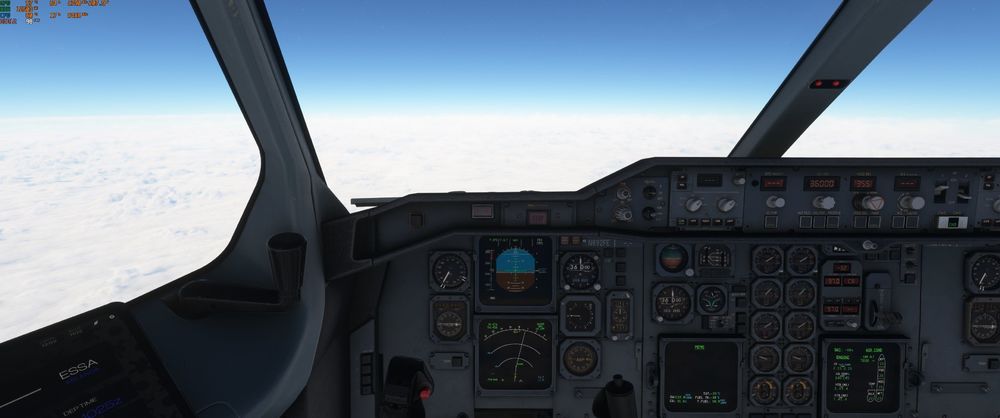 I can't confirm this issue. For me, the A300 is running like a charm. Most settings on Ultra with DX12 and FG on. Using RTX4080 and Intel I9 13700 Flown a lot of flights 3h+ and no FPS drop or CTD. Starting, landing at EHAM, EDDF, EGLL or ESSA causes no studders. Maybe worth a test to fly only the A300 and the two airports you want to see if the culprit, another addon. Will say there are only a few pilots with the issue and not thousands of them.Maybe you are too close to the waypoint. Go into HDG Mode and use a DIR in FMC to the next waypoint. Then back to NAV Mode CheersYou are in underspeed. (Stall) The whole band on the PFD is red. Not wondering you can't turn on AP or AP disconnectsKeep in mind the A300 radio works different. You'll have the active freq where the radio switch is showing in direction to.Maybe important too mention this happened twice after the flight. On fresh start I can’t replicate as well.I’ve absolutely no key bindings. I clicked the beacon switch with the mouse and the four switches above turned off as wellYesterday and today I had flights where I wasn't able to control the speed during approach. Feels like pitots are frozen but pitot heat eng and wing anti ice are onSince 1.02 Update turning off the beacon turns off yaw dumper and pitch trim switches


