kevin1518
Member
-
Joined
-
Last visited
Everything posted by kevin1518
-
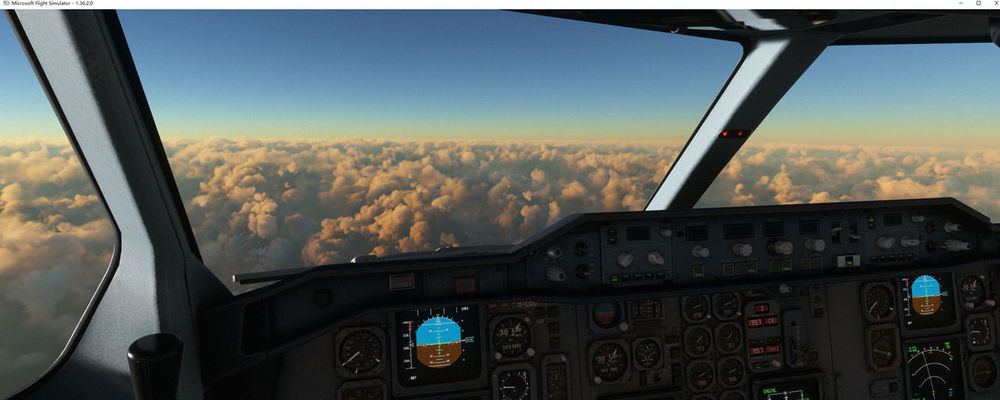
Hello After updating version 1.25 these days, I used the new version to fly the ZBAA-LSGG-ZBAA route. The first leg of the flight experienced a simulated freeze and the plane crashed directly. After about an hour of recovery through AUTO SAVE, the simulated freeze occurred again and the plane crashed again. After recovering through AUTO SAVE again, it returned to normal. After landing, I cleared the WASM folder. After about five hours of flight, the second segment of LSGG-ZBAA experienced simulated freezing again. The plane deviated from its flight path and spun around. Normal after recovery through AUTO SAVE. Fly at double speed throughout the entire journey. The previous 1.24 version also experienced simulated freezing, but after clearing the WASM Wenjia folder, it did not freeze again. Frequent freezing occurred after updating version 1.25. Yesterday, I flew back and forth for a one-way trip of three hours, totaling six hours. Everything was normal.
-
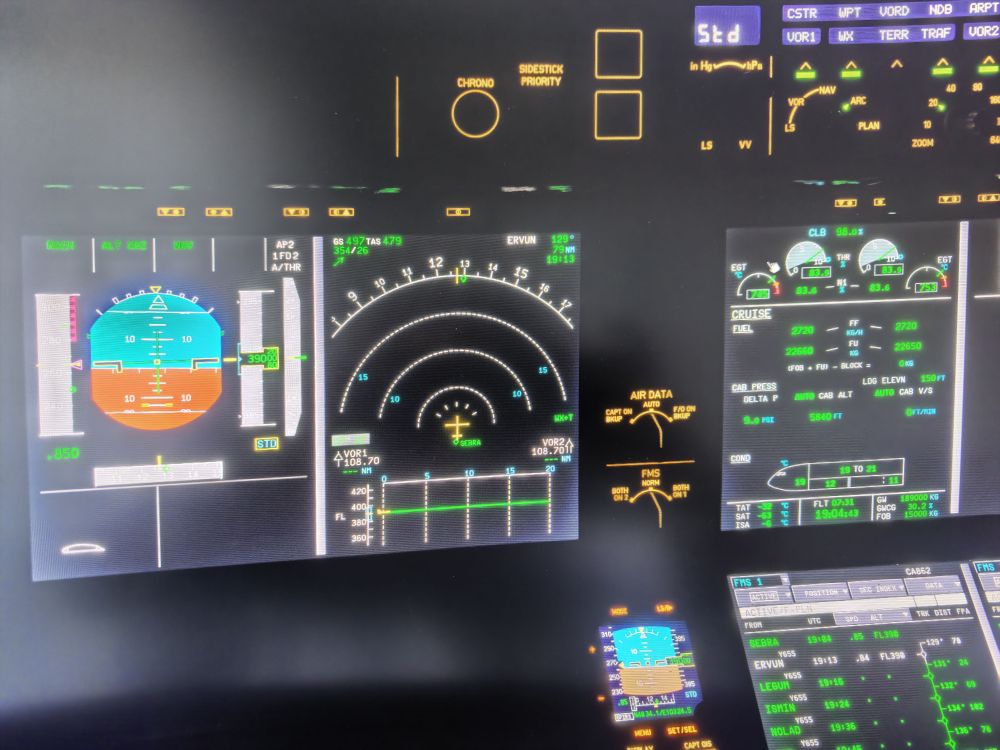
After updating to version 1.25, I flew a long-haul route following the actual route, ZBAA-LSGG-ZBAA. During the outbound flight, the system froze twice, resulting in a crash. For the return flight, I cleared the WASM folder before preparation. During the flight, the avionics system froze once, but I was able to recover it through AUTOSAVE. @iniBuilds
-
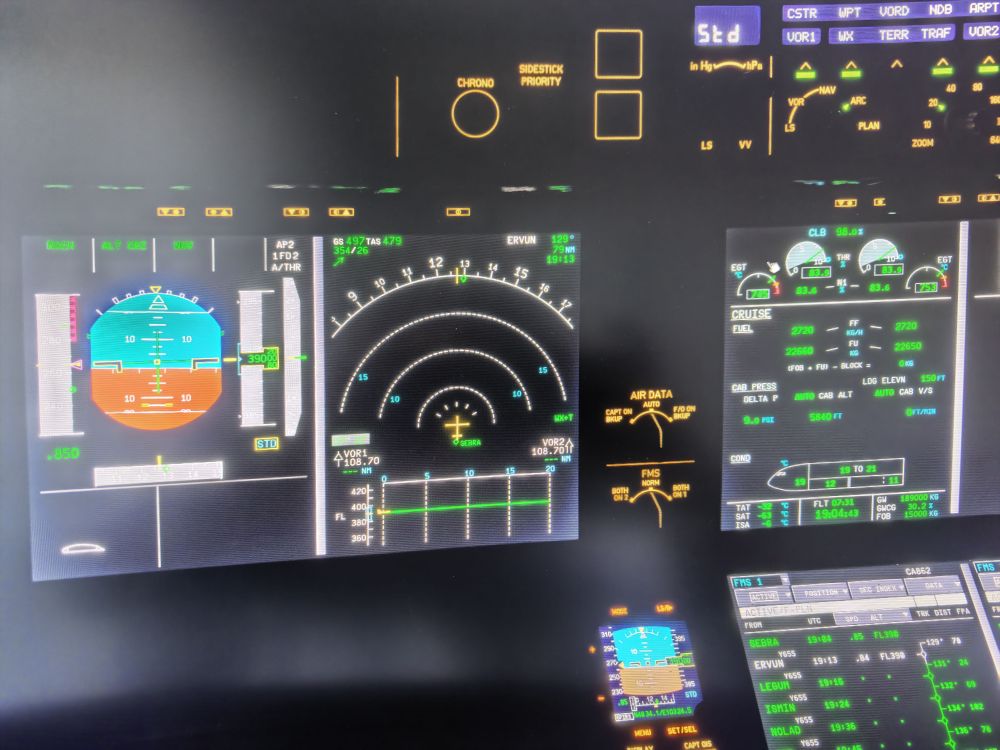
Hello I just landed at LSGG using INI3501.25. I was SU4 and used Navigraph data. I just upgraded to version 1.25 yesterday, and today my flight experienced two avionics freezes, resulting in a crash. I had flown several long-haul flights without encountering avionics freezes in version 1.24, but as soon as I upgraded to version 1.25, the avionics freezes and crashes reoccurred.
-
-
After reinstalling the software, I flew four times. The first three flights went without a problem, so I thought it was stable. However, today I used it to fly from Beijing to Munich, and it crashed twice during the flight, requiring me to use the auto-save function to recover. It's too unstable.
-
I haven't installed any viewpoint or sound effects software
-
After updating to version 1.19 today, the cockpit is not displayed when entering MSFS2024. MSFS2024 SU4 I don't know how to solve this?
-
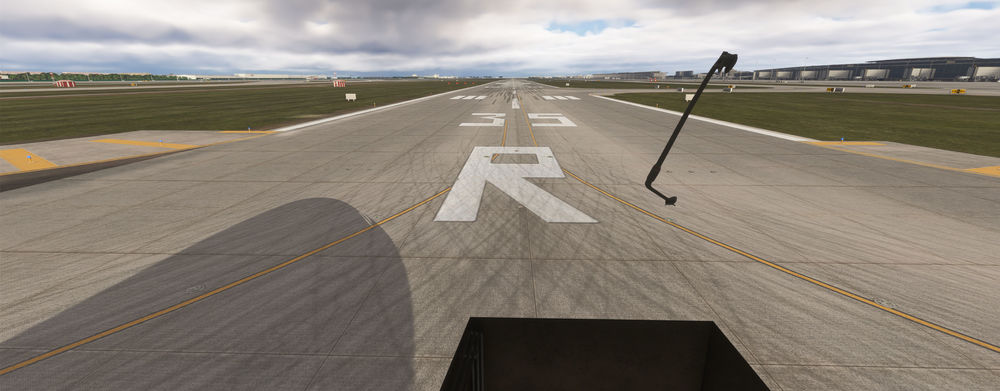
Supplement: I am using Thrustmaster rudder pedals. When I put the rudder on, the brake pressure gauge shows, but the aircraft does not slow down and stop.
-
Hello After updating version 1.16, the brakes did not work during the ground taxiing phase of the aircraft. I have correctly set the left and right brakes on the foot rudder. Stepping on the rudder brake, the airplane doesn't have brakes MSFS2024 is the latest version, and A350 has been updated to the latest version.
-
I adjusted the HGG knob, but it didn't work and still didn't display. Thank you very much for your help
-
I haven't assigned any buttons or switches, do I need to assign any buttons or switches? Thank you.
 Hello Yesterday, during the flight of ZBAA-VHHH, the autopilot display failed and there was no display. The other systems of the aircraft were working normally. May I ask how to solve it?