tigantum
Member
-
Joined
-
Last visited
Everything posted by tigantum
-
I did that now as well. Apart from the MFW/MCDU menu still saying "Log-In to your Navigraph" even after completing the link to Navigraph, it still does not access the AMM. It seems strange, because everything else worked flawlessly, but now this new feature is somehow stuck behind some glass ceiling for me. The set-up process is also rather unintuitive with all the prerequisites and double logins.
-
Hi good morning, yes, I do have an active Navigraph subscription and I also logged into my account in the EFB.
-
Hi Kyle, thanks for the info. I downloaded the map-server from the iniManager and launched it. Terrain works fine, but the airport map still does not. It still displays the Airport Map Fault on the ND. Regards
-
No, I have not. I got it from the Synaptic Site back when the A220 launched. Is that needed for the AMM to work?
-
Hey there, I have just updated to v 1.0.10 and wanted to take a look at the AMM. I logged into my Navigraph using the EFB and tried zooming in. However, it states "Airport Map Fault" on the ND. Even restarting the sim did not solve the problem. Is there something I am missing? Thanks in advance!
-
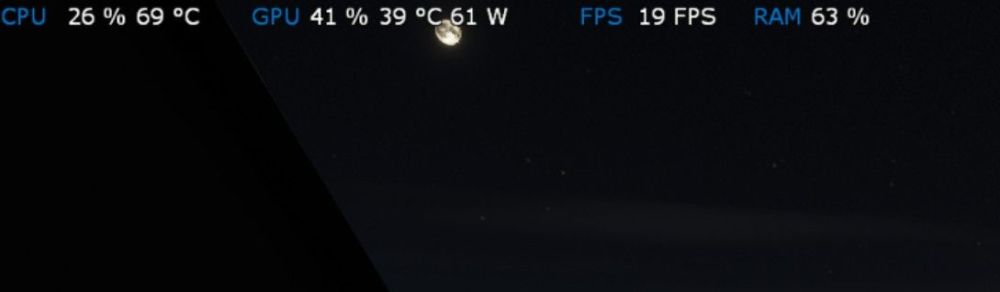
Same for me. On the ground the FPS was perfect at around 60. Once in the air, I barely get 20FPS. Specs: Ryzen 7 5700X, 32GB DDR4 and RX9070 I've attached a screenshot of MSI Afterburner. CPU and GPU seem to be bored in flight, however FPS is really bad.