Skip to content
View in the app

A better way to browse. Learn more.

iniBuilds Forum

A full-screen app on your home screen with push notifications, badges and more.

To install this app on iOS and iPadOS
  1. Tap the Share icon in Safari
  2. Scroll the menu and tap Add to Home Screen.
  3. Tap Add in the top-right corner.
To install this app on Android
  1. Tap the 3-dot menu (⋮) in the top-right corner of the browser.
  2. Tap Add to Home screen or Install app.
  3. Confirm by tapping Install.

ScottP1108

Member
  • Joined

  • Last visited

Everything posted by ScottP1108

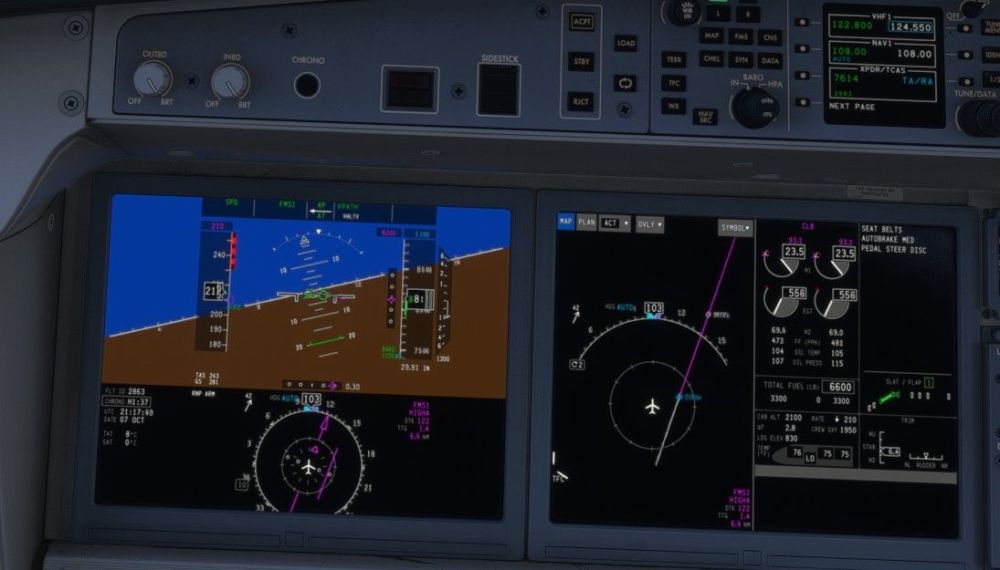
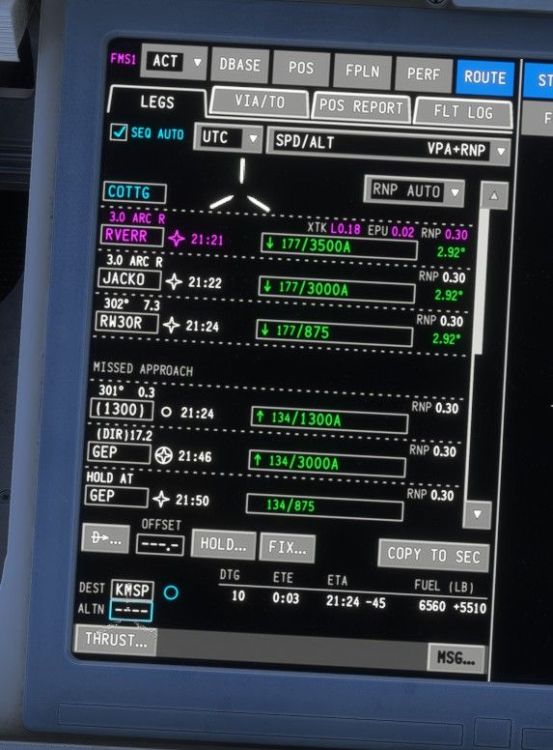
  1. Unfortunately, it did not last. I did a second fight immediately after the one that worked well, and I had the same issues again. The turns weren't banking enough, causing the plane to go off course and make a wide turn. It then flew like there was "SLOP" entered somewhere near the flight path but off to the side. It then did not have enough bank in later turns again. No offset was entered into the FMC.
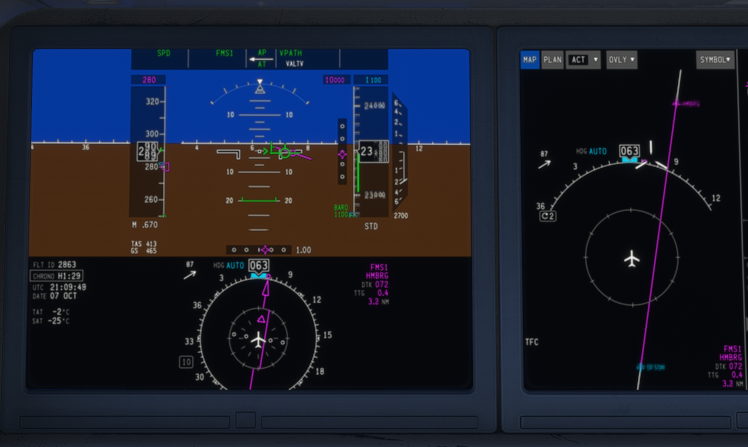
  2. I had the same issue after just updating. I uninstalled the plane and liveries, then reinstalled them, and it seems to have fixed it.
  3. ScottP1108 replied to AVGA's topic in Support
    I just had the issue on Taxiway Y with everything disabled as advised.
Account

Navigation

Configure browser push notifications

Chrome (Android)
  1. Tap the lock icon next to the address bar.
  2. Tap Permissions → Notifications.
  3. Adjust your preference.
Chrome (Desktop)
  1. Click the padlock icon in the address bar.
  2. Select Site settings.
  3. Find Notifications and adjust your preference.