




nmahink
Member
-
Joined
-
Last visited
Everything posted by nmahink
-
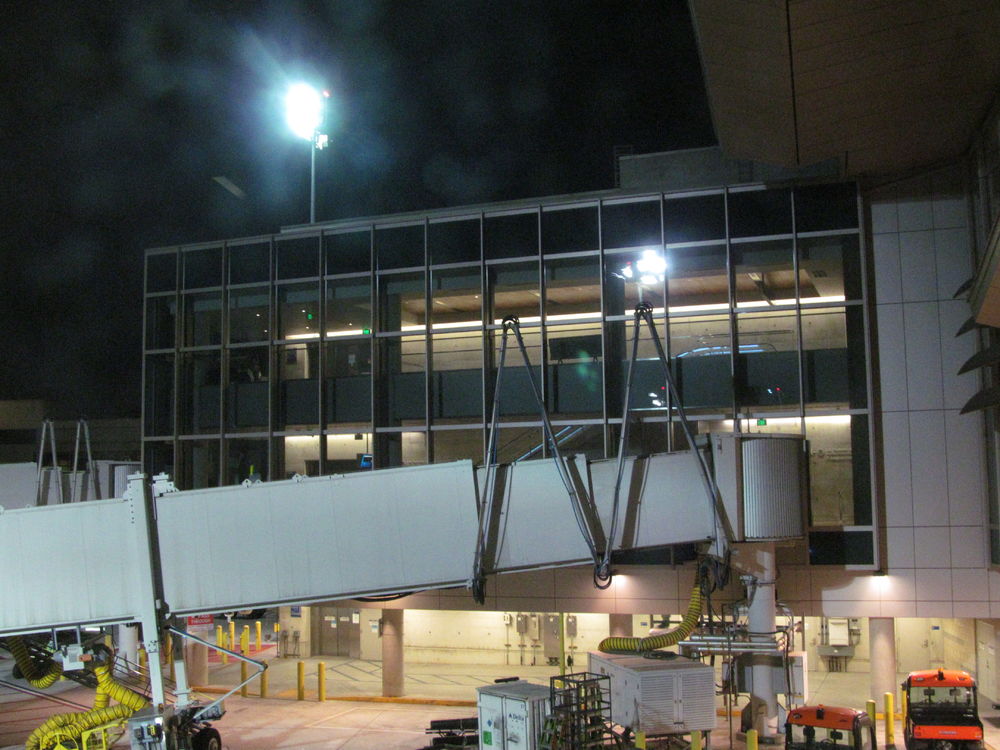
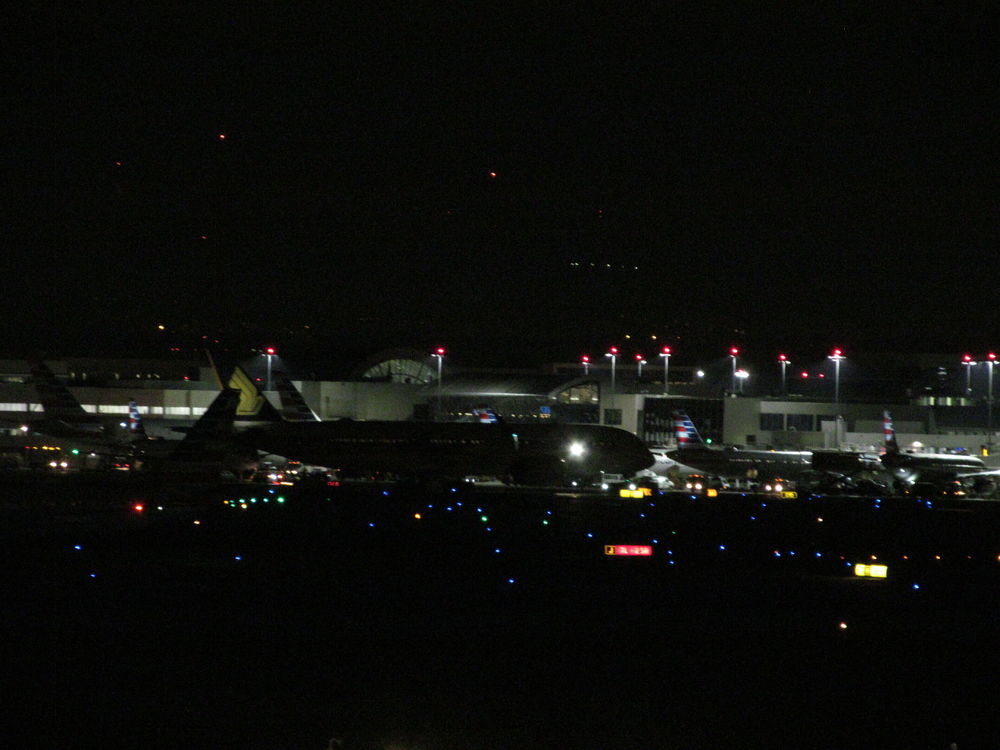
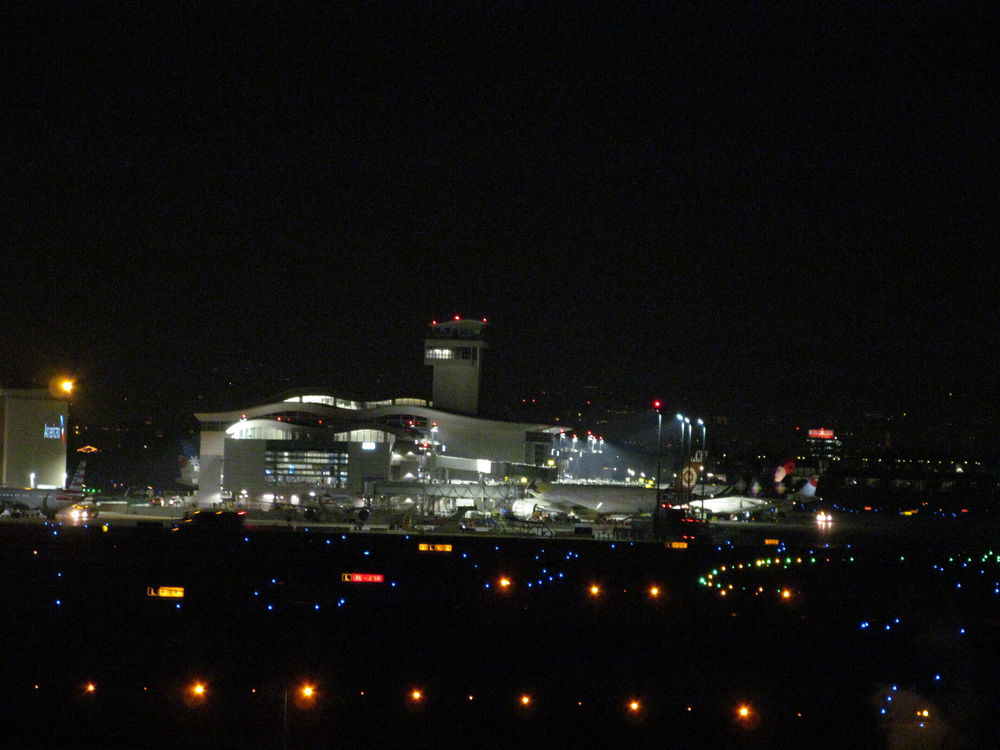
Terminals 1 and 2 are dark at night, in real life they are not dark at night, all the other terminals are fine. The gate houses at the TBIT are also not lit up, in real life the gate houses are lit up. On the light poles which light up the ramps at night, there is a red steady light on top of the light poles in real life they are not depicted in the sim, the control tower does have the steady red light, I had mentioned these before in another post, was disappointed to see that they were not included in this update.
-
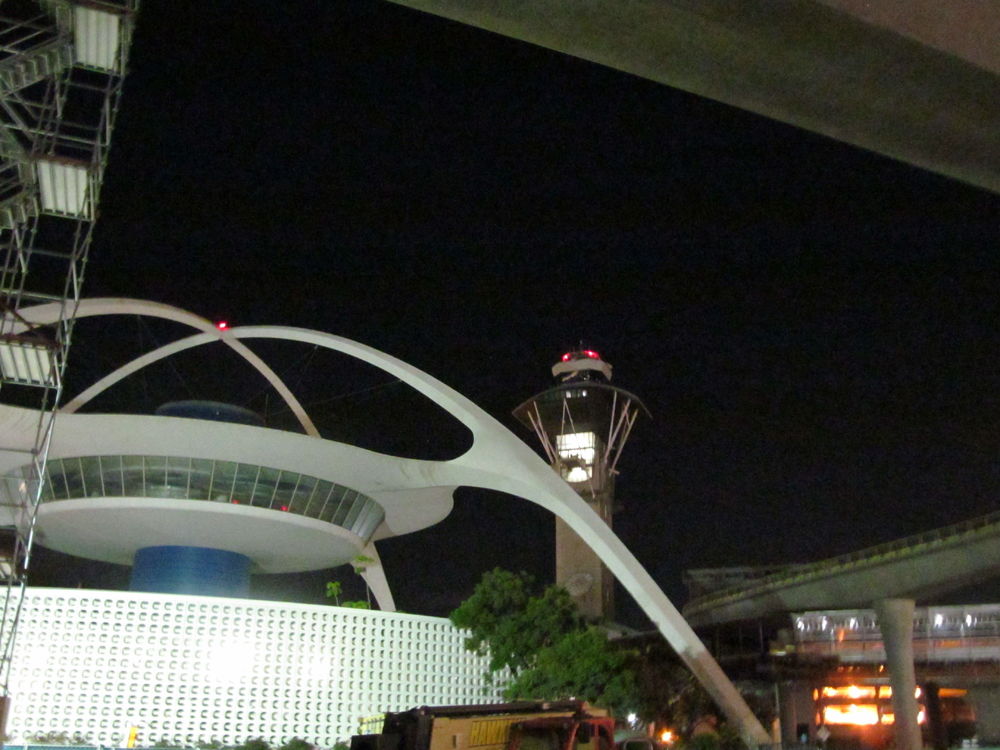
However I do not see the OBS light on the theme restaurant building
-
Thank you!
-
Here is the actual picture for reference
-
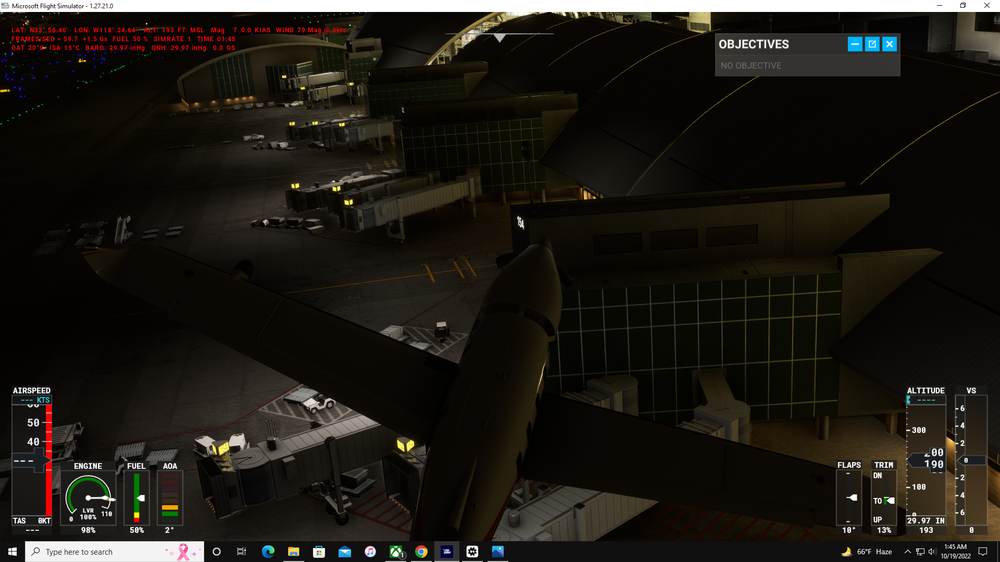
Here is the sim depiction
-
In real life they are lit up like this
-
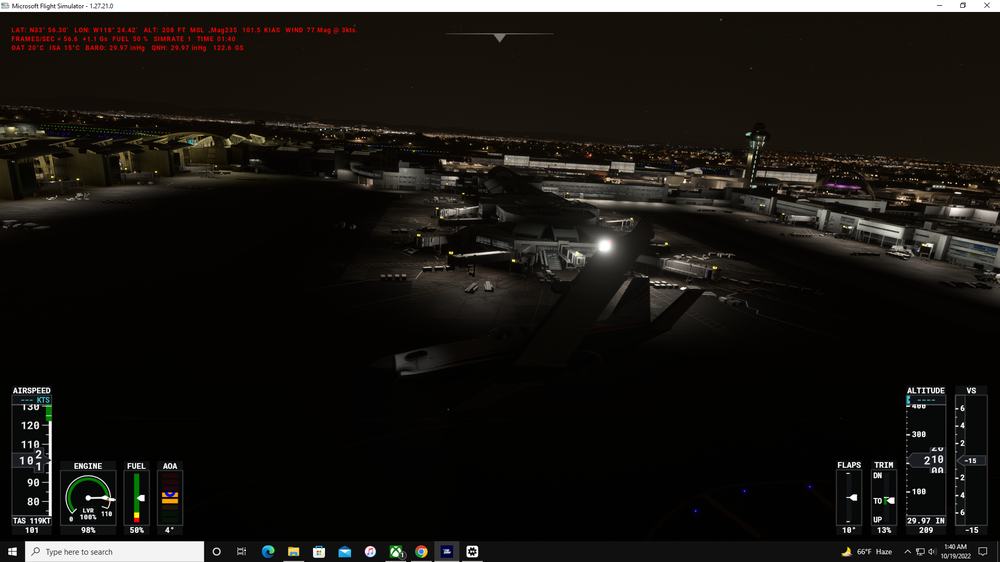
Here is the sim, the red beacon lights are not showing
-
Here are some examples in real life
-
The lights are missing in the sim, but they are present in the real life LAX terminals
-
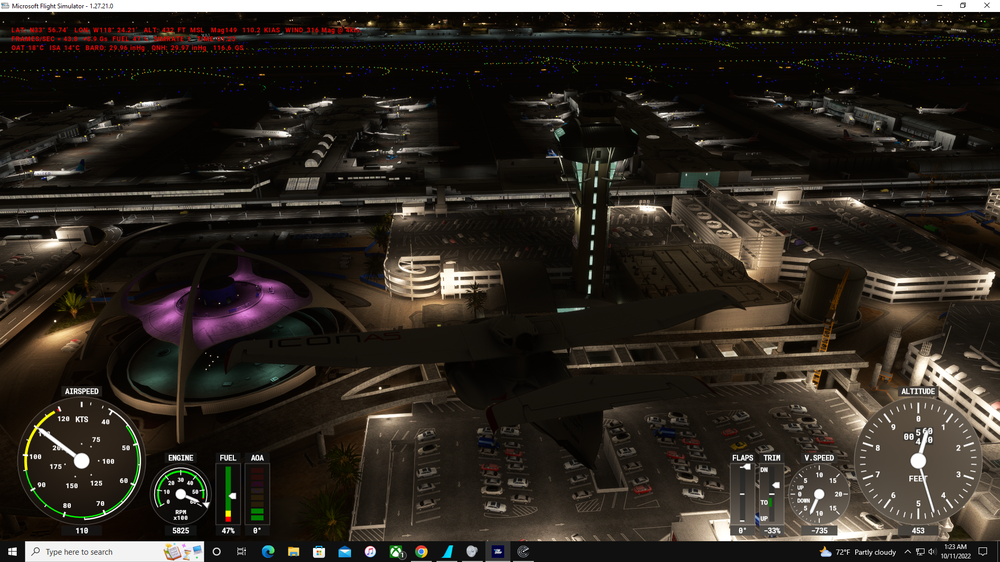
Here is the sim
-
In the sim the red colored lights are not appearing on top of the control tower and theme building, they are present in the real world.
-
I have updated to v1.02 and the second jetway at Gate 155 is missing.
-
Gate 155 is missing a jetway, also the gate houses at the TBIT are not lit at night.


