Skip to content
View in the app

A better way to browse. Learn more.

iniBuilds Forum

A full-screen app on your home screen with push notifications, badges and more.

To install this app on iOS and iPadOS
  1. Tap the Share icon in Safari
  2. Scroll the menu and tap Add to Home Screen.
  3. Tap Add in the top-right corner.
To install this app on Android
  1. Tap the 3-dot menu (⋮) in the top-right corner of the browser.
  2. Tap Add to Home screen or Install app.
  3. Confirm by tapping Install.

NukeTheGopniks

Member
  • Joined

  • Last visited

  1. @CaptnchrisYour fix has done the trick, all working now and looking good Thank you for the help and the quick response, and also for your beautiful scenery, it looks awesome 🙂
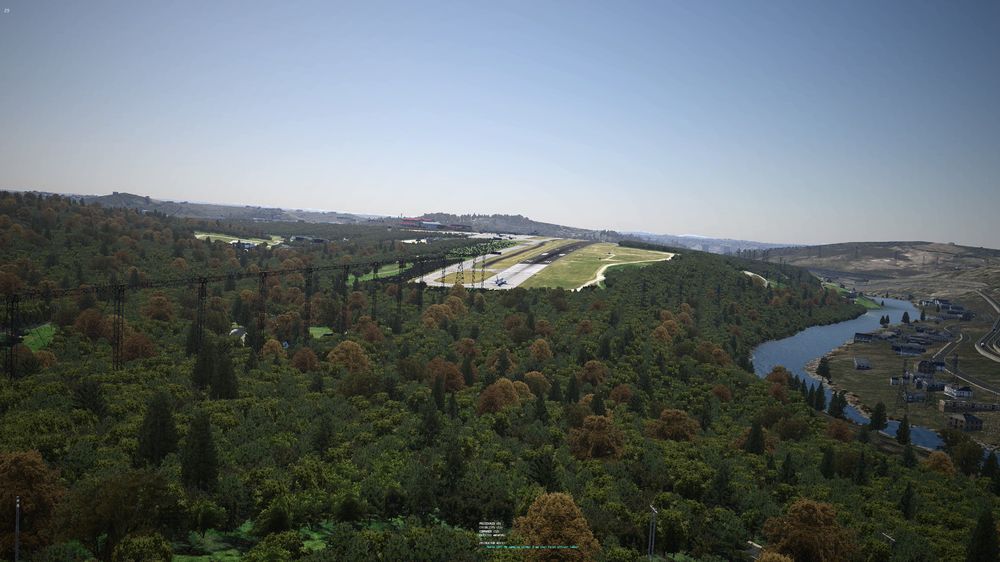
  2. Good evening my friends I just purchased KCRW from Xometry and upon loading I noticed many floating objects. I do not have anything installed other than XAmerica for better Autogen and SAM Seasons but I highly doubt that the problem lies here. Best to take a look at the screenshots Thanks in advance for a potential solution 😄


Account

Navigation

Configure browser push notifications

Chrome (Android)
  1. Tap the lock icon next to the address bar.
  2. Tap Permissions → Notifications.
  3. Adjust your preference.
Chrome (Desktop)
  1. Click the padlock icon in the address bar.
  2. Select Site settings.
  3. Find Notifications and adjust your preference.