juliola
Member
-
Joined
-
Last visited
Everything posted by juliola
-
Okay, I'll try it out
-
Tried it again today with a different flightplan flying a completely different route and I'm still getting blown off to the right by the wind. This does not happen with VOR, even tough it struggles heavily with intercept angles.
-
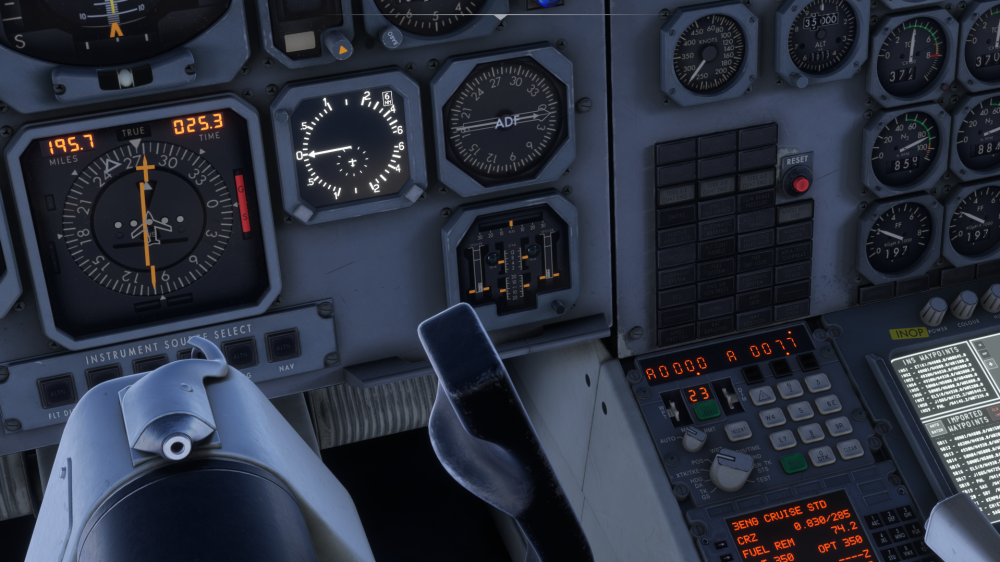
Also the onboard map has no clue on where the aircraft's at even though INS drift is OFF and the position was properly loaded with the stand's coordinates before the flight.
-
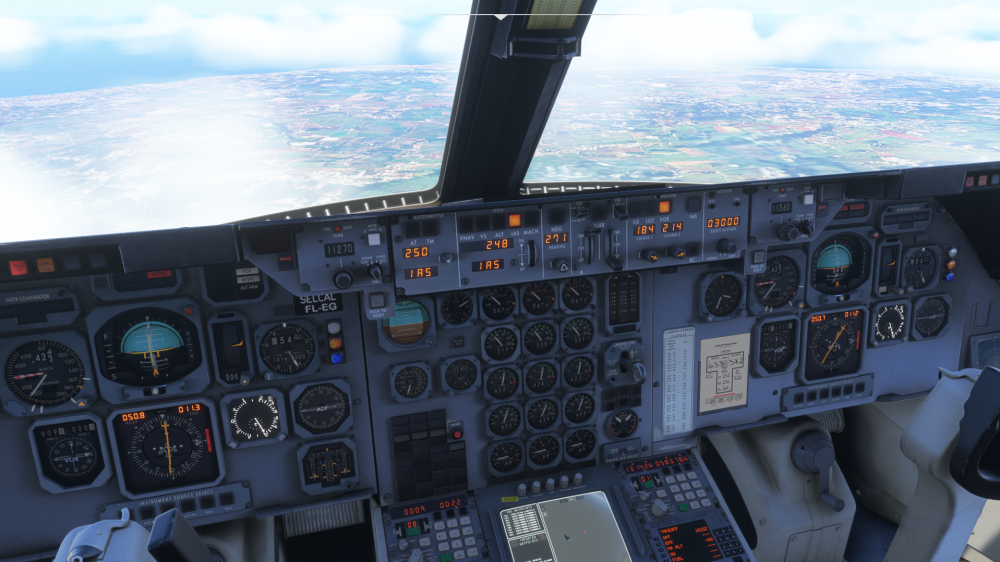
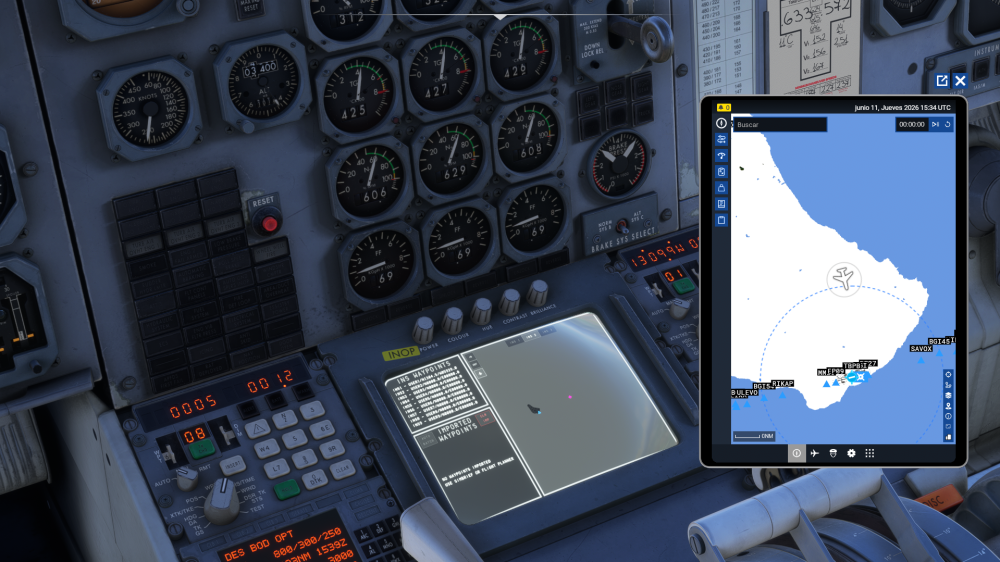
As described in the title, the HSI and INS never agree on Distance and Time. HSI is set in INS mode and, as it can be seen, I don't have any active VOR tuned in. Is this a quirk of the real aircraft or a bug? In that case, which reading is the correct one? Also, the AP has never managed to track the INS properly in all the flights I've done, always a bit off-set, especially when the TO and FROM waypoints are close to each-other or in tight turns.