Dennis Fechner
Member
-
Joined
-
Last visited
-
After some digging i have found the issue, only after reinstalling the PFB showed only 0%-67% range ONLY if i used the keyboard, i reset the calibration and it worked, what a strange thing. This only happened after rotation and even with only keyboard and mouse as controls. Thank you for your help.
-
Its installed, i followed the steps provided and even deleted the folder in the Official2024 Folder, still no luck. Is there any kind of log i could provide? Could this be SU5 Related? I dont have this issue with other 3rd party aircraft.
-
I have a Thrustmaster Warthog Throttle, Stick and Saitek rudderpedals. I doubt that it is Hardware related as it happens as soon, as the Nosewheel lifts off the ground, i can provide a video if necessary. It even happens if i start my PC with the hardware disconnected and use the standard FS2024 keyboard and mouse profiles. I have the following addons running: FSUIPC 7 ChasePlane GSX TDS GTNXi vRAAS Disabling all the above mentioned addons did not resolve the issue. Starting the Sim in safe mode with only the Tristar activated did not resolve the issue. Another weird thing is that the PFB states "Equipment installed door opened" even when no equipment is connected and all doors are closed, no matter what i do it stays that way.
-
Yes, it goes all the way from 0 to 100 smoothly. Even the autothrottle isn’t able to move the throttle past this point after liftoff, if i force the aircraft to go back to the ground the throttle instantaneously goes to 100% again.
-
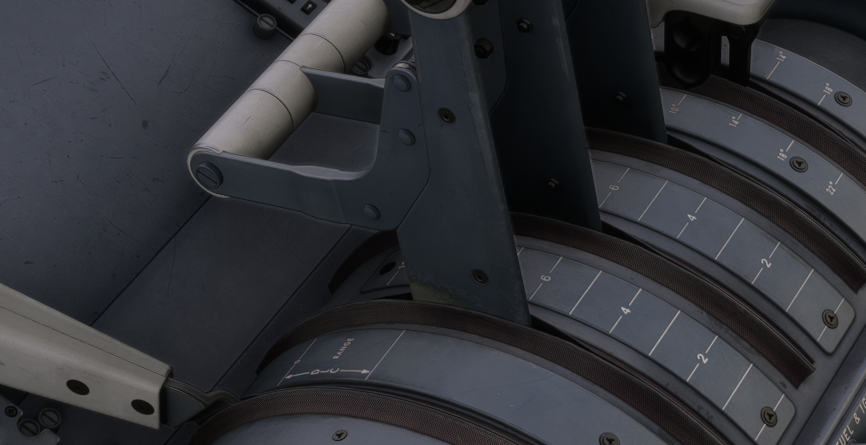
No matter what i do (Starting from cold and dark, starting on a runway, starting on a runway and manually selecting the ready for takeoff panel state), the throttle is limited to ~80% max, i have tried reinstalling the aircraft and streaming it , i have disconnected my stick, throttle and rudder before flying without success, the rudder indicator is also not working. am i missing something? before leaving the ground everything works fine. This is the max position of the throttle after lift off.