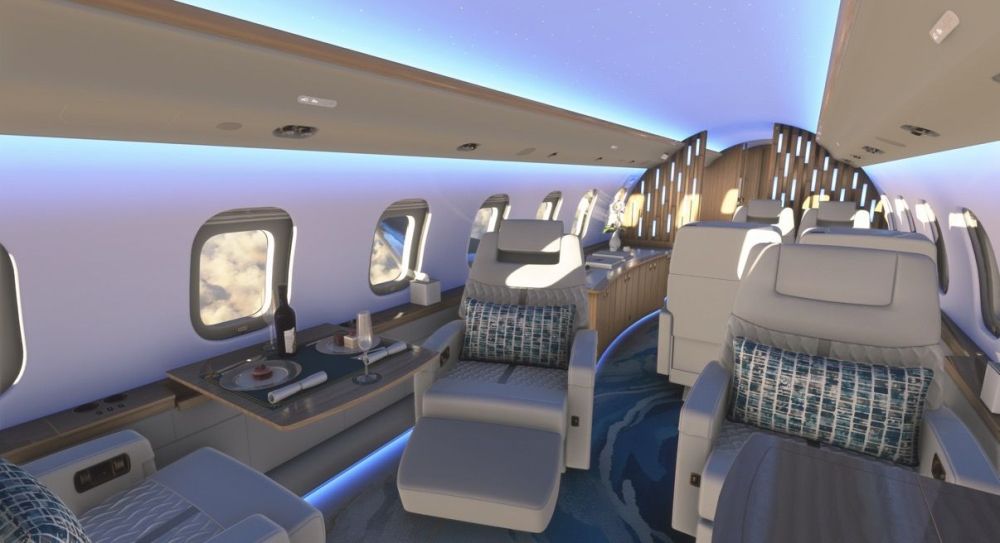
I have the same issue on Xbox X. The global jet struggles significantly more with performance, stutters, and LOD issues than other jets such as the PMDG line or FlightFx. There does not seem to be any kind of optimization that we can do on the user end. I’ve already tried reducing the display refresh rate, turning traffic off, and decluttering the MFD maps. Still the same issues. While the jet runs smoothly at first, the textures on the ground look like mush by about halfway through climb. By landing, concrete textures are indistinguishable from grass due to performance degradations to the point where the game becomes unplayable. Fortunately, it seems like this is a common issue for new planes. I can personally say the Hawker 800XP ran horribly on xbox x at first but now is the most performance optimized plane in my hanger. Hopefully inibuilds can solve these performance issues with the Global Jet bc she is one pretty bird and I would love to be able to actually fly her.