



Skip to content
View in the app

A better way to browse. Learn more.

iniBuilds Forum

A full-screen app on your home screen with push notifications, badges and more.

To install this app on iOS and iPadOS
  1. Tap the Share icon in Safari
  2. Scroll the menu and tap Add to Home Screen.
  3. Tap Add in the top-right corner.
To install this app on Android
  1. Tap the 3-dot menu (⋮) in the top-right corner of the browser.
  2. Tap Add to Home screen or Install app.
  3. Confirm by tapping Install.

astro

Member
  • Joined

  • Last visited

Everything posted by astro

  1. astro posted a topic in Screenshots
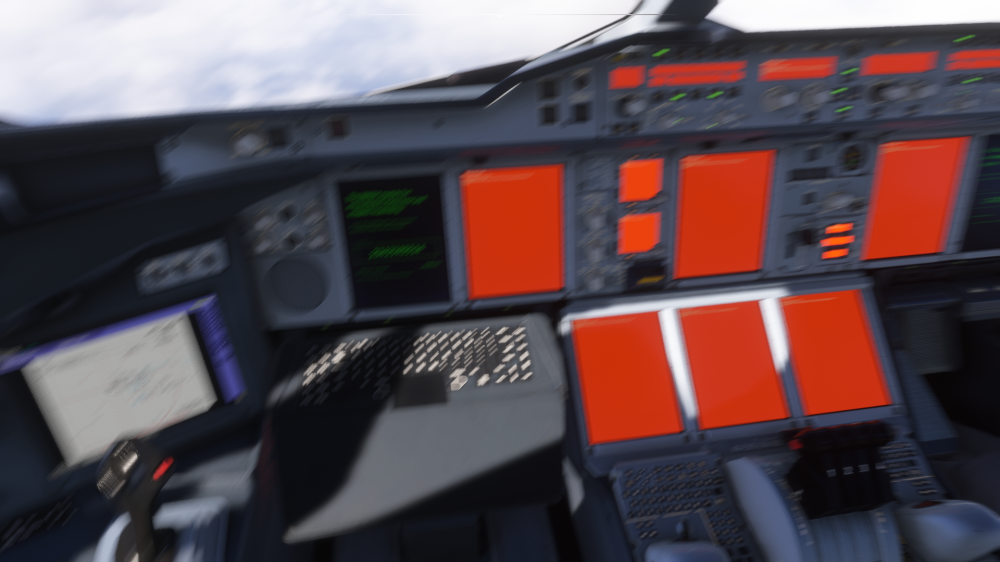
    Firstly I apologize for the blurriness as I was in the middle of doing my thing when this happened guys Bought the inibuilds A380 a few days ago now and since yesterday I now get a WASIM CRASH every time I try to zoom in on the ND Screen to setup BTV Works fine on the ground during taxi all the way up to the point when I zoom back in for BTV Setup You can see I zoomed in via the FCU zoom knob and instantly came along a WASIM CRASH. Not angry or anything just wanted to share awareness to the team so it can be looked into. :) Very grateful for this new product! Thanks Inibuilds team! Until then BTV will be INOP on my MEL :)
Account

Navigation

Configure browser push notifications

Chrome (Android)
  1. Tap the lock icon next to the address bar.
  2. Tap Permissions → Notifications.
  3. Adjust your preference.
Chrome (Desktop)
  1. Click the padlock icon in the address bar.
  2. Select Site settings.
  3. Find Notifications and adjust your preference.