albi_416
Member
-
Joined
-
Last visited
-
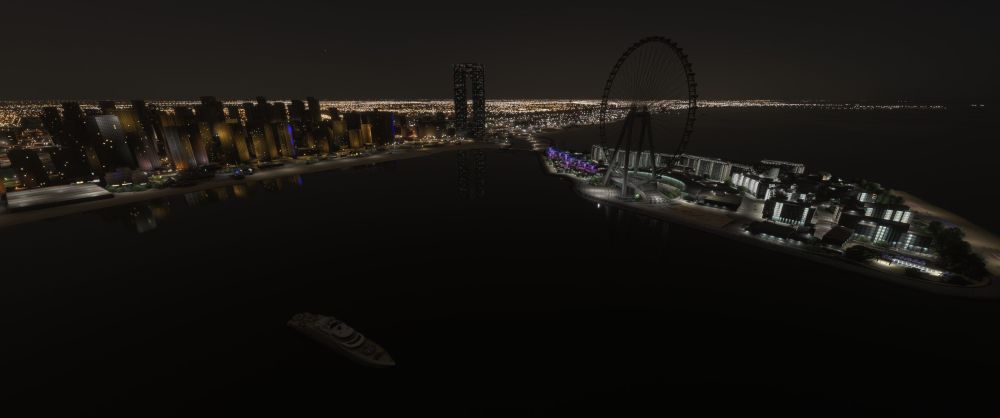
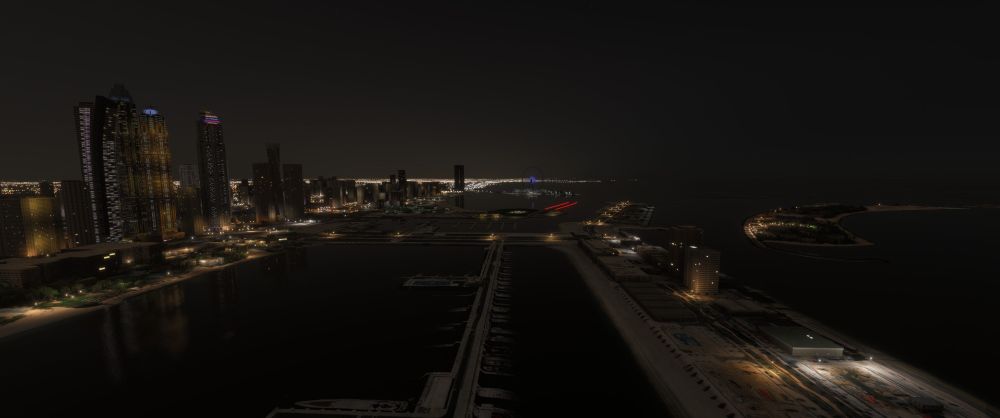
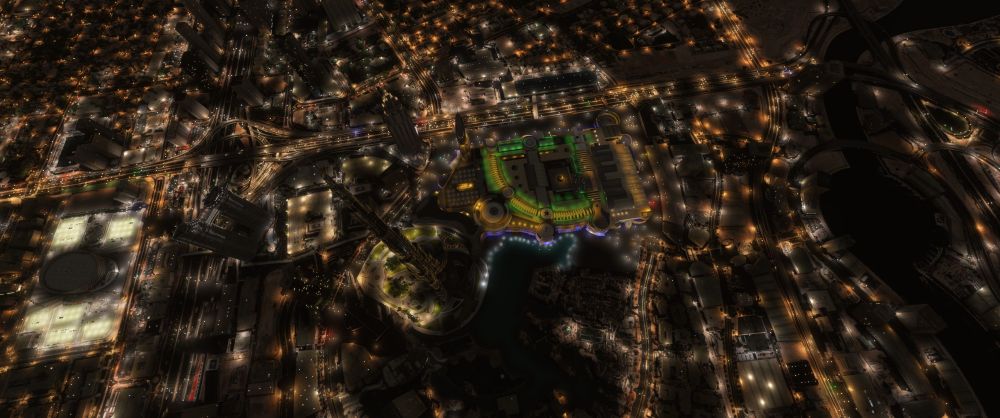
Hi all, the new OMDB v2 automatically installs Skydive Dubai & Landmarks (v.1.0.0) in the Community folder, however this seems to not be working correctly in MSFS2024. I noticed many issues with the night lighting which is either not working at all nor animated. A few examples that I've found: Dubai Marina: the Ain Dubai wheel isn't lit up nor it has animated lighting Dubai Marina: the yacht parked isn't lit Downtown Dubai: the cocacola arena isn't illuminated Downtown Dubai: the Burj Khalifa doesn't have the enhanced night lighting (no white led outlines) to name a few. Interestingly, the Ain Dubai does show some lighting when viewed from afar, but once you get closer and the model switches for the more detailed LOD, the lighting disappears (2nd screenshot) I have done the following steps to attempt to correct the issue without any success: cleared the rolling cache deleted the StreamedPackages community folder deleted the community folder content re-downloaded and installed DubaiV2 via the manager Also: I do not have any conflicting 3rd parties addon such as the Orbx dubai city pack I do not own the premium version of FS2024 so there's no Asobo OMDB to be disabled, in fact there are no issues that I've seen with the airport model itself, just with the city landmarks objects I have tried to manually install the Skydive Dubai & Landmarks package from the manager but it's only currenty for MSFS2020, manually copying the files into the MSFS2024 community folder generates more conflicts and bugs, but it does restore some of the night lighting Is there any other way to fix this or maybe is there an official update coming for the night lighting? Thanks a lot I've attached some screenshots to illustrate the issue: