TesoTerik
Member
-
Joined
-
Last visited
-
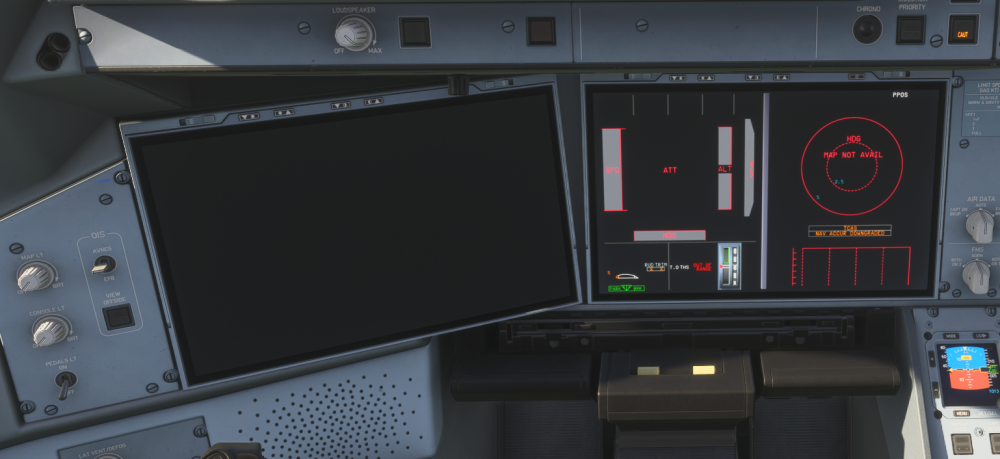
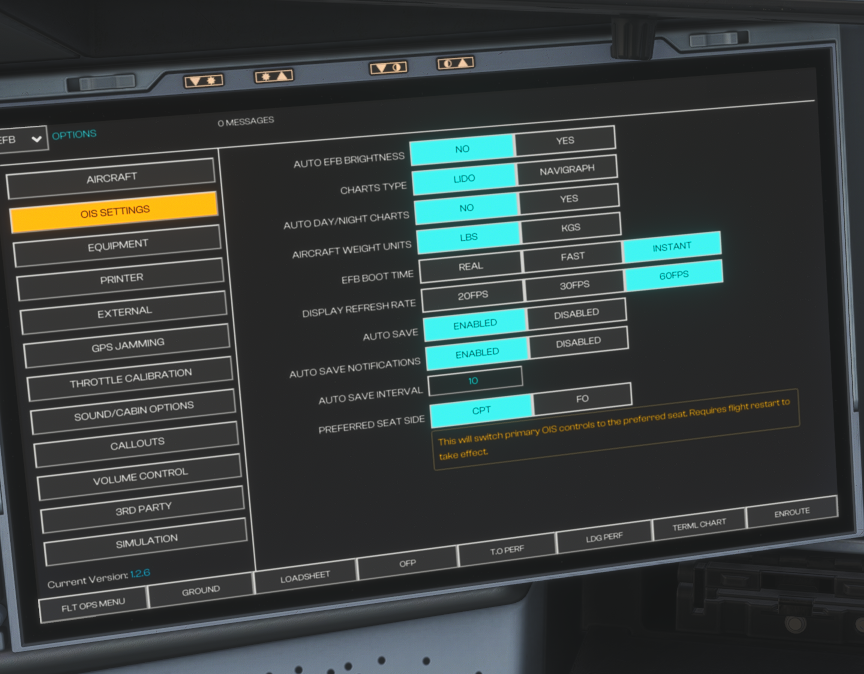
It is set to instant As I said if its a fresh install everything works great. If you make a flight, doesnt matter if you exit mid flight or powered down on the ground, next time you load in or restart the game, the EFB refuses to turn on, aswell as some sounds are missing like parts of the engine sounds. Ive noticed that if you spawn in, sometimes the fans are spinning and sometimes not, but i have yet to find a correlation, or if the Spinning is just random. The Plane spawns cold and dark
-
Hello, I currently have the Problem with the 1.2.6 version of the msfs24, that my EFB Stays off and dark. Aswell as some sounds that are missing. It Fixes itself once i uninstall it, and redownload it aswell as clear the WASM folder. Then it works for one flight. once i load into the next flight or restart the game the same issue appears. Livery is the stock Inibuilds livery with the -1000 version and the normal cabin. I really do love this plane. if it works that is. Specs are: Ryzen 7 9800x3d NVIDIA RTX 5080 64GB DDR5 If anyone has incountered that Problem please tell me and or how to fix it.