




huangzhichao
Member
-
Joined
-
Last visited
-
-
I only have a remote control peripheral, everything else is keyboard operation; another problem is that after flying 4 times tonight, the issue of being unable taxi after landing has occurred again.
-
AIATC is off; yesterday, when I was talking to the controller, it kept jumping back and forth, and the same thing happened during takeoff once we entered the cruise phase, it stabilized.
-
AIATC 已经关闭了;昨天,当我与管制员交谈时,它一直来回跳动,而且在我们进入巡航阶段时,起飞时也发生了同样的情况,之后它就稳定下来了。
-
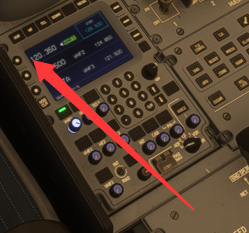
This frequency will automatically jump to other frequencies during takeoff and taxiing; is there an update in version V1.02
-
This frequency will automatically jump to other frequencies during takeoff and taxiing; is there an update in version V1.02
-
.....
-
Can you update it as soon as possible? I've flown 9 times today and encountered this issue 4 times; it's really my interest in this aircraft model. To fly the 380, I switched from XP12 to MSFS 2024, and then bought aircraft model along with all the airports and plugins compatible with MSFS 2024.
-
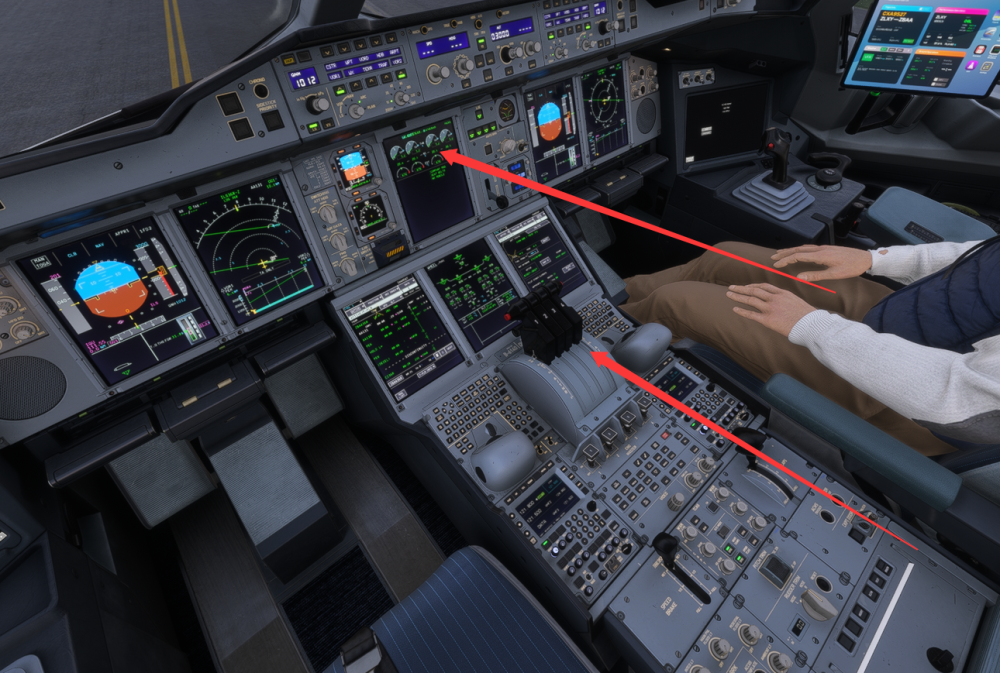
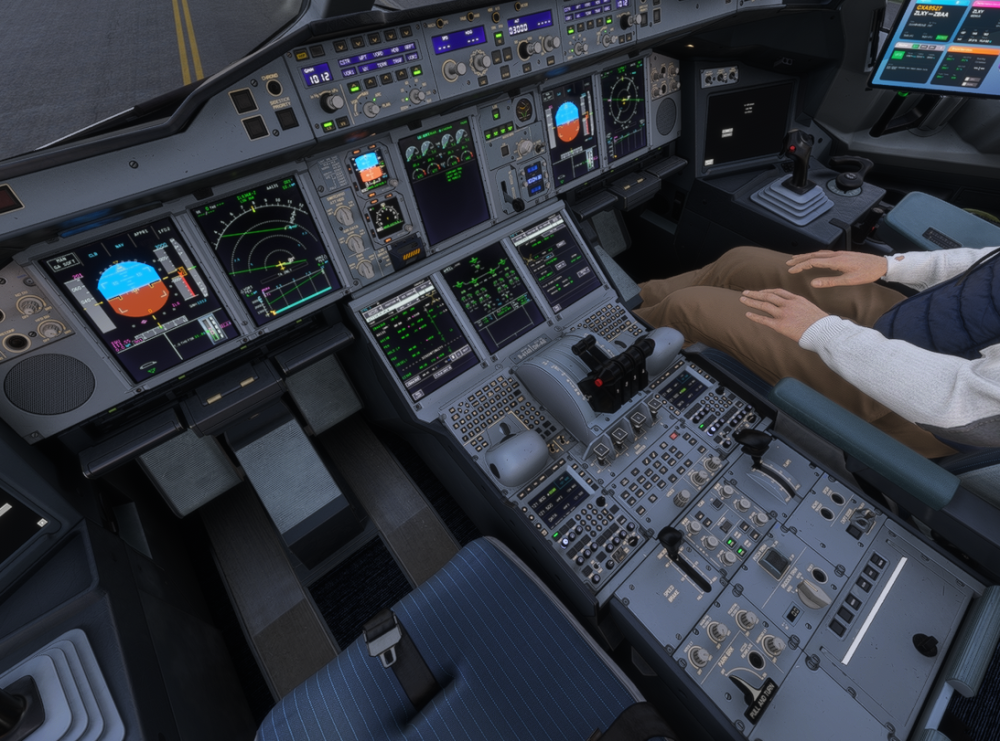
Hello, I have updated my aircraft to the latest version, but after landing, I cannot taxi even after releasing all brakes, and the engines provide no. This issue also occurred multiple times before the update. Please fix this as soon as possible.
-
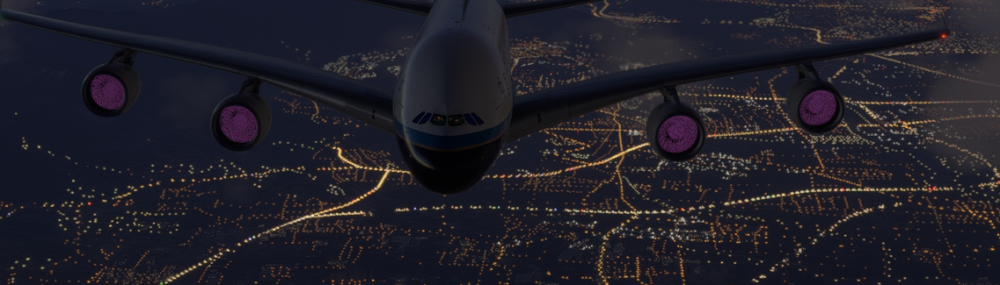
The model aircraft I bought from the mall has an engine thrust failure when the aircraft climbs to an altitude of 25,000-5,0000. Small fans appear on the exterior of the model, and the AP automatically disconnects. This has already happened four times. Please fix this promptly.


