Mel
Member
-
Joined
-
Last visited
-
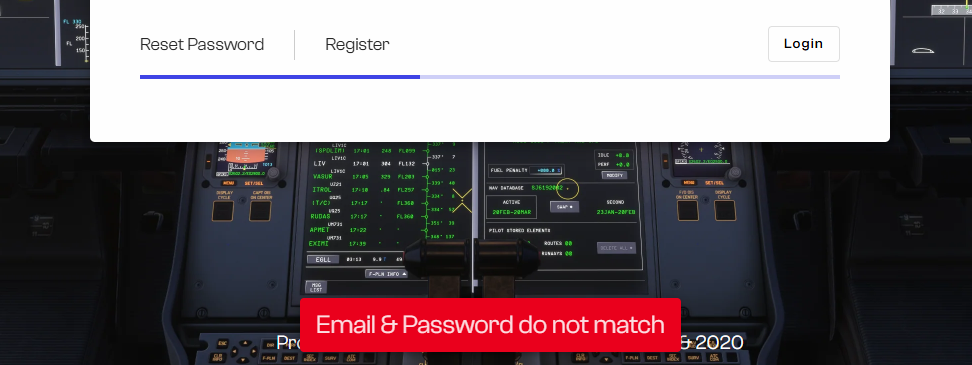
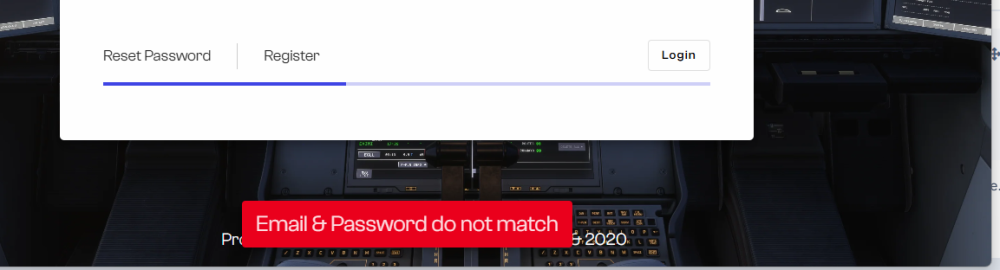
Ever since I bought the Airbus A350 two days ago, I haven't even been able to use it because I keep getting the error message. They contacted me today, and I just replied to them, but I'm still getting the credential error, and when I use the system to change my password, it doesn't even send the link to my email. I'm a little frustrated.
-
Does this happen to you, too? I put “I'm glad” in quotes because I'm not really glad that I'm not the only one this happens to.
-
Thank you very much. I haven't heard back from them yet; I'm waiting to see if they'll get back to me today... I checked to see if it was a server error or something like that, but I still can't log in.
-
Before posting on the forum, I already opened a support ticket, but I haven't received a response yet.
-
It's still the same, although the installation is very quick—in other words, it's as if you were just opening the program; it doesn't install the way a normal program would. It's still the same.
-
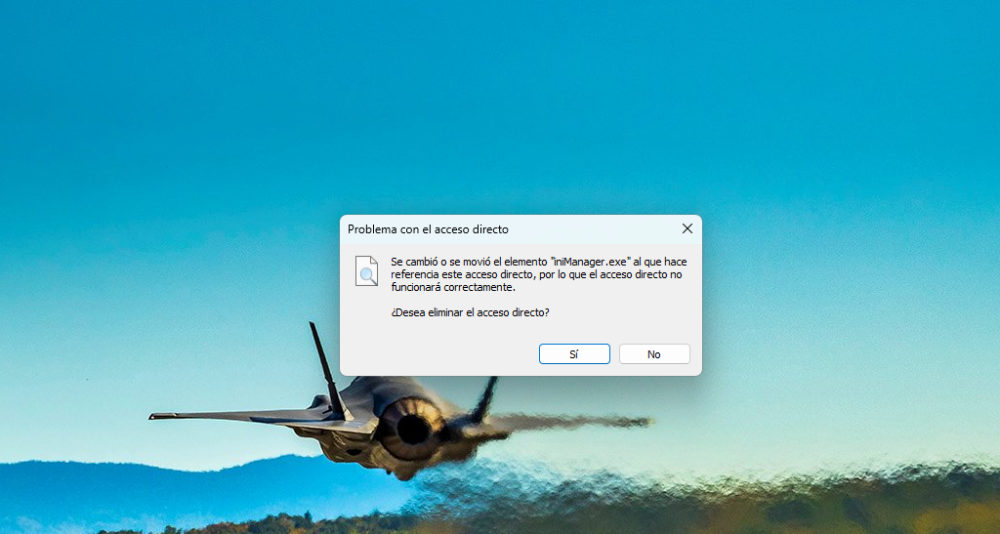
I did that, and as soon as I launch the program, it's as if it were uninstalled. When I delete these folders and then click “Start,” this pops up...
-
Thank you very much for your concern. I've tried, but I'm not receiving any reset emails; it simply isn't sending them.
-
Guys, I have a little problem: today I bought the A350 from the Inibuilds website the problem is that when I download the Inibuilds launcher, as soon as I enter my login credentials, it tells me they don’t match; if I go to the website, my credentials work fine, but the launcher gives me this error. Does anyone have the slightest idea about this problem?