




BUBULE83
Member
-
Joined
-
Last visited
Everything posted by BUBULE83
-
-
-
I transferred the A220 I bought on the Marketplace to iniManager. Quick transfer, thank you. However, when the aircraft is parked at an airport gate, external power is not available and cannot be activated!!!! The aircraft is therefore stuck with no power. How can I fix this? Thank you for your help
-
Thank you, is good now
-
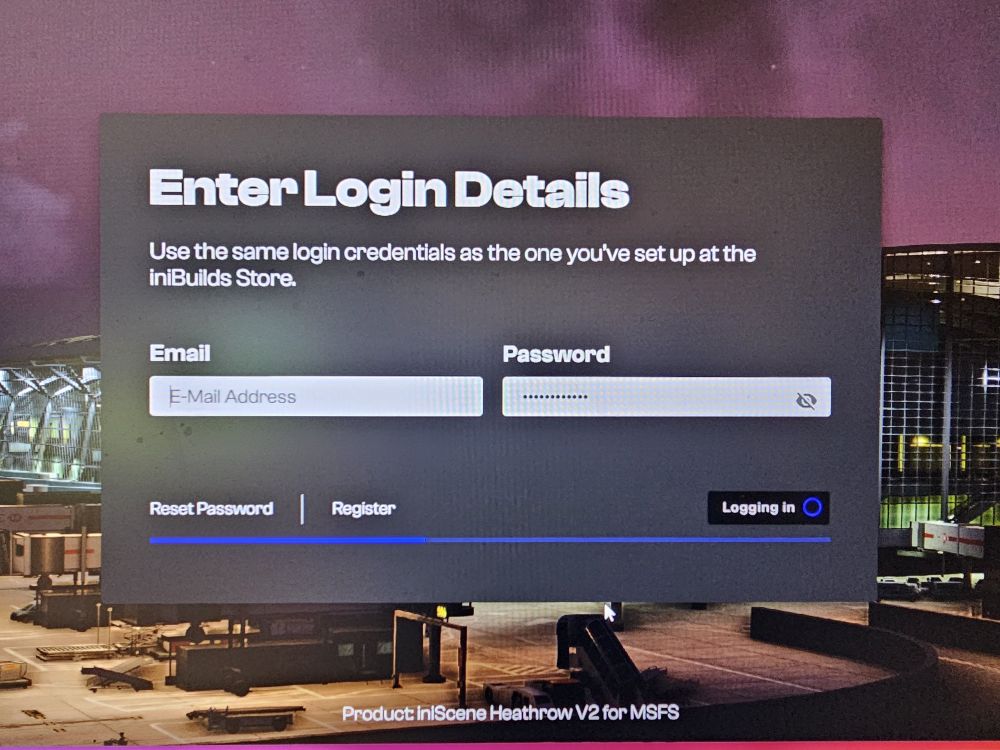
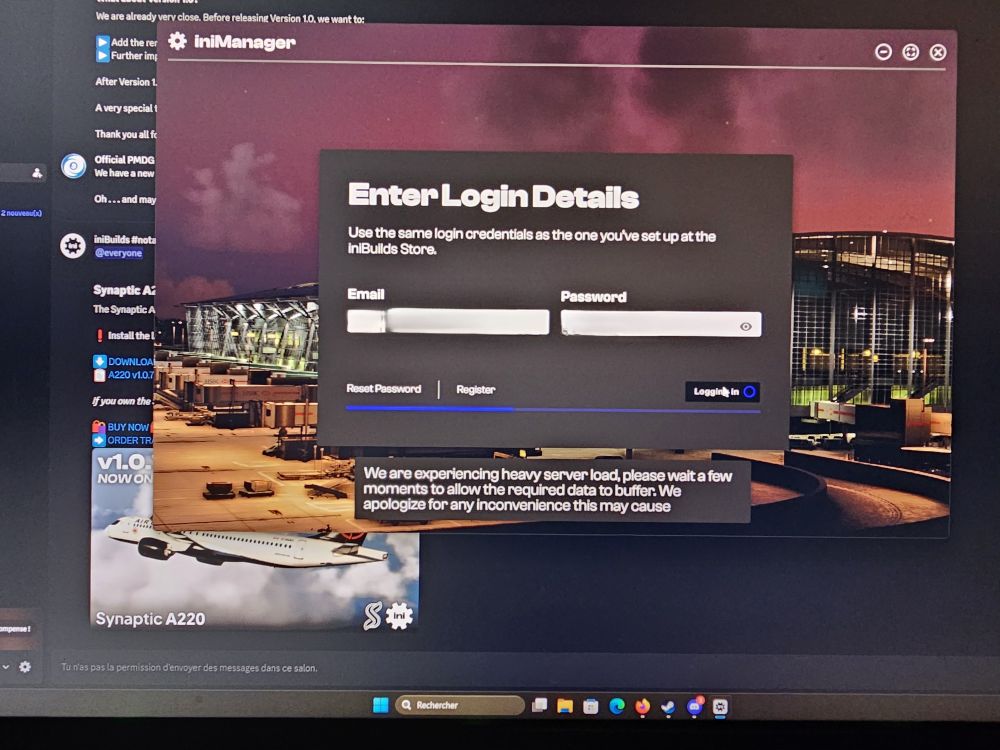
Hello i can't login. My response is as follows:
-
"I own an AMD RX 7800 XT and the artificial horizon screens (blue/black) are flickering on the ground and in flight. What is the solution? Thank you for your help."
-
In english sorry Title: Elevator trim switch and engine start crank unresponsive — A220 v1.0.4 Aircraft version: v1.0.4 (latest stable) Platform: MSFS 2024 Issue description: Two specific cockpit elements do not respond to any form of interaction, while every other switch/control in the cockpit works normally: Elevator trim switch — does not move Engine start selector/crank — does not move Interaction methods tested, all with no effect on these two elements only: Physical hardware (WinWing Ursa Throttle): input is correctly detected/highlighted in Options > Controls, but no action occurs in-sim Keyboard: same events (ELEV_TRIM_UP/DN, ENGINE_MASTER_1/2_TOGGLE) bound to keyboard keys for testing — no reaction either Direct mouse click in the 3D cockpit — no switch movement, no visible reaction Important point: every other cockpit switch and control responds normally to the mouse. The issue is therefore clearly isolated to these two specific elements, which rules out a general configuration issue, hardware problem, or MSFS2024 cockpit interaction mode — this points to a software bug targeted at the trim and engine start selector specifically. Expected behavior: The trim should move in increments when the switch is activated, and the engine start crank/selector should toggle between its positions on click or button assignment.
-
Titre : Trim de profondeur et sélecteur crank (engine start) non-réactifs — A220 v1.0.4 Version de l'avion : v1.0.4 (dernière stable) Plateforme : MSFS 2024 Description du problème : Deux éléments précis du cockpit ne réagissent à aucune interaction, alors que tous les autres switches/commandes fonctionnent normalement : Switch de trim de profondeur — ne bouge pas Sélecteur/crank de mise en route moteur (engine start) — ne bouge pas Méthodes d'interaction testées, toutes sans effet sur ces deux seuls éléments : Manette physique (WinWing Ursa Throttle) : input bien détecté dans Options > Commandes, mais aucune action en jeu Clavier : mêmes événements (ELEV_TRIM_UP/DN, ENGINE_MASTER_1/2_TOGGLE) assignés en test — aucune réaction Clic souris direct dans le cockpit 3D — aucun mouvement du switch, aucune réaction visible Point important : tous les autres switches et commandes du cockpit répondent normalement à la souris. Le problème est donc bien localisé à ces deux éléments spécifiquement, ce qui exclut un souci global de configuration, de matériel, ou de mode d'interaction cockpit MSFS2024 — cela pointe vers un bug logiciel ciblé sur le trim et le sélecteur de start. Comportement attendu : Le trim devrait bouger par incréments à l'activation du switch, et le crank/sélecteur engine start devrait basculer entre ses positions au clic ou à l'assignation bouton.


