SteevenTide
Member
-
Joined
-
Last visited
Everything posted by SteevenTide
-
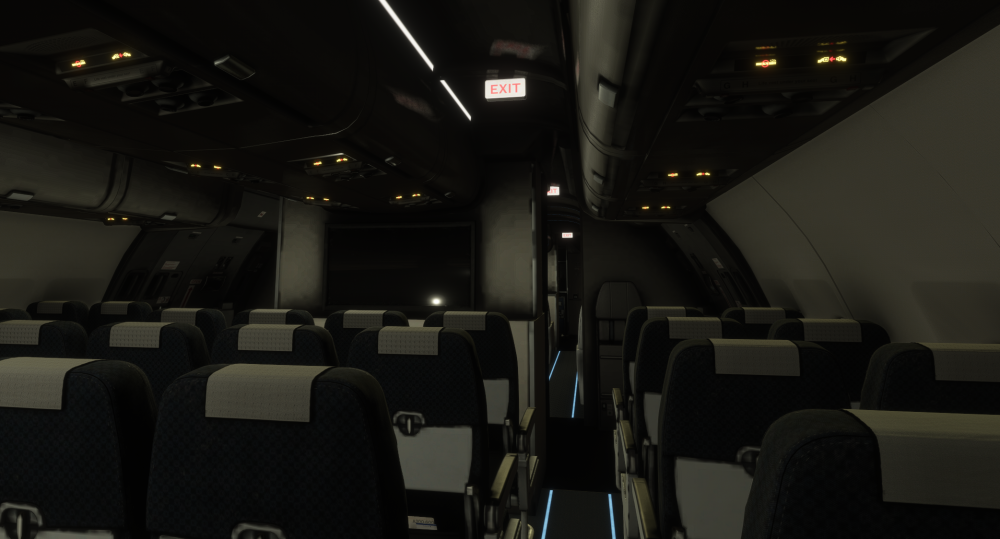
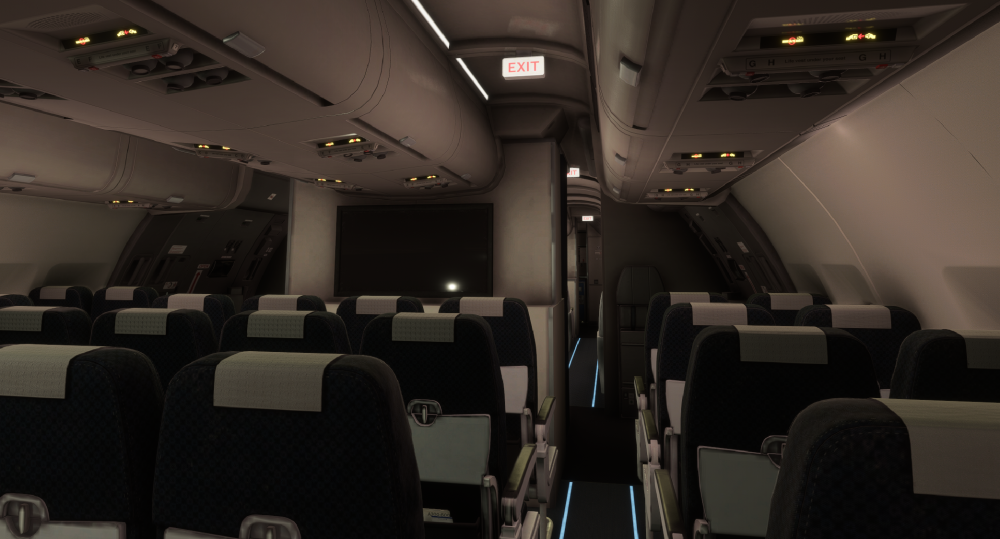
Hello development team, First of all, I want to say how much I love the A300‑600R, both the passenger and freighter versions. You’ve done an amazing job with this aircraft. However, I’ve noticed a small issue that I’d like to report. The cabin lighting system appears to be malfunctioning. Even with the aircraft completely powered down, the emergency lights, EXIT signs, seatbelt signs, and no‑smoking signs remain illuminated. The cockpit switches don’t seem to affect them. The chime sound does play, but the lights stay on regardless of the switch position. As shown in the first screenshot, the aircraft is in a full cold‑and‑dark state, yet the lights remain active. I’ve tried several liveries, but the issue persists. It would be great if these systems could be linked properly to the cockpit switches in a future update. Thank you for your work and dedication.