frostycab
Member
-
Joined
-
Last visited
Everything posted by frostycab
-
That's a shame, and it sounds like I'll have to wait then. Like you, the ATR is the only thing I ever bought on the marketplace. Whenever possible I like to buy direct from devs no matter what the game/software is as I would much rather they get all the money rather than some third party taking a cut for not doing much at all. Edit: Just saw your edit! Maybe I'll go for it if true, but I also might still wait if the marketplace is taking a cut of the money.
-
OK, there are aspects of the sim I've never really looked into, so please forgive my ignorance when I ask this. Does Inibuilds have some sort of contract with MSFS saying they must release their planes to the marketplace before they are allowed to add them to IniManager or sell them directly? Was that part of the deal when they included default planes in the sim? I'd really like to get the A380, but I really don't like the marketplace and much prefer to have my addons in a devs own manager if they use one. Also, I've heard it said that you can only use marketplace planes in career mode. Is that true? I don't use it, but that might change at some point in the future. (It's a very small chance though.) If I was to purchase it on release day through the marketplace would I be able to add it to IniManager when it eventually becomes available there or will I forever be stuck with the marketplace version?
-
Thanks! While you're at it perhaps you could let them know that the formatting on your reply email notifications also seems to be a little wonky?
-
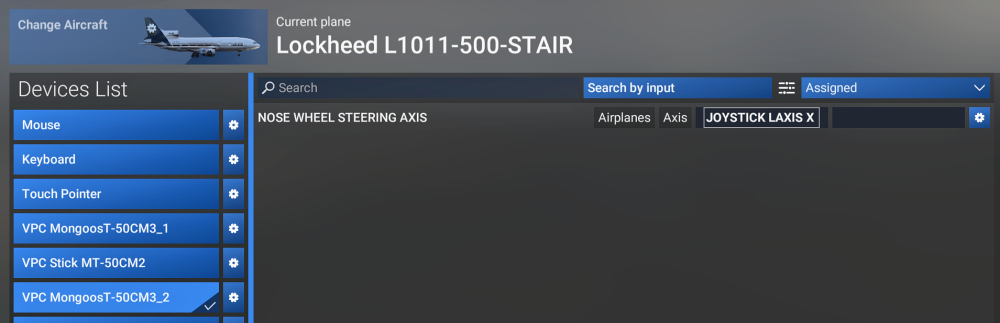
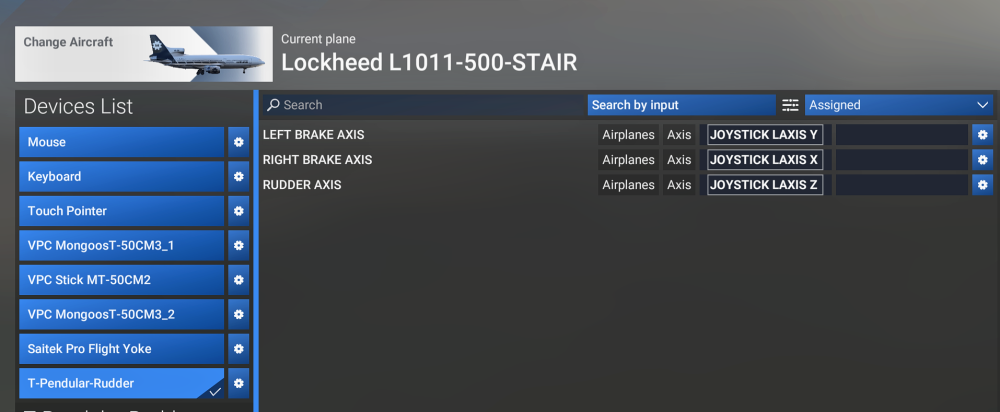
Yes. Moving the ministick on the throttle moves the steering tiller correctly. If I move my rudder pedals then both the rudder AND steering tiller move together.
-
I use the ministick on my Virpil CM3 throttle for a tiller on all my aircraft.
-
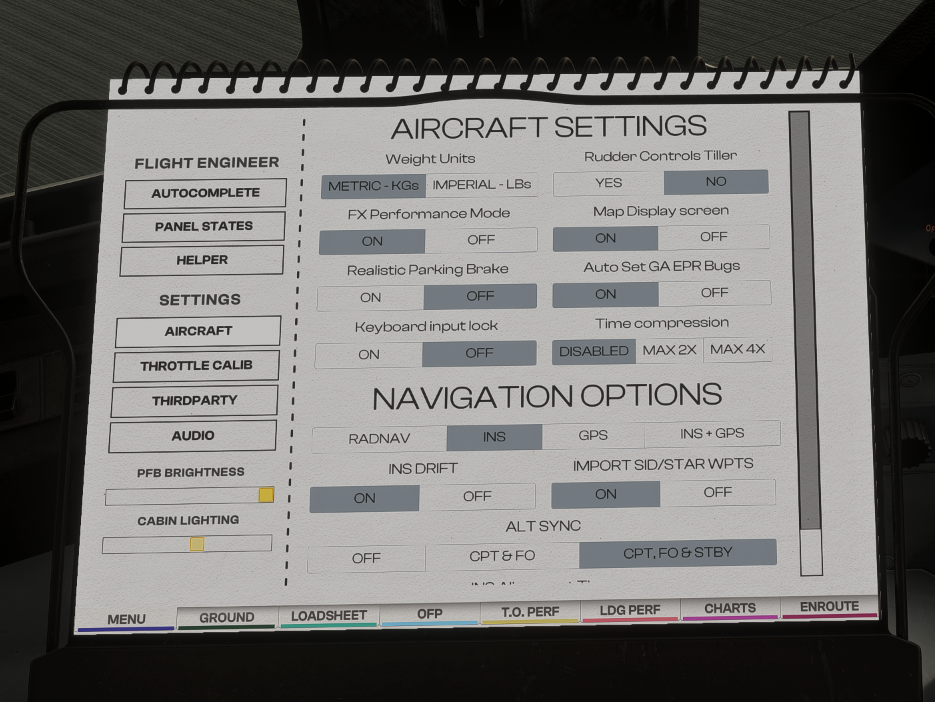
I've been try for ages to make sense of this but I just can't. In the Settings page of the EFB I've set the "Rudder Controls Tiller" option to NO but my rudder still has full steering authority. I've tried toggling it many times to see if that will fix it but no joy. All of my controls are normal bound using SPAD.Next, so I tried turning it off and binding things in the sim and still have the same results? Anyone able to help?