Gordon M
Member
-
Joined
-
Last visited
-
I am based at a flying club that operates a Bulldog Aircraft (G-DAWG). I could try and help you get sound samples if possible.
-
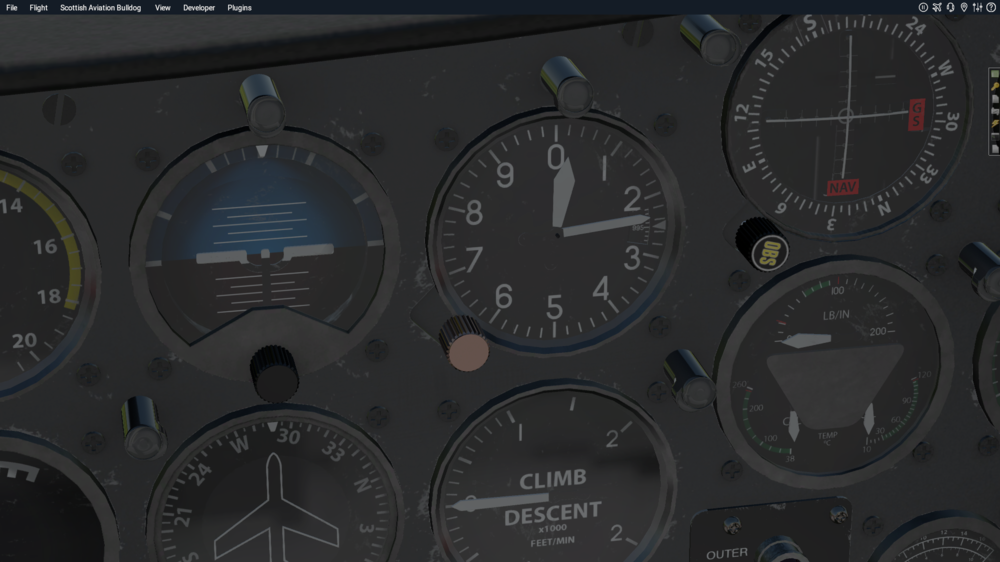
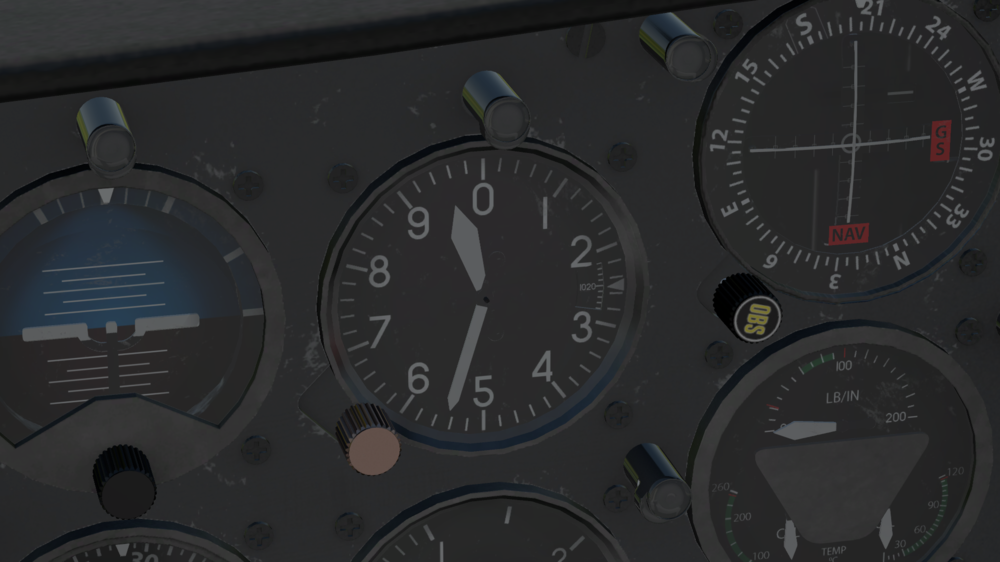
I've just purchased the Bulldog and like it, but I have came across a problem that initially I noticed when flying on VATSIM, but happens when not on VATSIM either. When I load up X-Plane with 'match real world weather set', The altimeter will display the correct airfield elevation, but the pressure setting defaults to 995mb. For example at Manchester on load up of X-Plane it displayed the altitude of 257 feet and the subscale reading was 995mb when the actual pressure was 1021mb. So if I set the correct QNH of 1021mb on the subscale, the altimeter read minus 460 feet. Is this a known bug or something that is only happening in my installation of the product? Any help greatly appreciated.