thiagosobral
Member
-
Joined
-
Last visited
-
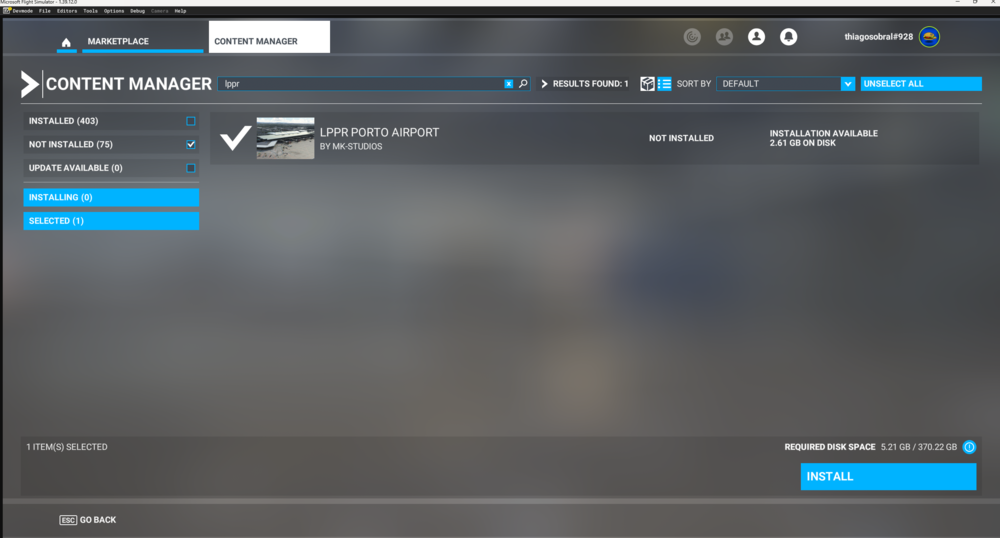
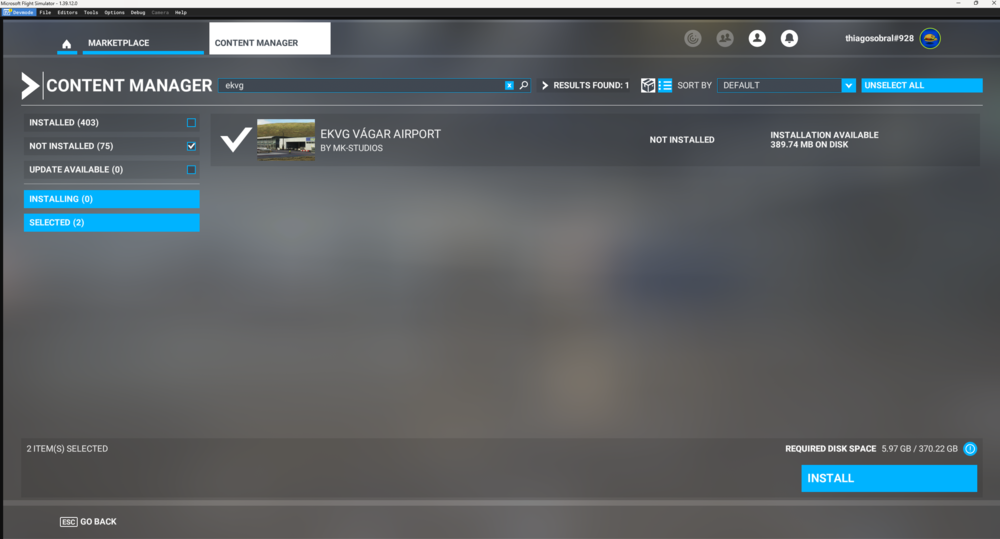
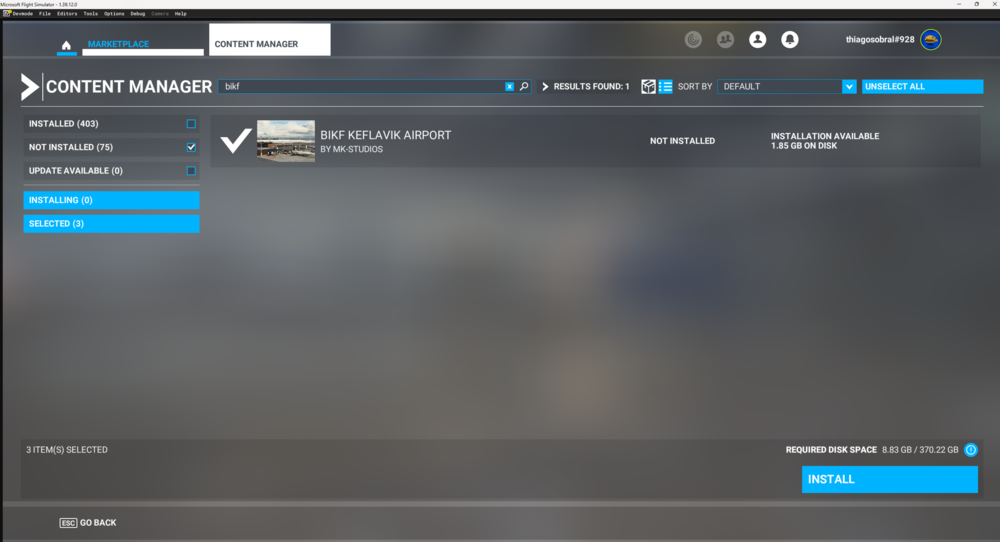
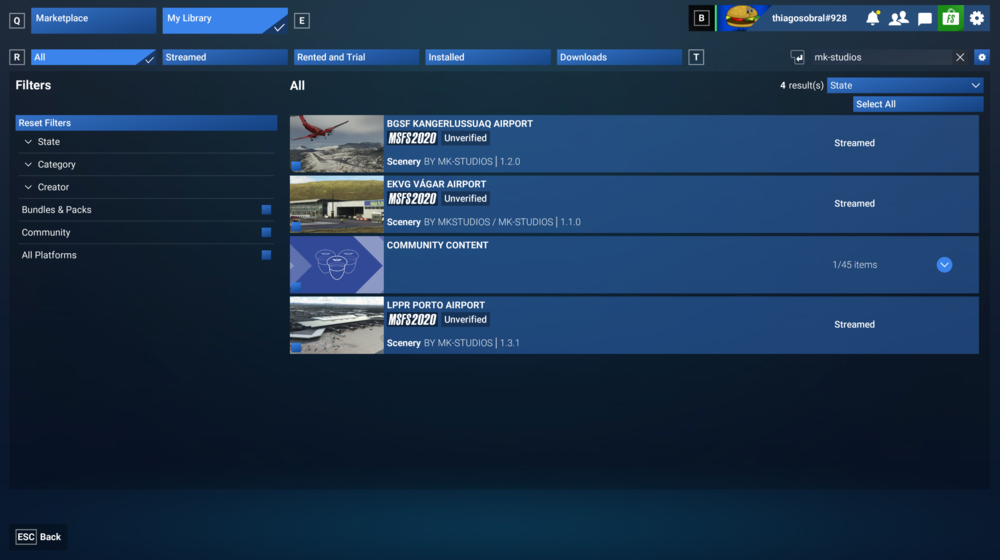
Hello, I was asked to post this issue in the forum after contacting the iniBuilds team by e-mail - my iniBuilds account uses the same e-mail associated to my forum account. I'd like to request the order transfer for some MSFS2020 sceneries from MK-STUDIOS that were purchased in FS Marketplace a long ago. I've already did this with other items for which I was able to take a screenshot with the "Owned" tag, e.g. A340 Airliner. However, those items are not directly available in the marketplace anymore, for which I'm unable to take such a screenshot at the item's page. I can still stream them in MSFS2024 (except for BIKF). I still have access to such items through the Library page, either for streaming in MSFS2024 or MSFS2020, as per the attached images. In this case, I was looking to request a transfer for the following items from MK-STUDIOS: LPPR, BGSF, EKVG, BIKF v1. Would that be possible? I'm able to provide the same information as a video if needed. Thank you.