




G727
Member
-
Joined
-
Last visited
Everything posted by G727
-
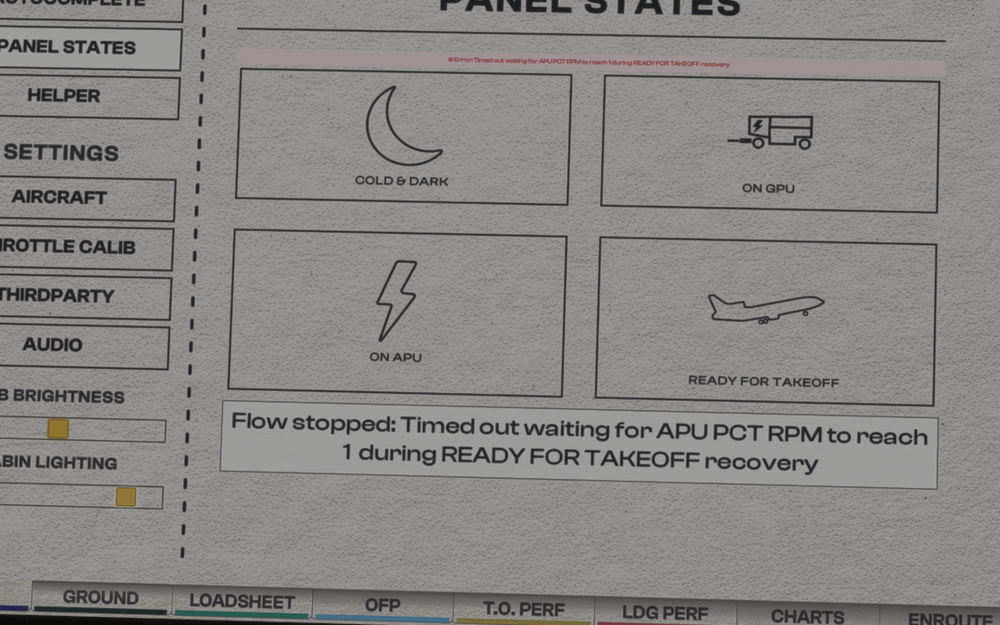
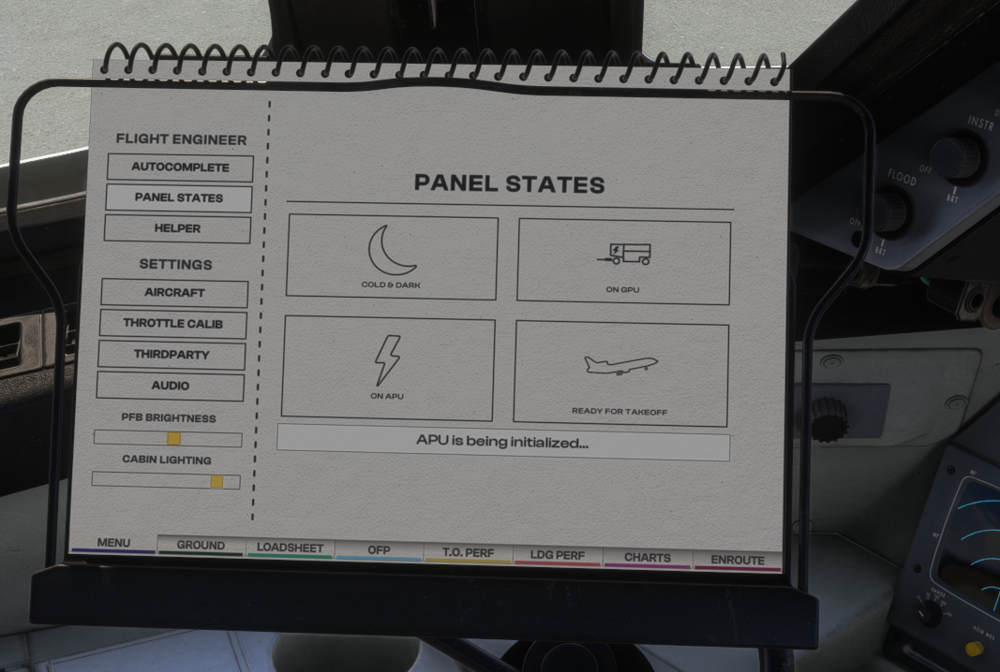
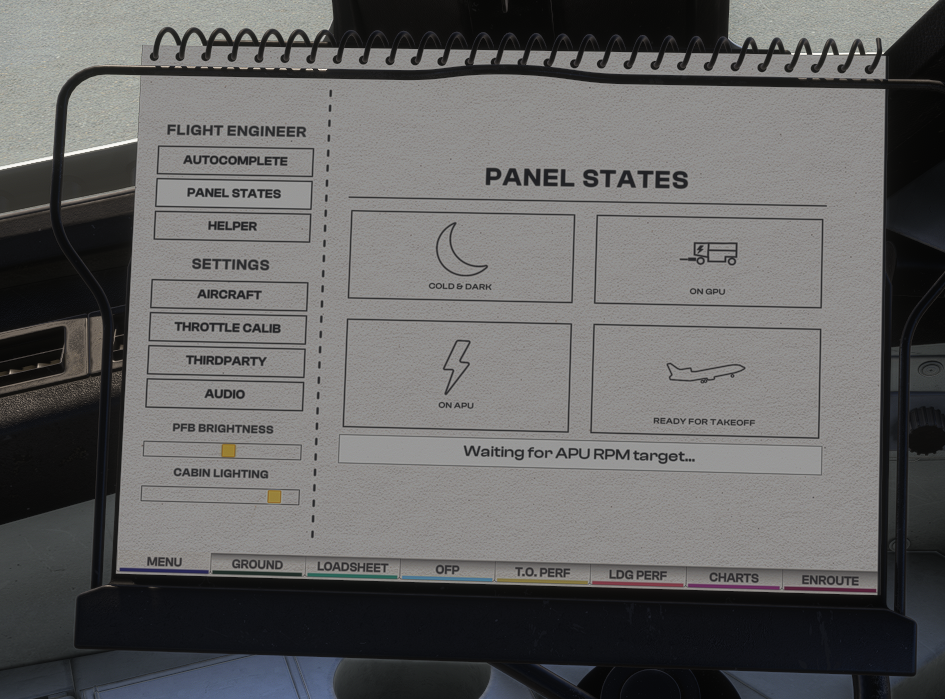
Hi Seems like V1.0.3 is unusable for me. The ON APU or READY FOR TAKEOFF panel states don't work as they seem to stall and get stuck around "APU initialisation" or "waiting for RPM target", before it times out. Am I doing anything wrong? Was looking forward to the fixes in 1.0.3. and rather disappointed I cannot even start from an easy state...
-
Just to clarify, if you're streaming the plane, do you need to "install" whenever there's an update? Or it just if you have downloaded it? I'm streaming and I didn't see a obvious way to do this. In my library it seems like its v1.02 anyway and no "install" button. Sorry , silly question.
-
Hi. In both 1.01 and 1.02 I've noticed that the LOC or ILS buttons do not engage. The only way for me to track the approach path is the VOR function as neither LOC/ILS would work. I know people reported funny behaviour when changing from INS to radio navigation but I've tried it in a flight between 2 nearby airports (TAPA to TFFR), without even turning on the INS, and I get the same issues. Also, I fly in VR. Could this be the problem? I'll try tomorrow in 2D in case it's a VR issue but hopefully this is fixed soon as makes approaches in tricky weather impossible.


