




davidboyd187
Member
-
Joined
-
Last visited
-
I'll check the weight and balance when I can the only thing I think is if its the llbs and kgs might be why they are different. But in my experience when that happens the aircraft displays an out of range message and doesn't accept it. I've selected the speed within the flap parameters and it still stalls and then spins so I'm not sure that will make much of a difference. Its so frustrating.
-
Thanks Kyle for the reply. I use simbrief, everything gets imported directly into the OIS. I then copy the zfw, fuel and % into the fuel & load page. Why do you think this would cause this issue? I've googled it alot and stalling does seem to be an issue so I'm surprised you have not experienced this issue before.
-
Hi guys, I hope you can help because this issue is driving me mad. Everytime I extend the flaps to land on approach I hear the stall sound, then it banks to the left and goes into an unrecoverable spin. Usually between 1 & 2 but sometimes 1. Approach has been activated auto or manually just before the decel moment. At first it I noticed it when all modes were managed (speed, heading and altitude). Then I tried to manually select a safe speed, deleted my navigraph data via the hub, reinstalled it because I read somewhere that helps. Uninstalled the plane and reinstalled, deleted the wasm file. I don't why it always does it, it doesn't make sense and is really frustrating. I love the plane but getting very annoyed as everytime I fly feels like hours wasted. I can manually fly and land it fine. Its got to do with something to do with the autopilot. Please help!
-
-
-
-
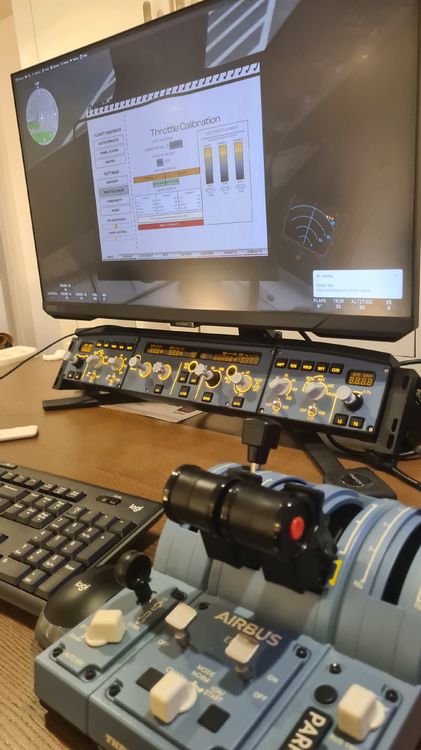
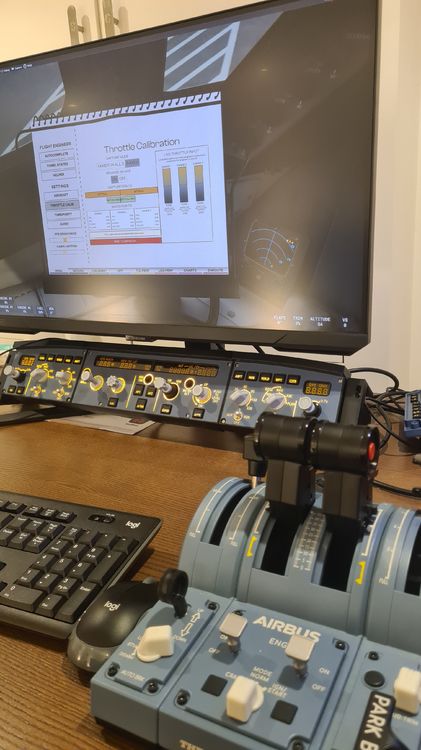
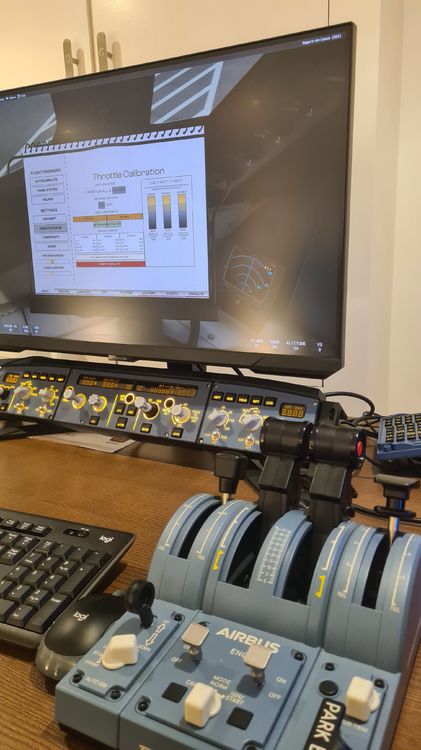
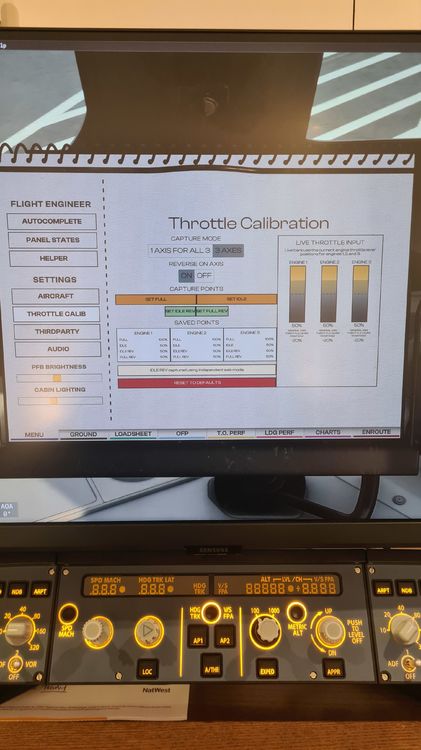
It's not working properly even after the update. I've downloaded the update, uninstalled it, reinstalled it, restarted the sim. It's still not working. Please try and help otherwise I might need a refund because its unplayable. I'll upload some pictures. Let me know if you want videos. I can't upload them here because the files are too bug. To summarise: Ive setup a new control profile. Only throttle binds I'm using are: Axis 1 - left lever Axis 2 - right lever Axis 3 - right lever Calibrating using the pfb. Setting reverse full and idle doesn't sync When at Idle reverse thrust is on. Wheh I move the levers to full engine it only goes to the climb detent. Not right through to toga. Despite me starting with reverse thrust set, reverse idle set, idle set and full set to toga. None of it works. The bars on the pfb don't even move correctly. Please help.
-
-
Hi Guys, I've read the manual, created a new msfs settings control profile for my thrustmaster TCA controls, only using binds Throttle axis 1, 2, 3 but reverse thrust does not work. I've tried using pfb to calibrate several times and it doesn't work. I have reverse thrust toggled. Also the levers go from idle to 100% when I push them from idle to the climb detent and not the full motion. I.E idle through to toga. Please help as it driving me mad.


