




Joshua Green
Member
-
Joined
-
Last visited
Everything posted by Joshua Green
-
I've noticed that with the new progressive loading system, it does not defuel the aircraft if less fuel is needed than what is onboard. Instead, it instantaneously sets the aircraft to empty, and then begins loading it from there. This causes the aircraft to jerk substantially, and can break INS alignment.
-
Disable autopilot first for best effect. Make sure to disable all THREE primary and secondary flight computers.
-
Interesting, ok! Good to know.
-
I think this needs to be marked as unsolved again, and investigated a little more. Something still isn't right.
-
I'll see what I can do. Naturally, the drift takes some time to occur, so to illustrate it happening would be a long-ish video.
-
I have this behaviour too.
-
Since 1.06, it seems, manual waypoint entry triggers the aircraft to immediately sequence to the next waypoint EVEN when the waypoint being edited is NOT the current OR the next waypoint. The issue does not occur in manual mode, but I don't think it should happen in auto mode either, unless the waypoint being edited is part of the current leg.
-
I've noticed during radio navaid tracking, that it is still not holding a proper WCA. The aircraft will slowly drift downwind over time.
-
After departure in TOGA mode, selected VNAV and INS modes on the FD. FD began vertical guidance, but the lateral FD kept jumping around. Once the AP is engaged, the lateral guidance became correct.
-
If one of the INS units does not have a track initialised, it will not show wind data when that mode is selected. It should, since the only data required to compute this is the aircraft heading vs the sensed track.
-
I went through the PMS setup process whilst using the new progressive aircraft loading system. I noticed that as soon as I entered the fuel and gross weight, those numbers began increasing in real time. This suggests that rather than using fuel flow data to subtract from the initial total entered during setup, this page is actually directly connected to the GW and fuel on board values. (This is also true of the EFDARS thumbwheels, which adjust for every change in weight). This cannot be accurate, since if the aircraft were able to sense FOB and GW on its own, there would be no need to enter these values into the PMS (as it is on more modern aircraft) I suspect it's supposed to only have access to fuel flow values and subtract from the totalizer. However, I could be wrong....
-
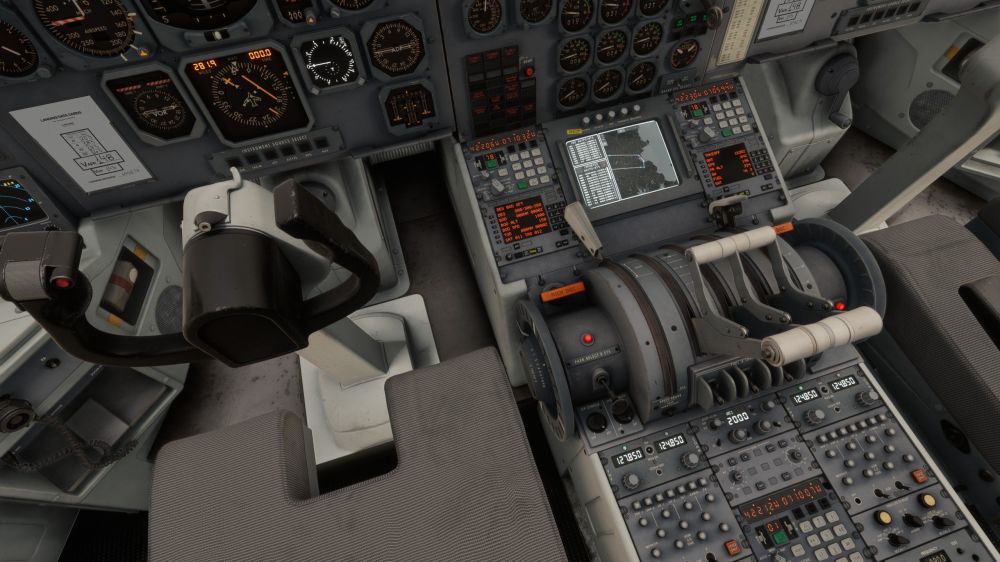
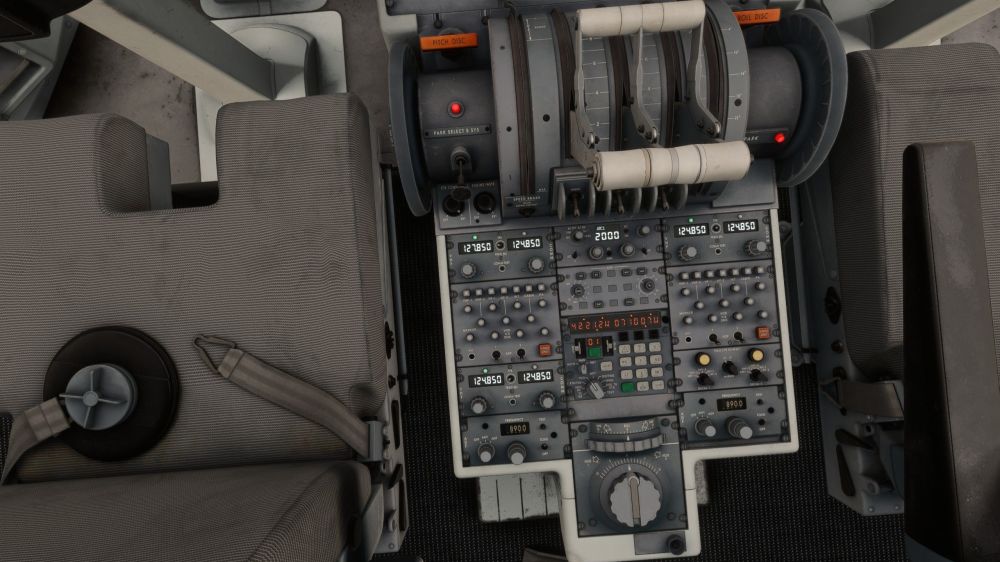
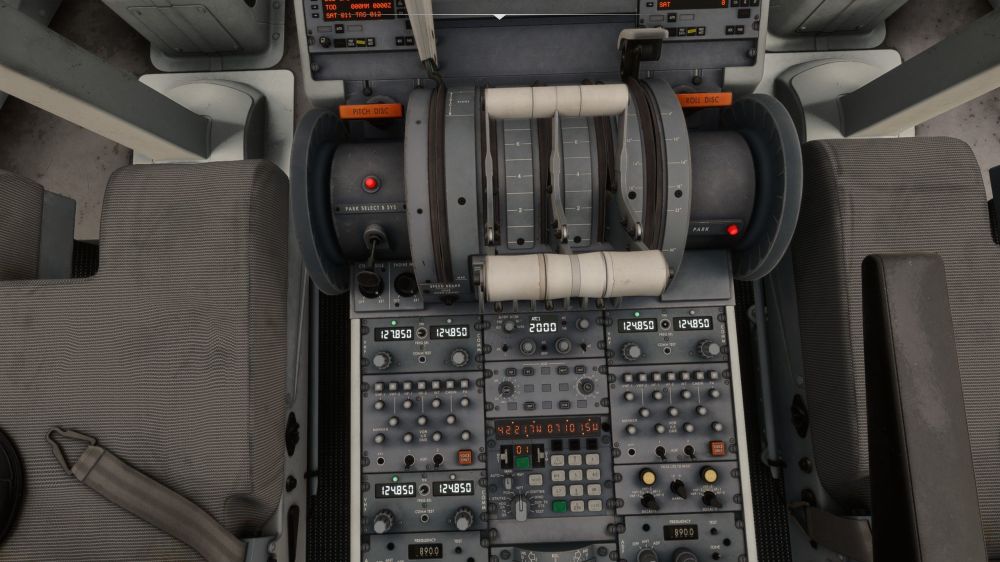
Something is still going on. It's a bit hard to determine what the mechanism is. I just did a Seattle to Boston flight. Nearly 6 hours in the air. During the flight, I updated INS postions 1 & 2 as I passed over VORs. I did NOT update INS 3 during the entire flight. However, upon arrival, INS 3 showed less than a mile of drift, whilst INS 1 & 2 showed 0.4nm and 3.1nm of drift respectively. (You can see this in screenshot 1) In screenshots 2 &3, you can see the sensed position and actual position of INS 3. Although the position is NOT identical to the real position, it does not seem quite right that it drifted so little. It still seems like it's getting a bit of a correction from some operation during flight.
-
I'm guessing there probably wasn't enough time for this to make it into the current patch, am I correct? Or should I put this to the test?
-
That's an excellent update, and thank you for the updated procedures as well.
-
-
Wait a sec. If this is true, then how does one change from GPS enroute NAV to an ILS approach if BOTH use the "radio" selection? How does it know whether to follow the nav radios or the GPS? How would it know when to switch from one to the other just by changing from "VOR" to "LOC"? What displays on the HSI when both a tuned VOR AND a GPS route are loaded? Which distance and time values are displayed?
-
I tested this, and as far as I can tell, it does not.
-
Duplicate post, but correct.
-
I have tested this again. The bug isn't what we think. They DO drift, but every time you enter a new waypoint manually, they magically reset to the correct, actual aircraft position. See video: https://youtu.be/56t3ZEmLk9E?si=uG24GOAz-x2Nync7
-
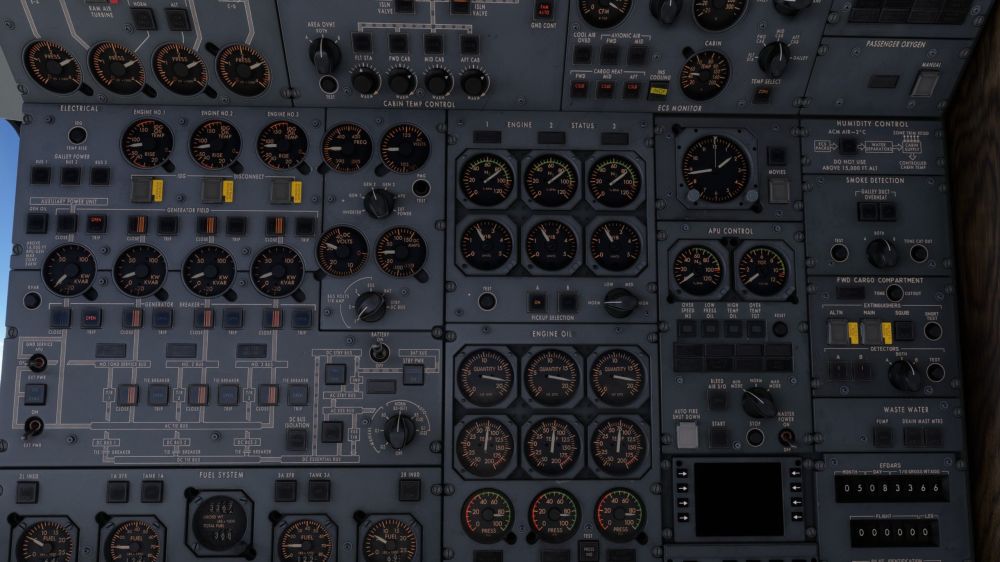
I'm seeing engine VIB numbers of 1.8+ during normal cruise. Having watched a few videos from the late 90s, it looks like the engines normally sat in the 0.6 range in the cruise. Did my aggressive autothrust actually damage my engines when it hit .798 EPR in the climb, or is this a bug?
-
Our L1011-500 seems to be cruising at a pitch of roughly 5 degrees. I was under the impression that it was supposed to be around 3.3 degrees. If so, it looks like the model needs a slight adjustment.
-
This one falls into the category where I'm not SURE it's wrong, but it feels off. During the climb, I selected INS nav, VNAV for pitch, and engaged the autopilot. I then selected TM mode for the autothrottle, and it began a very rapid climb and increased the EPR to nearly .798 even though the EPR card suggested the climb should be in the .585 range intially. That seems VERY aggressive, and even exceeds the takeoff thrust EPR of .642 for the flight. Does that seem right?
-
As per the title: certain PMS pages are meant to auto-display during changes to the phase of flight. They do not, and must be manually selected. Additionally, the Landing page has a field for the Vth with --- shown. It cannot be selected and entered.
-
People are reporting that in 1.05 the INS doesn't drift. In fact, it does. HOWEVER, upon entering any new waypoints, the INS POS is magically corrected to the aircraft actual position. See how all 3 INS units, with POS mode selected, initially show different positions after arrival at the gate, but then, upon entering the correct position into WPT 1, the position values all update magically.
-
Unlike during position and waypoint entry, beginning to enter coordinates when in HOLD mode on the INS does NOT cause "insert" to illuminate. Also, after entering coordinates for latitude and pressing insert anyway, the value reverts to the previous position UNTIL longitude is also inserted. Then the position updates. I do not have any evidence of what should happen here, but that feels inconsistent with other modes of operation, and therefore potentially wrong.


